

Event producers, corporate communications leads, and operations managers across media, enterprise, and higher education.
Key Takeaways
Automatic speech recognition (ASR) turns spoken audio into live captions and searchable transcripts, with the global market projected to reach $23.11 billion by 2030. Learn why clean benchmark scores differ from noisy real-world venues, and how customizing speech AI with your event terms and human review delivers reliable results.
AT A GLANCE
- Prepping custom glossaries and speaker names boosts live event caption accuracy to 98%.
- Real-time speaker identification labels panelists by name during live broadcasts and town halls.
- Flexible workflows pair fast AI drafts with human review, instant summaries, and 28+ languages.
WHO SHOULD READ THIS
Estimated Reading Time
7 minutes
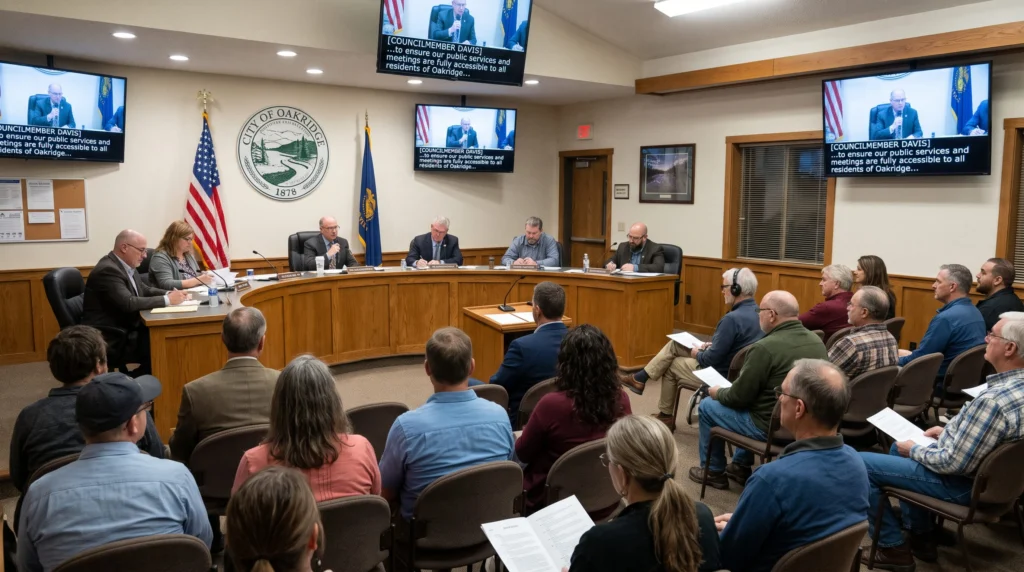
Live event captions and real-time translation used to be add-ons that event teams arranged for a few keynote sessions. Now, attendees expect them in every room, on every stream, and on their own phones. When event teams compare platforms for live and hybrid events, two names often come up: Verbit and Wordly.
Both Verbit and Wordly offer AI-powered captioning and translation, but differ in how we achieve accurate captions, what attendees can do with transcripts during a session, and how much customer support users get along the way. This article breaks down those differences so you can choose the right fit for your next event, conference, town hall, or summit.
Why real-time captioning and translation are now event essentials
The audience case is hard to ignore. 1.5 billion people worldwide live with some degree of hearing loss. In the US, more than 1 in 5 people speak a language other than English at home. Captions are also becoming mainstream too: 1/3 of US adults always or often use subtitles when consuming video content.
For event organizers, that means real-time captioning and live translation serve a wide audience. They help attendees who are Deaf or have hearing loss, non-native speakers, remote participants listening with noise or poor connections, and anyone who benefits from the additional visual cue of reading what they’re hearing at an event. They also support compliance with laws like Title III of the ADA, which covers businesses and venues open to the public. For more detail, read Verbit’s guide to ADA Title III compliance.
The right event captioning solution does more than just turn captions on. Today, it means getting your speakers’ names and terminology spelled correctly, fitting into the event platforms you already use with easy integration, and offering attendees more ways to engage with your event content.
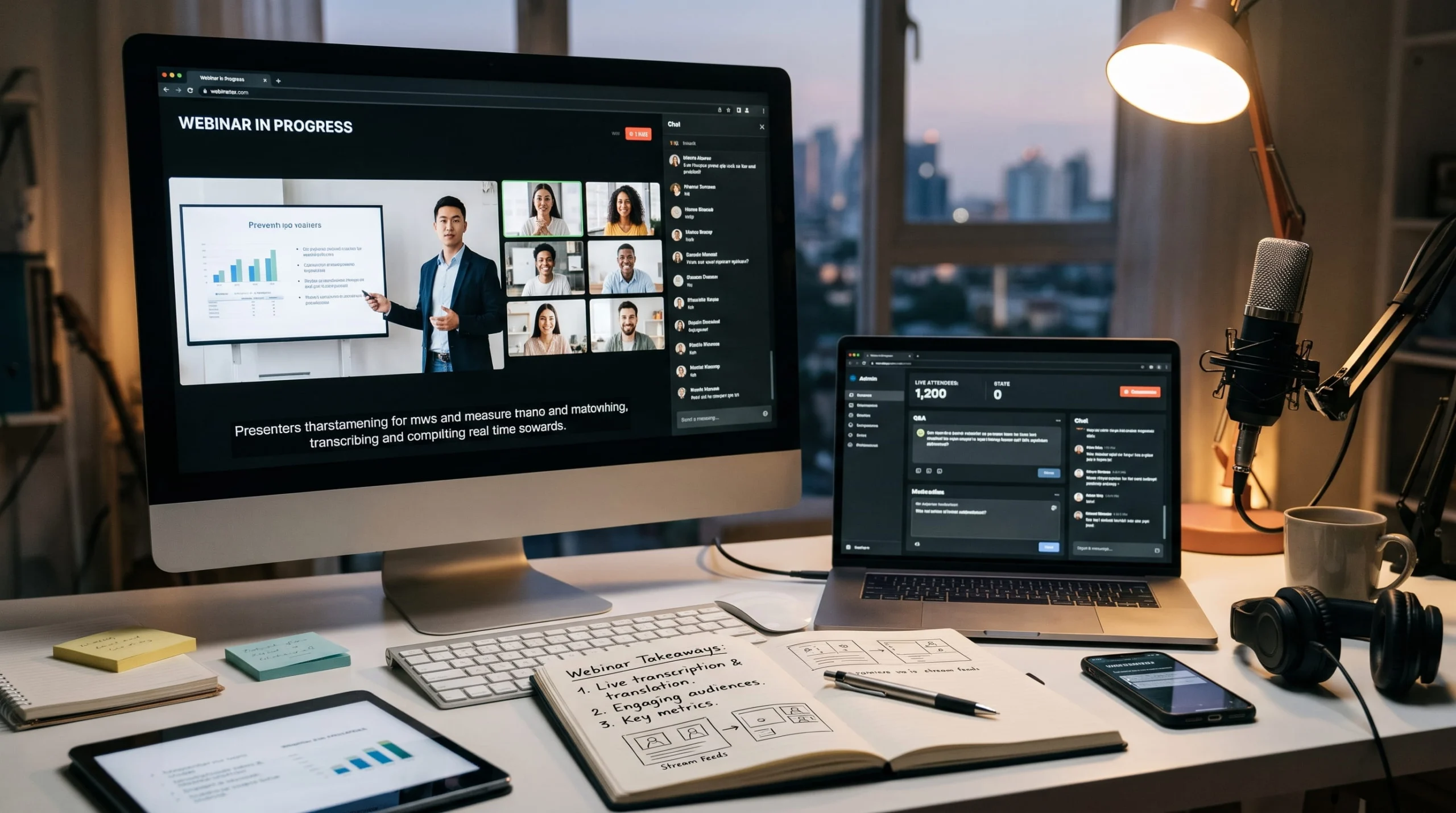
Comparing Verbit vs Wordly
| Capability | Verbit | Wordly |
|---|---|---|
| Proprietary ASR customized with your terms, names, and content | ✓ | ✗ |
| Prep team that tailors captioning to your event | ✓ | ✗ |
| Live AI summaries during the event | ✓ | Post-event only |
| Scroll-back transcript history | ✓ | ✗ |
| Human and hybrid captioning options | ✓ | AI only |
| Cvent integration | ✓ | ✓ |
| QR code access on attendees' devices | ✓ | ✓ |
Live caption accuracy: Captions prepared for your specific event
General AI models used to caption events often stumble on speaker names, product names, acronyms, and industry jargon. At a professional event, those are often the words that matter most. When spelled incorrectly or displayed wrong, it can hurt your event rather than improve the experience.
Verbit’s live event solution, Venue Live, is powered by Captivate, its proprietary ASR. What sets Captivate apart is that it can be customized for each customer, not just trained on an industry. Before your event, you can upload key terms, speaker names, agendas, and past content so Verbit’s AI knows your vocabulary. Verbit’s prep team also works with you to tailor captioning to the event, and unwanted terms can be masked from the output.
The result is live captioning that targets 99% accuracy. For high-stakes sessions, such as a CEO keynote, an investor event, or a session that needs certified accessibility support, you can also choose Verbit’s human or hybrid captioning instead of AI alone. This flexibility can make all the difference for professional events and the attendee experience.
Wordly’s approach centers on fully automated, plug-and-play AI. That can work for informal sessions, but it leaves accuracy to a general model rather than one prepared for your content.
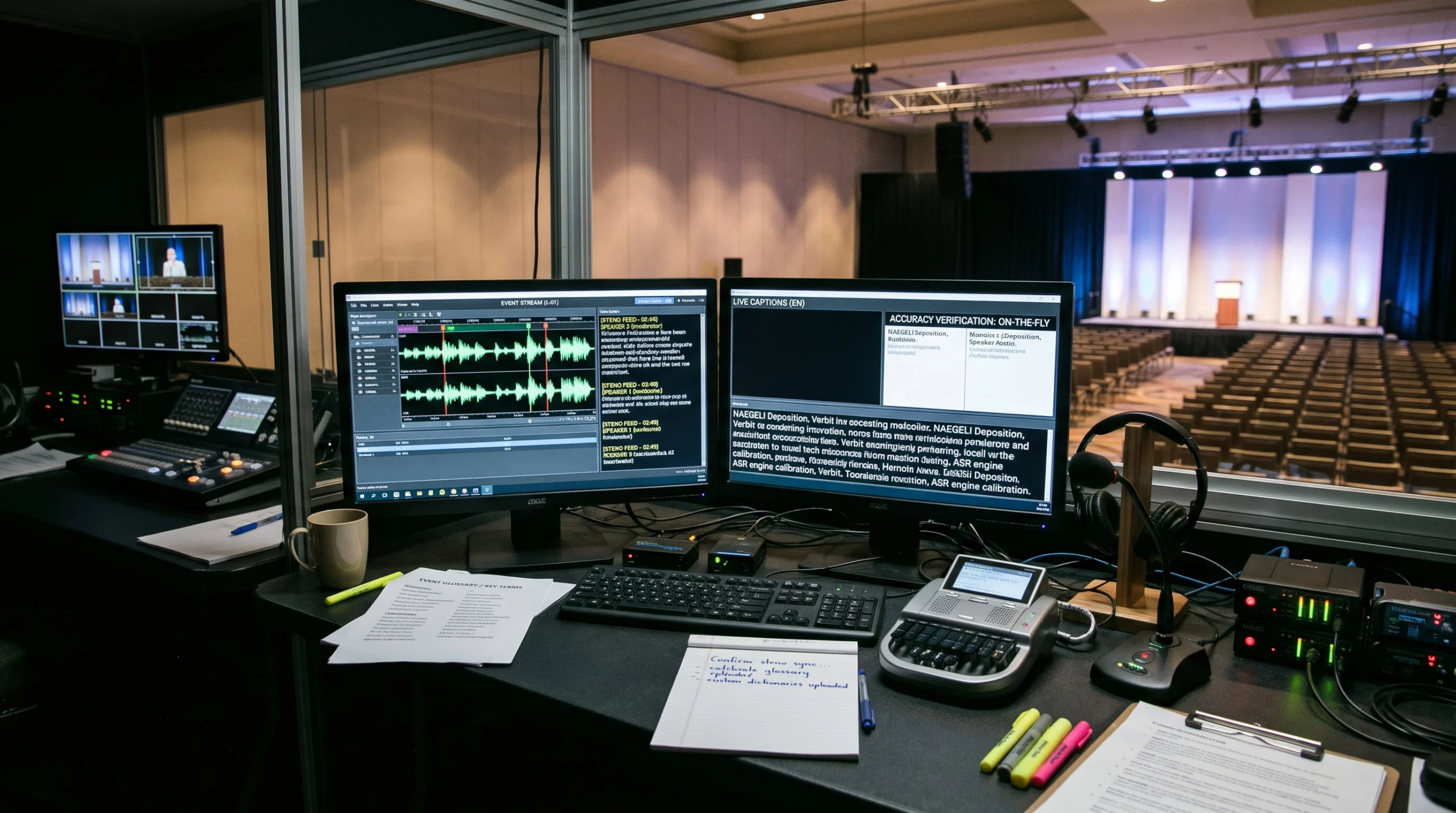
Scroll-back transcript history for late joiners
Joined late? Missed a key point while taking notes? With Verbit, the live transcript stays available throughout the session, so attendees can scroll back to see what they missed. Wordly doesn’t offer this historical view, so anyone who joins mid-session can only follow along from that point forward.
It’s a small feature with a big impact on comprehension, especially for attendees following along in a second language.
Real humans, real customer support, 24/7
Live events don’t run on business hours. Verbit pairs its technology with dedicated human support around the clock, including live event support from teams who understand captioning, translation, and A/V workflows. If a speaker changes, a session runs long, or a stream needs troubleshooting, a real person is there to help.

Simple integrations with Cvent and other event platforms
For teams that run events in Cvent, Verbit offers a free Cvent App Marketplace integration. After a simple one-time setup, you can schedule sessions and turn on live captions and translations without leaving your Cvent workflow. See how it works on the Verbit + Cvent integration page, which includes a quick setup tutorial.
Verbit’s technology also works with major streaming, video conferencing, and event platforms, as well as venue A/V and production setups. If it’s trusted by the likes of big live broadcasters, you can rest assured it will perform well at your live event. With Verbit, you can also offer captions flexibly. Captions can appear on main screens, side screens, virtual platforms, or attendees’ own phones by QR code. Explore Verbit’s full list of platform integrations.
Live event translation
Verbit also provides subtitles, translating the speaker’s original language into dozens of languages. Verbit recently increased its live machine translation capabilities, offering 117 fully bidirectional language pair options. In a single event session, you can run up to 15 languages concurrently. Then, if you didn’t opt to translate your event live, after the event, you can also use Verbit’s AI and professional translation services to localize recordings and on-demand videos into other languages for global audiences who couldn’t attend live.
Note that when captioning or translating your event content using AI, security is a real consideration. You should be wary of using free AI tools and platforms which don’t keep what might be sensitive or paid-content secure. Verbit’s event technology is SOC 2 Type II compliant, your content and transcripts remain on a secure platform, and its solutions are built to support ADA, WCAG, and Section 508 goals for event organizers as well.
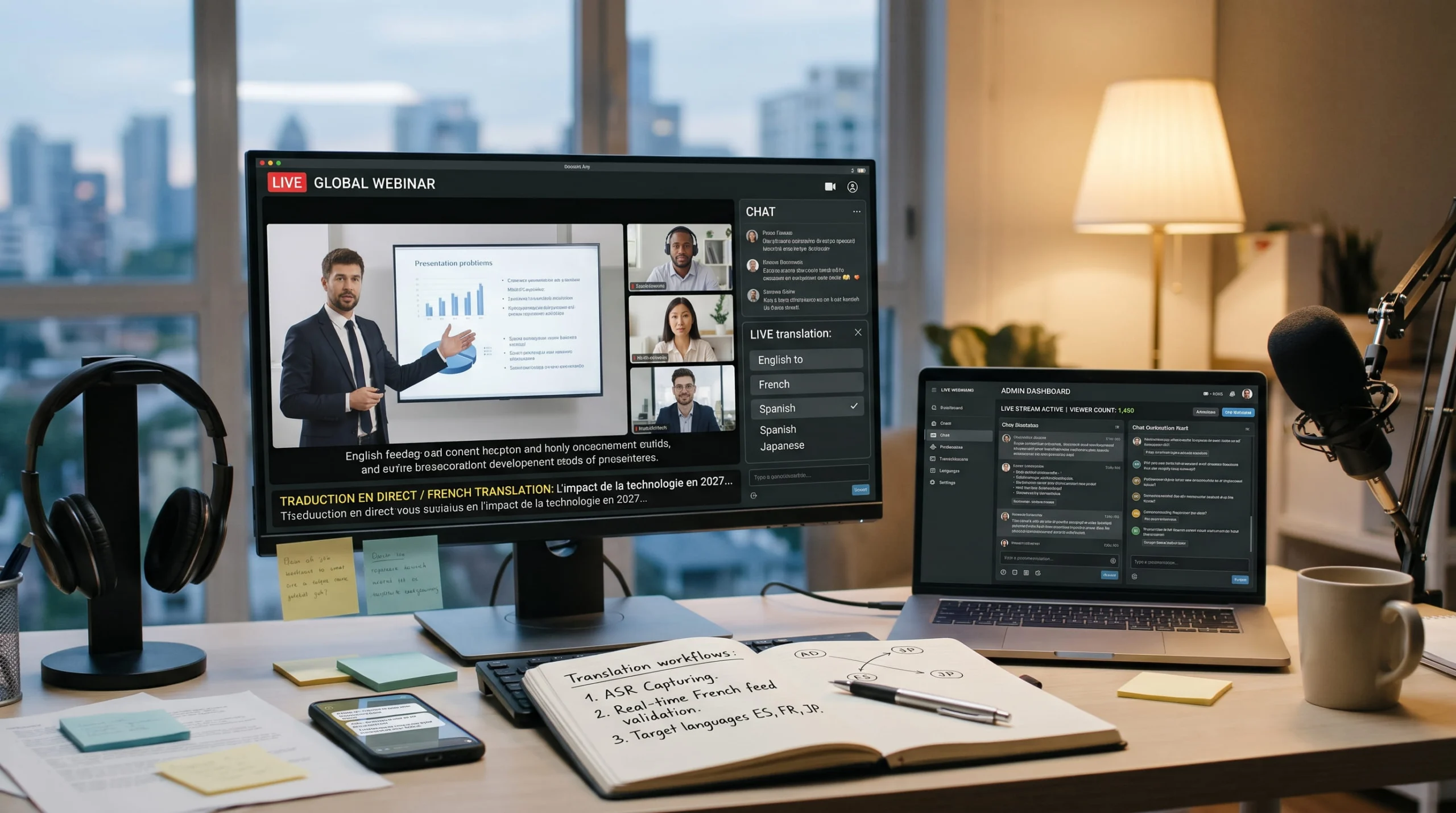
Flexible pricing that scales with your events
Event calendars vary. One team runs a single annual conference, and another runs weekly webinars plus quarterly all-hands meetings. Verbit’s custom and flexible plans scale with your needs, so organizations of every size can budget predictably and add live captioning, translation, transcription, and AI note taking to their events as needed all from one platform.
Verbit’s organization and technology are also flexibly designed to be deployed last minute, so if any of your needs change, you can easily schedule or cancel captions, transcriptions, translations, and more.
Which captioning & translation solution is right for your event?
Wordly may be enough if you only need fully automated translation for informal sessions where occasional errors on names and terminology are acceptable.
Verbit is the stronger fit if you need or want:
- Accurate captions on speaker names, brands, and specialized terms
- Live AI summaries and scroll-back transcripts that help attendees stay engaged in real time
- The option to add human or hybrid captioning for high-stakes sessions
- A free Cvent integration, ON24 integration, Zoom integration, or Microsoft Teams integration (among many others) with simple setup
- 24/7 human support before, during, and after your event
- One platform for live and post-event captioning, transcription, translation, and dubbing
See Verbit’s event technology in action
The best way to compare captioning solutions is to see one handle your own speakers, terminology, and event setup. Book a demo to see how Verbit’s live captioning, translation, and AI insights capabilities and how they can fit into your next event. Plus, for more event planning tips, read Verbit’s guide to conference planning done right.
FAQs on live event captioning with Verbit
What's the main difference between Verbit and Wordly?
Verbit customizes its proprietary ASR, Captivate, to each event using your key terms, names, and content, and it offers human and hybrid captioning options for high visibility content and events. Wordly relies on fully automated AI. Verbit also offers live AI summaries during the event and scroll-back transcript history.
Does Verbit integrate with Cvent?
Yes. Verbit’s Venue Live is available as a free integration in the Cvent App Marketplace, so you can add live captions and translation to Cvent events after a simple one-time setup.
How many languages does Verbit support for live events?
Verbit’s offers human translation, as well as live machine translation in 117 fully bidirectional language pairs. Verbit offers the ability to run 15 languages concurrently in one session.
Can attendees view captions on their own devices?
Yes. Attendees can scan a QR code to follow captions, translations, and transcripts on their phones. Captions can also appear on venue screens, virtual platforms, and within your event app as needed.