
Event planners, accessibility coordinators, and marketing directors in the corporate, education, and association sectors.
Key Takeaways
Mastering virtual conference planning requires integrating accessibility features like live captioning and transcription from the initial setup stage. This resource outlines actionable strategies for event organizers to deliver inclusive, engaging online experiences that comply with legal standards and engage diverse global audiences.
AT A GLANCE
- Integrate accessibility tools during the early planning stages rather than as an afterthought.
- Partner with reliable captioning providers to ensure seamless real-time engagement.
- Promote available accessibility features clearly to boost attendee participation and satisfaction.
WHO SHOULD READ THIS
Estimated Reading Time
4 min read
Virtual events are no longer an alternative to physical events – they’re used as the primary strategy. 93% of event organizers now treat them as a permanent part of their programming (Statista), and 83% of event hosts report higher attendance online than in person (Kaltura). The question is no longer whether to run virtual events, but how to run them well.
Whether you’re organizing a professional summit, a hybrid conference, or a livestreamed broadcast for a global audience, the difference between an event people remember and one they leave early comes down to smart planning, the right technology, and a commitment to accessibility from the start. Here is what that looks like in practice.
Set Your Virtual Event KPIs Before You Set an Agenda
Most virtual event problems start before the event does. 40% of organizers still report difficulty proving event ROI – though that number has dropped from 70% just a year ago (Upmetrics, 2026). Teams are getting smarter about connecting event data to revenue systems. Defining your virtual event KPIs upfront is what separates events that can demonstrate clear value from those that can’t.
What are virtual event KPIs worth tracking?
- Registrant and live virtual attendee targets vs. actuals
- Virtual event engagement metrics: poll responses, chat participation, Q&A activity, session ratings
- Attendee satisfaction scores from post-event surveys
- Revenue from ticket sales, sponsorships, and lead conversions
- On-demand content views and downloads after the virtual event
- Overall virtual event ROI across all channels
Lock these in before platform selection, speaker outreach, or agenda building. Every downstream decision becomes easier when you know what you are optimizing for.

How to Choose the Best Virtual Event Platform for Your Needs
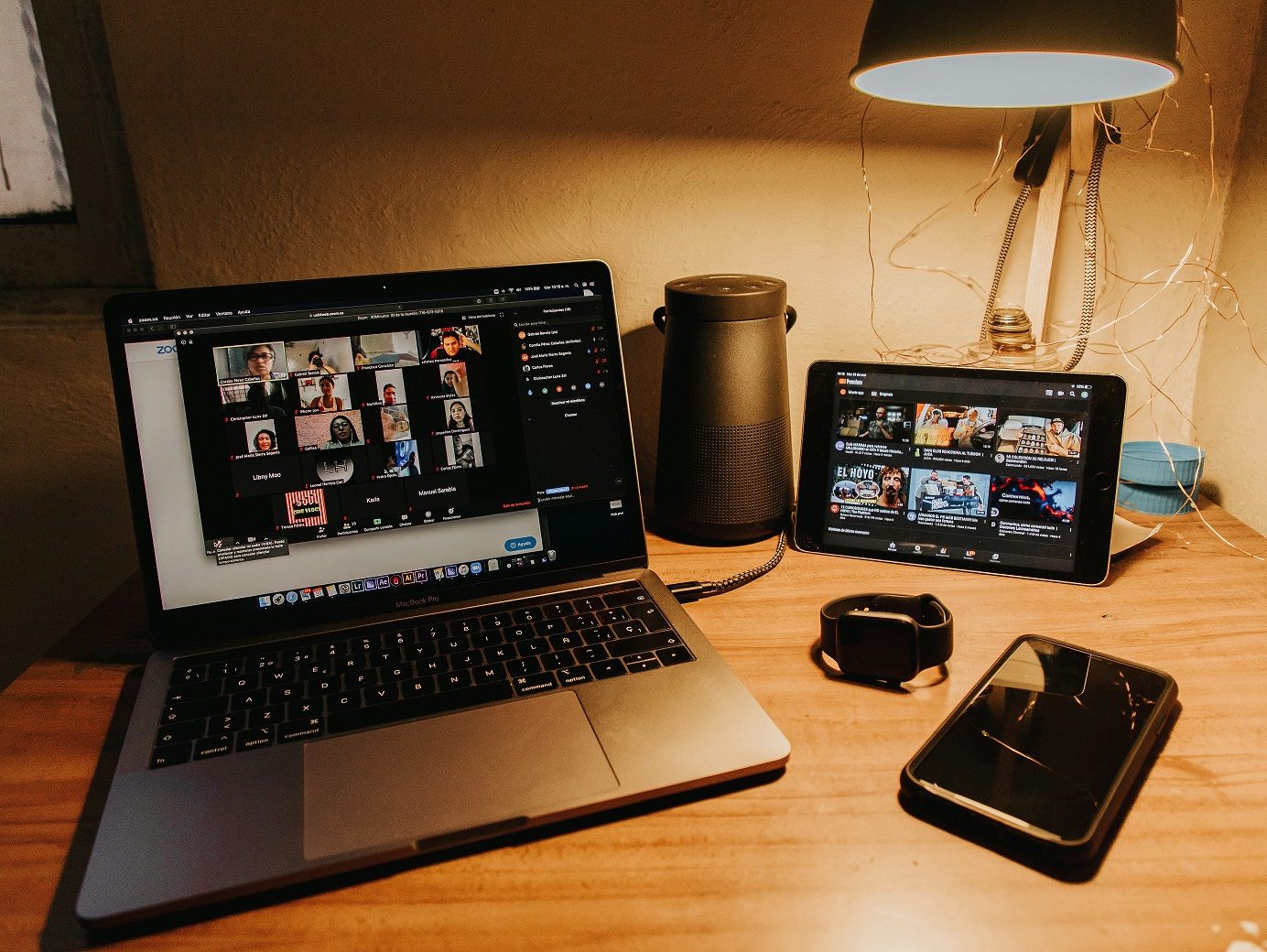
Your virtual event platform shapes everything attendees experience. The features it offers, how intuitive it feels, and how well it integrates with your accessibility and marketing tools all have a direct impact on the quality of your event – and on your team’s ability to run it without friction.
What are key features to look for in an event platform?
- Breakout rooms functionality for smaller discussions, workshops, or virtual networking sessions.
- Live chat, Q&A, and polling to drive real-time attendee engagement.
- Sponsor and exhibitor areas capabilities to create visibility and revenue opportunities for partners.
- On-demand content capabilities so sessions have a life beyond the event itself.
- Platform integrations with CRM systems, event registration tools, and marketing automation.
- Accessibility services and integrations including live captioning, transcript delivery, and assistive technology compatibility.
Popular platforms include Zoom, RingCentral Events, Webex Events, and Cvent Attendee Hub. When evaluating your options, you should also check out features for accessibility integrations early. For example, native auto-captions provided by the platform itself rarely meet the accuracy standards required for compliance or for the attendees who depend on them. However, delivering accurate captions within one of these platforms by leveraging an existing integration available to you is simple.
Ways to Boost Virtual Attendee Engagement (That Actually Work)
68% of organizers say keeping virtual attendees engaged is their biggest challenge (Eventify, 2026). It’s usually not a content problem, but a design problem. Events with genuinely engaged attendees are 33% more likely to hit their sales and marketing goals (Braindate). Here’s how to build engagement in from the start, not bolt it on afterward.
- Blend live and pre-recorded sessions. Live sessions create energy and real-time participation. Pre-recorded segments ensure technical reliability for complex or high-production content.
- Vary session lengths. Mix short, focused talks with longer workshops to accommodate different attention spans and keep the schedule dynamic.
- Use gamification. Badges, leaderboards, and raffles reward participation and encourage attendees to stay invested across the full event.
- Lean into interactive tools. 76% of virtual attendees participate in polls, chats, or live challenges (99firms). Build these in deliberately, not as an afterthought.
- Create virtual networking spaces. 56% of virtual attendees cite networking as the biggest challenge of online events (AMW Group). Structured breakout rooms and themed virtual coffee sessions go a long way toward solving this.
- Make accessibility part of engagement. Offerings like live captions and searchable transcripts improve comprehension and session retention for all attendees, not just those who require them as an accommodation.
Preparing Speakers and Moderators for Virtual Success
Even strong content falls flat when a presenter is not comfortable with the format. Speaker preparation is one of the highest-impact and most underinvested areas of virtual conference planning.
Cover these bases with every speaker and moderator:
- A platform training session covering screen sharing, polling, Q&A management, and breakout room facilitation.
- A tech checklist: microphone quality, lighting, internet speed, and backup connection plans.
- A full rehearsal with the moderator to align on flow, timing, and transitions.
- Guidance on pacing speech clearly for accurate live captioning and on how captions appear during the session.
- A dedicated tech support contact per session so issues get resolved without disrupting the audience.

Virtual Event Accessibility: Both a Legal Requirement and a Competitive Advantage
You shouldn’t be considering event accessibility at the end of your planning process. Instead, it’s what determines whether your event will actually work for the full audience you intend to reach. Under ADA Title II, public educational institutions and government agencies must now meet WCAG 2.1 Level AA standards for digital content, with compliance deadlines in 2026 and 2027. For corporate organizations, the legal and reputational case is just as compelling: 96% of marketers say virtual events support DEI goals (Kaltura), and inaccessible events exclude the people they are supposed to serve.
To simply the process, consider enlisting an accessibility partner to handle addressing these needs for you. Hundreds of organizations – from Fortune 500 companies to major universities to government agencies – trust Verbit to make their livestreams and events accessible. Verbit’s combination of AI-powered tools and expert human support delivers the accuracy, scale, and reliability that event teams need, whatever format the event takes. Key offerings include:
- Live captioning with real-time accuracy through AI and human editing, handling multiple speakers, varied accents, and technical terminology.
- Full session transcripts ready for download, post-event repurposing, or as an accessibility accommodation.
- Audio description for visual materials shared during sessions, ensuring viewers who are blind or have low vision can access the full experience.
- Multi-language captioning and translation in dozens of languages, extending your event’s reach to global audiences in real time.
- Platform integrations that work within your chosen virtual event platform, not around it.
Verbit launched an event-specific solution, Venue Live, designed for events being attended in-person and streamed. Venue Live delivers real-time captions, transcription, and translation for both in-person and remote audiences simultaneously. This single solution works across every format your event takes to include audience members with various accessibility needs, learning styles, and preferences.
Live Captioning for Virtual Events and Livestreams: Getting It Right from the Start
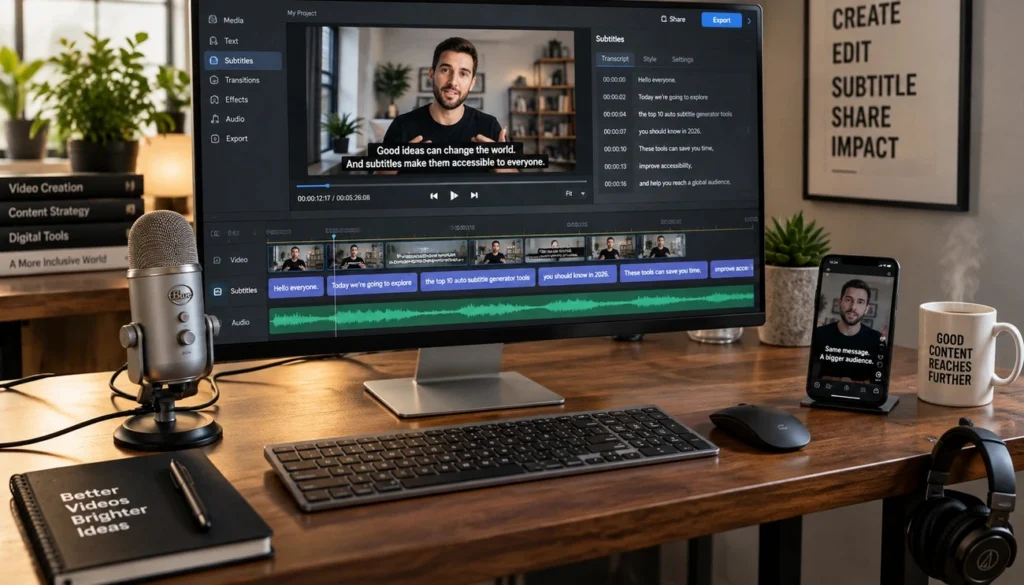
If you’re livestreaming your event, caption quality is visible to every viewer from the first minute. Audiences in 2026 expect captions that are accurate, in sync, and available on any device. When that experience breaks down, viewers leave. The solution is not complex, but it requires building caption delivery into your streaming setup from the start, not scrambling to add it on the day.
“The industry used to treat accessibility as a post-production task. Today, it has to be engineered into the live workflow. If captions lag behind the stream or require manual intervention, you introduce friction that audiences feel immediately.”
– Eric Weiss, Partner Technical Services Manager, Verbit
Verbit’s integration with Wowza, a leading live video streaming platform, makes this significantly easier to set up and maintain at scale. Live captions are embedded directly into the video stream via RTMP or SRT using the CEA-608 standard, which means they travel with the stream rather than as a separate output requiring manual synchronization. Users benefit from no sync drift, no manual handoffs, and a consistent captioned experience for every viewer on every device.
We’ve put together a full breakdown of use cases, including sports broadcasting, corporate livestreams, and 24/7 FAST channels to reference in this Verbit and Wowza Whitepaper: High-Impact Livestreams Made Simple.
What Event Organizers Gain When Live Captions Are Built Into the Stream
- Captions in sync from the first word, generated and injected in real time across all devices and platforms.
- Multi-language support for global audiences without duplicating production workflows.
- A simpler workflow for your production team, replacing manual handoffs between separate streaming and captioning vendors.
- Scalability during peak demand, including large keynotes, simultaneous sessions, and high-traffic viewing windows.
- Searchable transcripts from the moment the session ends, turning live content into structured, reusable data immediately.
For hybrid events where in-room and remote audiences need an equally strong experience, this is what makes hybrid event technology actually deliver on its promise.
What Accessibility Should Look Like at Every Stage of Your Virtual Event
Before the Event
- Add live captions to promotional videos and pre-event materials.
- Configure platform integrations and test caption delivery within your virtual event platform.
- If livestreaming, test embedded caption delivery through your streaming workflow.
During the Event
- Provide live captions across all sessions with real-time accuracy, including multi-speaker environments and domain-specific terminology.
- Deliver live translation for multilingual audiences through a single workflow to engage viewers in their preferred or native languages.
- Use technology like Venue Live to simplify needs for captions and transcription across physical and virtual audiences simultaneously.
After the Event
- Download full transcripts for repurposing into blog posts, summaries, social clips, or searchable content libraries.
- Publish captioned recordings and transcripts of sessions to extend event ROI and improve search discoverability.
- Use transcripts to surface standout moments and create follow-up content that extends the shelf life of every session.
89% of organizations already reuse event content across channels (Kaltura). Accurate transcripts make that process significantly faster, and captioned recordings keep delivering long after the event ends.
When Your Event Ends, Your Content Strategy is Just Getting Started.
Your event sessions are over, but the value shouldn’t be. On-demand replays increase content consumption by 2.3x on average (AMW Group), and that’s before you factor in repurposing. With accurate transcripts in hand, one virtual conference becomes weeks of content.
- Send thank-you emails with links to captioned session recordings.
- Publish recordings with accurate captions to support both accessibility and search indexing.
- Survey attendees to collect feedback and shape your next virtual conference.
- Repurpose sessions into articles, social clips, infographics, or podcast episodes to give legs and additional exposure to your events.
- Analyze engagement data and drop-off points to sharpen your virtual event strategy for next time.
Improve Virtual Events to Engage More Attendees with Ease
Successful virtual conference planning means building an experience that holds up for every attendee – wherever they join from, whatever device they use, whatever accessibility needs they bring. Verbit’s event solutions for live captioning, transcription, translation, audio description, and livestream accessibility are built to help you get there.
Explore Venue Live for real-time accessibility at live and hybrid events, or reach out to discuss how Verbit can support your next virtual conference from the first session to the final follow-up.
FAQs About Virtual Conference Planning
What is a virtual event?
A virtual event is any organized gathering – conference, webinar, town hall, live broadcast, or hybrid event – that takes place online. Participants join through event platforms or livestreams and engage via live sessions, chat, Q&A, and virtual networking, from wherever they are.
What are the main types of virtual events?
The most common types include virtual conferences (multi-session, often multi-day), webinars (focused educational or lead-gen sessions), hybrid events (combining in-person and virtual attendance), corporate town halls, live-streamed broadcasts, and virtual expos or trade shows. Each format serves different goals and requires different platform and accessibility considerations.
How do I host a virtual event successfully?
Start with clear goals and KPIs. Choose a platform that fits your audience size, content format, and accessibility requirements. Invest in speaker preparation, interactive engagement tools, and accessibility services including live captioning and transcription. If you are livestreaming, treat caption delivery as part of the core setup, not an afterthought. Plan your post-event follow-up before the event begins.
Why host a virtual event instead of an in-person one?
Virtual events offer global reach, lower overhead, greater scheduling flexibility, and built-in analytics that in-person events cannot easily match. 41% of virtual attendees say they would not have traveled to attend in person (AMW Group), which means a virtual or hybrid format expands your audience in ways a physical-only event simply cannot.
What makes a virtual event accessible?
An accessible virtual event provides live captions for all sessions, transcripts for download, audio description for visual materials, sign language interpretation for Deaf attendees, and multilingual captioning or translation for global participants. Accessibility features should integrate with your event platform rather than require a separate workflow. Verbit’s Venue Live and captioning solutions are built to make this straightforward.
How does livestreaming fit into virtual conference planning?
Livestreaming delivers content to audiences in real time, often at much larger scale and to viewers outside a structured event platform. Captions need to be embedded in the stream itself – not managed separately – to avoid sync issues and ensure a consistent experience across devices. Learn more about how a new partnership launched by Verbit and Wowza can solve this for you in this High-Impact Livestreams Made Simple Whitepaper.
What platform integrations does Verbit support for virtual events?
Verbit integrates with leading virtual event platforms including Zoom, Cvent, Teams, and Webex, as well as streaming infrastructure like Wowza. These integrations deliver live captions, transcripts, and translations within your existing event workflow. See Verbit’s full integrations list for currently supported platforms.