City clerks, municipal communications directors, and local government IT leaders.
Key Takeaways
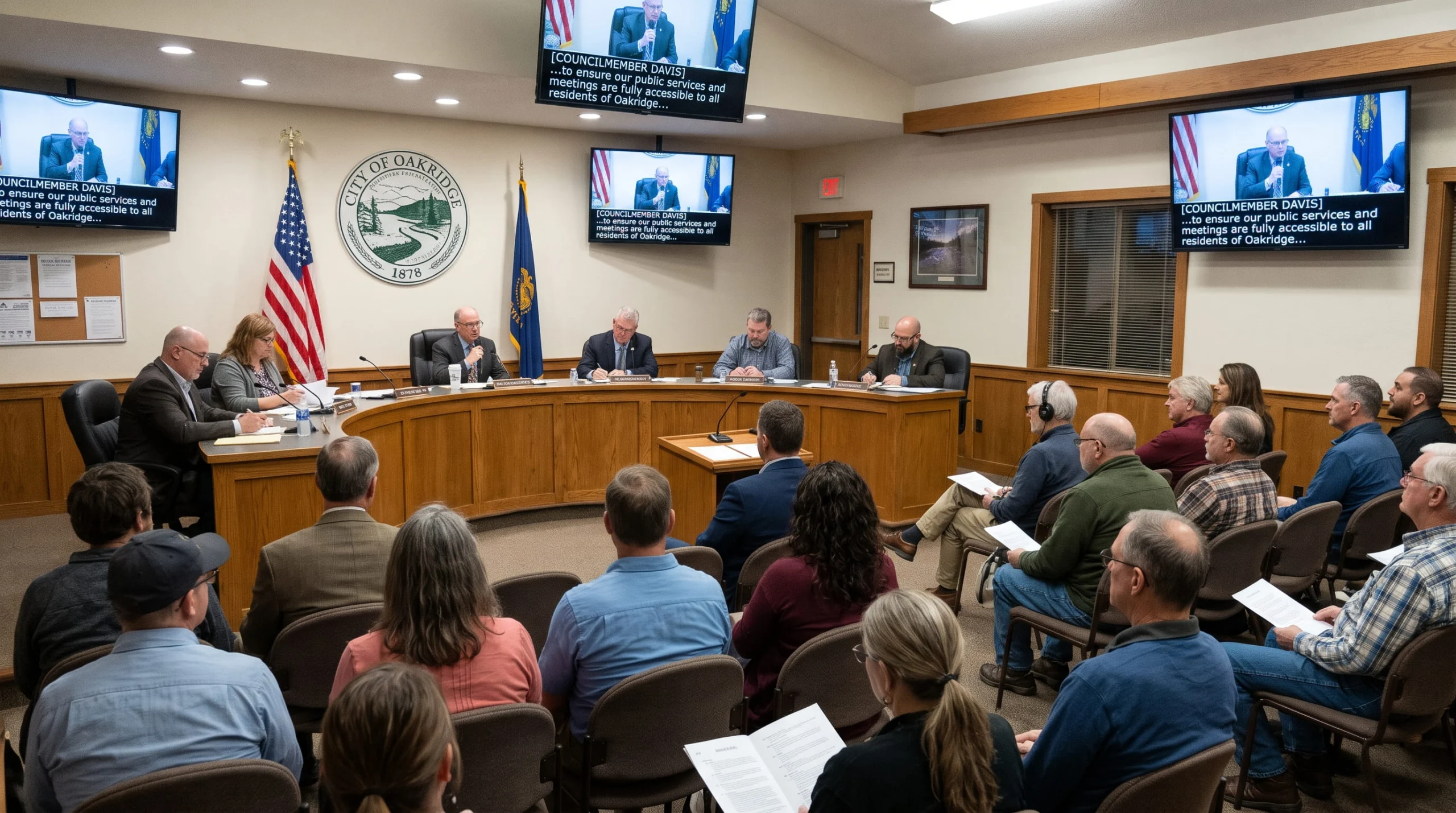
Live captioning makes city council hearings and public board meetings fully accessible to every community member in real time. Discover how simple accessibility strategies help local governments foster public trust and ensure every citizen stays informed and involved.
AT A GLANCE
- Live meeting captions empower all residents to participate actively in local democracy.
- Proactive accessibility builds lasting civic trust across diverse public communities.
- Welcoming environments ensure every resident has an equal voice in local governance.
WHO SHOULD READ THIS
Estimated Reading Time
5 min read
If you run public meetings, you’re likely facing two captioning problems at once:
- Live meetings. Going forward, every council and board meeting you stream needs live captions, and the next one is likely already on your calendar.
- The archive. Years of past recordings on YouTube or your website are likely sitting uncaptioned, and the clock is ticking to caption those too.
In our daily conversations with government teams, we receive a lot of questions like these: How does live captioning connect to our stream? What do we do about the archive of content sitting uncaptioned? How can we tackle captioning efforts, but keep everything in the format the clerk’s office already uses?
The good news is that you can solve all of this with one plan, and it doesn’t mean new equipment or a new workflow.
In short: Under the DOJ’s Americans with Disabilities Act Title II rule, cities, counties, school boards, and other state and local governments generally need captions on their public meeting videos – both live and recorded – so people who are Deaf or have hearing loss can effectively engage. The rule measures this against a technical standard called WCAG 2.1 Level AA. A plan of action: caption live meetings first, work through your archive by priority, and choose a captioning partner that plugs into the tools you’re already using.
How we can help: Verbit Civic Complete. It’s built around the needs of government agencies, from live captioning for council and board meetings to post-production captioning for your archive, audio description, and searchable transcripts, and it connects to the platforms agencies already use, including YouTube, Zoom, and Teams.
This piece offers tips on how to put captioning it into practice within your existing systems, what ADA Title II means for meeting video, what to caption first, how to set up live captioning and prepare for your next captioned meeting, and how to work through your archive.
Understanding ADA Title II captioning requirements for public meetings
ADA Title II covers state and local government services, including city councils, county boards, school boards, planning commissions, and special districts. (New to the law? Start with what the ADA is and how its titles work.)
The dates, in brief: April 26, 2027 for entities with a population of 50,000 or more, and April 26, 2028 for smaller entities and special districts. The standard, WCAG 2.1 Level AA, didn’t change, only the dates did. See our 2027 ADA Title II deadline guide for more details.
What counts as ADA-compliant captioning for meetings?
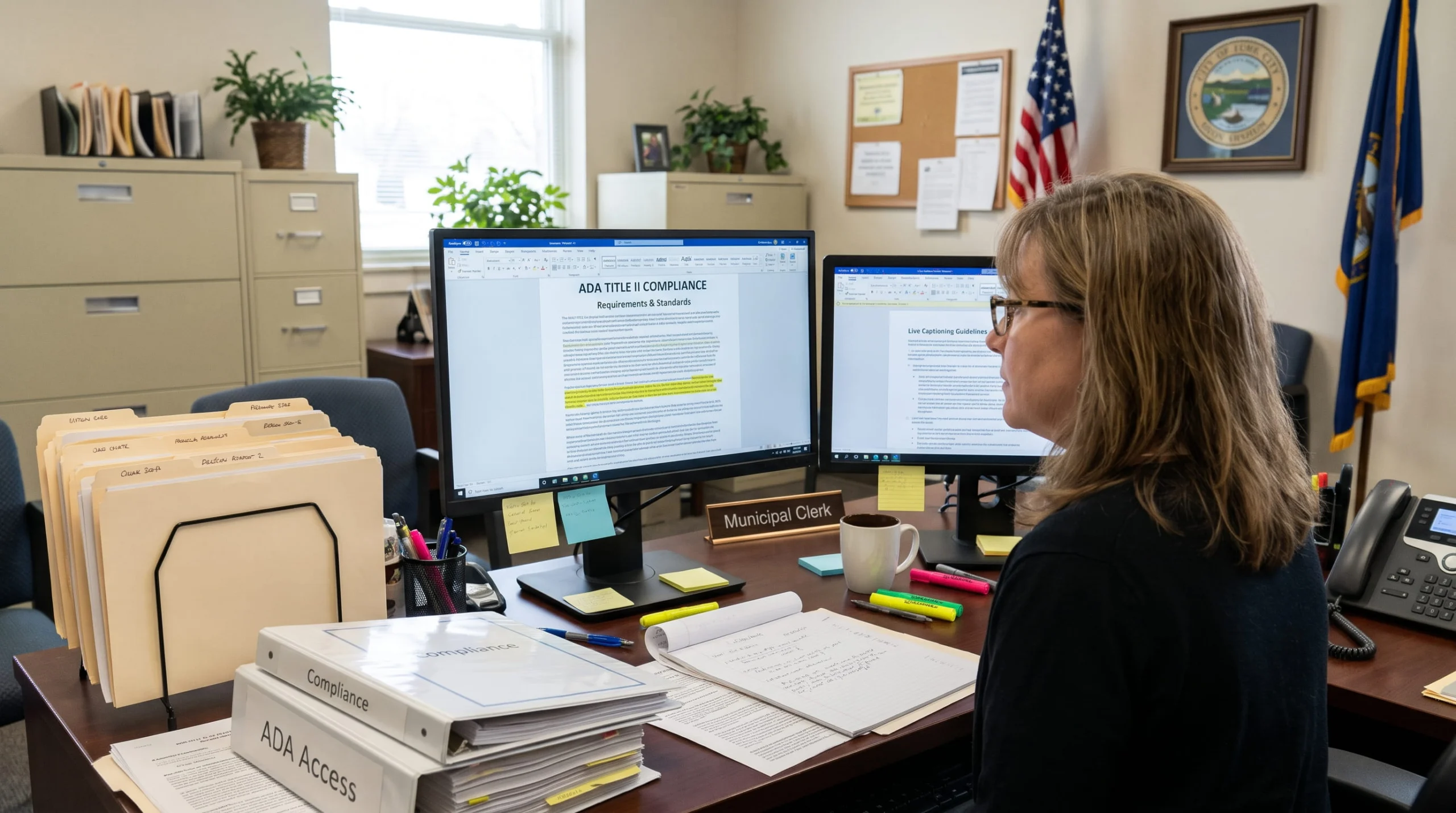
For government meeting videos, such as council meetings, board hearings, and public comment sessions, WCAG 2.1 Level AA points to four things:
- Accurate, synchronized captions on recorded video, with speaker identification and meaningful sounds noted.
- Live captions during live meetings, not only in the recording afterward.
- Audio description when slides, maps, or charts carry information the speaker doesn’t say aloud. See our look at captions and audio description in government.
- An accessible player and page, including keyboard-friendly controls.
Neither the ADA nor WCAG sets an accuracy percentage, so many agencies write their own target into the vendor contract, especially for meetings that become part of the official record.
Which meetings and videos to prioritize for captioning
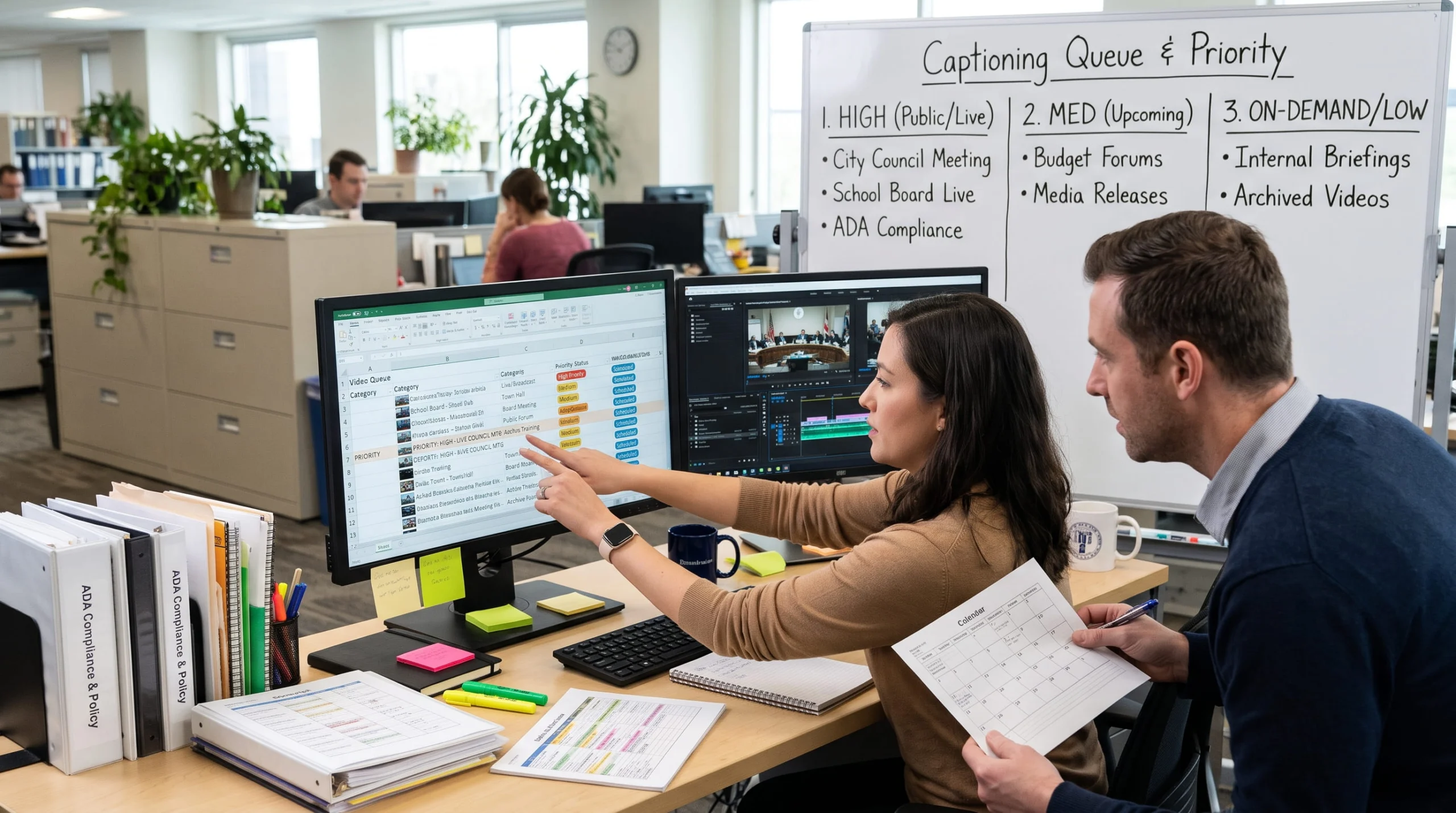
Don’t try to caption and fix everything at once. Work in tiers to make captioning and remediation efforts manageable:
- Upcoming live meetings. Council, county board, and school board meetings are the clearest case. Start here.
- New recordings going forward. Anything you post after your ADA Title II deadline needs captions, so bake captioning into your posting routine now.
- High-traffic and high-stakes archive videos. Budget hearings, zoning decisions, public hearings, and anything residents or reporters search for.
- Everything else in the archive. Recent meetings first, older and low-traffic videos last.
Special meetings called on short notice are easy to miss, so decide now who books captions when one comes up. With Verbit’s Civic Complete, live captioning, archive captioning, audio description, and transcripts sit under one account, so you can start with your next meeting and scale into the archive without switching vendors.
How to set up live captioning for recurring council meetings
Many agencies are surprised by how little it takes to set up live captioning for city council meetings. With Verbit, there’s usually no new hardware to buy: our cloud captioning works with the streaming setup you already have, so you keep your current encoder, platform, and routine. Our post on why your agency may not need new equipment explains how. Here’s the typical path:
- Pick where residents watch. YouTube, Zoom, Teams, and WebEx are all common. Civic Complete integrates with each of them, plus Vimeo, Kaltura, Panopto, and Google Drive.
- Connect your stream. In a common setup, your encoder (OBS is a popular choice) sends the stream to Verbit’s endpoint, and the captioned stream carries on to YouTube with your stream key. Verbit’s onboarding team walks you through it.
- Set up users and roles. Decide who administers the account, who books meetings, and who can edit transcripts. Civic Complete supports role-based access and single sign-on.
- Schedule it once. Add recurring meetings to the calendar, including days when two bodies meet at the same time. Each concurrent meeting gets its own session.
- Match the service to the meeting. Use AI captioning for routine meetings and add human captioners for sensitive or technical ones. You choose per meeting, so you aren’t locked into one approach.
- Add languages if you need them. Civic Complete offers AI translation for live and recorded content. Language-access rules can differ from ADA captioning rules, so check both.
Meeting schedules are predictable, so committed hours may fit, while special meetings may suit pay-as-you-go. Our breakdown of committed hours versus usage-based captioning contracts can help you decide which fits your agency.
Preparing for your first live captioned meeting
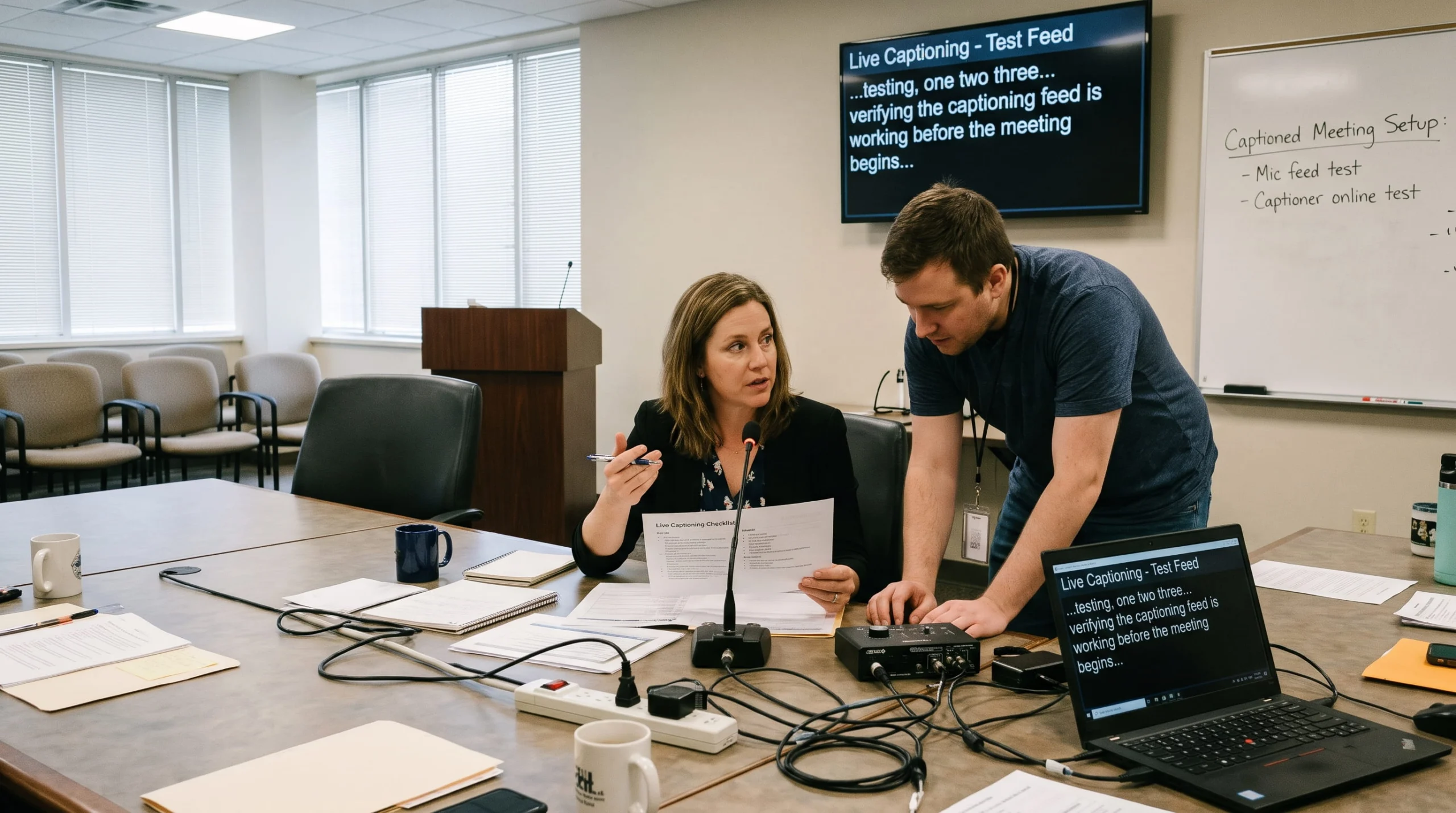
The first time you caption a live public meeting is when small problems surface, like a missed stream setting or a misspelled council member’s name, so test before you go live. Run a full stream a few days ahead with the same encoder, network, and settings. Teams that onboard with Verbit run exactly this test before their next council meeting.
Your pre-launch checklist:
- Test the full stream. Confirm captions appear live and in the recording.
- Build a glossary. Include council member and staff names, streets and neighborhoods, department names, acronyms, and ordinances likely to come up. Names are where captions slip most often, so share your glossary and agenda with Verbit ahead of time.
- Check the audio. Clear audio from the dais microphones matters most for caption quality.
- Name a backup contact. Know who to call if captions stop mid-meeting. Verbit support is available 24/7.
- Tell residents. Add a line to your meeting page on turning captions on and finding the transcript.
How to remediate your archive of past meeting videos
A backlog of uncaptioned meeting recordings is a project, not a crisis. Inventory your videos, prioritize them, and process them in batches.
Start with an inventory. List each video, where it lives, its length, its date, and whether it already has captions. A simple spreadsheet works.
Check the archive exception, then decide. The DOJ rule excepts some archived content, but only if all four conditions are met: it was created before the compliance date, it’s kept only for reference or recordkeeping, it sits in a clearly designated archive, and it hasn’t been changed since. One edit can bring a video back into scope. Because the conditions are strict, many agencies caption their most-viewed videos instead of relying on the exception. Our guide for county and local governments goes deeper, and your counsel can tell you whether it applies.
Process in batches. Verbit supports bulk uploads through links and shared-folder integrations such as Google Drive. Each batch gets a service level that sets how much human review it includes and how fast it comes back. Use faster AI captioning for large routine batches and add human review for hearings and other high-stakes meetings.
Plan for very long recordings. Some meetings run for hours, and services can have file-length limits. In a recent onboarding, our team found that recordings over four hours needed to be split before processing. Ask about current limits, then split long meetings at natural breaks between agenda items.
Return captions to the video. Captions can go back to the platform where residents watch, or be downloaded in formats such as SRT and VTT. Spot-check a sample.
Working with your clerk's office format and templates
Captions and transcripts only help if they fit into how your clerk’s office already works, from your templates to your review and posting steps. In a recent conversation, our government team spoke with an agency that had just finished a pilot of Verbit. They valued the real-time transcription and easy scheduling, and their main question was whether the output would match the templates their office already uses. It’s a question worth asking early, before you sign anything.
Ask these questions up front:
- What format do you need? Timestamps, speaker labels, a cover page, a specific layout? Ask your Verbit rep for sample output to compare against your template.
- What can you export? Verbit delivers transcripts in formats such as TXT, DOCX, and PDF, and caption files such as SRT and VTT, so your team can use the right file for the job.
- Who reviews before publishing? Decide whether a clerk checks names and spellings first. Civic Complete includes live transcript editing for clerks and court reporters, plus public record capture.
- How will you use your transcripts? Searchable transcripts can help staff prepare minutes and give residents a record they can search, but they aren’t the minutes.
Why government teams choose Civic Complete for live and recorded captions
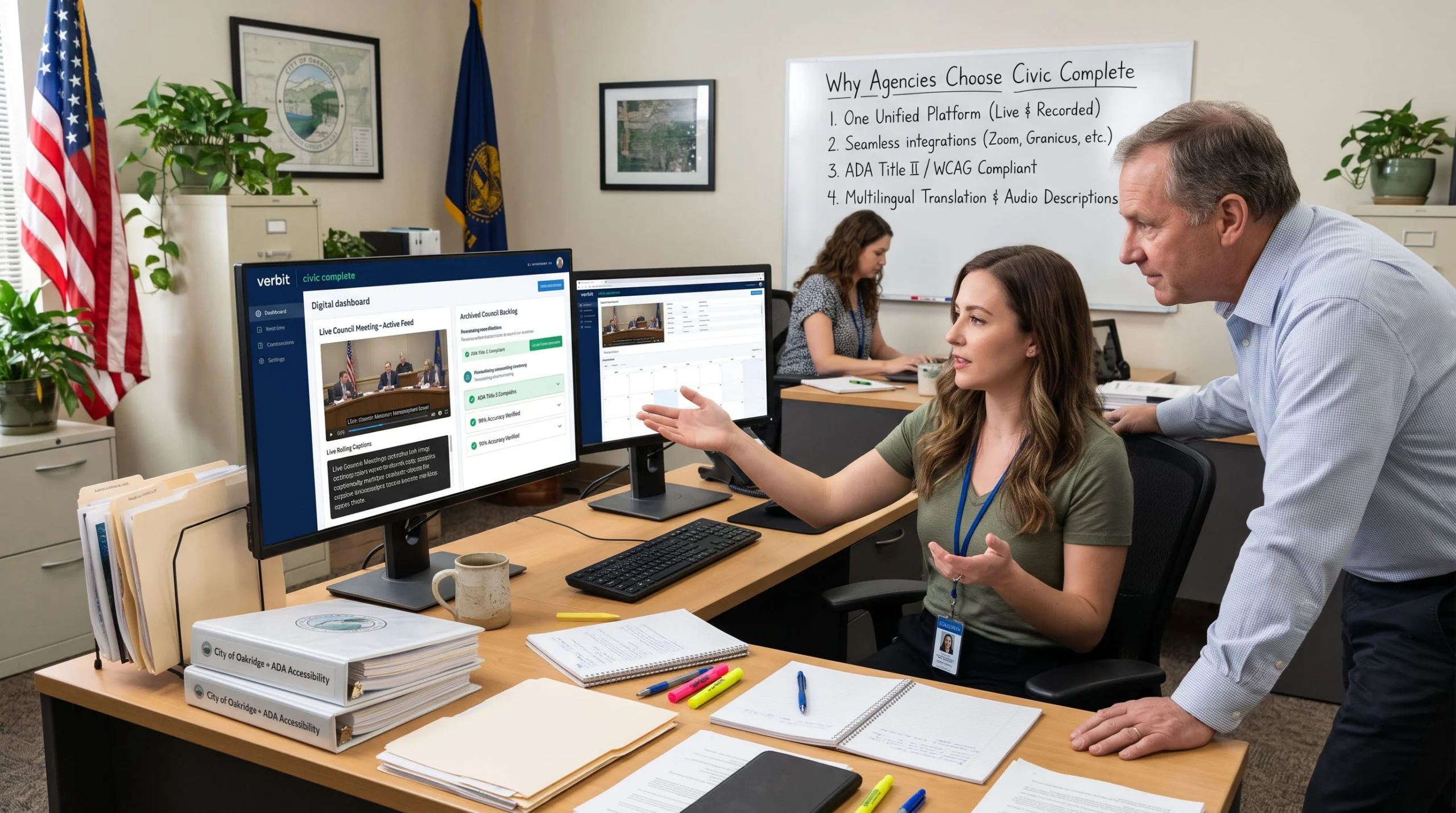
Civic Complete is Verbit’s accessibility offering for government, built around ADA Title II needs for public meetings, recorded video, and records. It’s designed for agencies at every level, from municipalities and counties to state departments, school boards, and special districts. It covers:
- Live captioning for council meetings, hearings, and town halls, with human captioners available for sensitive meetings
- Post-production captioning with optional human review, to clear the archive
- Audio description for video with important visuals
- Searchable transcripts and live transcript editing
- AI translation for communities that need more than one language
- Easy integrations with YouTube, Zoom, Teams, WebEx, Google Drive, Vimeo, Kaltura, and Panopto
It’s SOC 2 Type II certified, encrypts data in transit and at rest, and is available through the GSA Schedule. For how Verbit handles customer data, including its approach to AI training, see Verbit’s data policy. Have your procurement team review any vendor’s claims.
Want to talk through your meetings and your archive? Connect with Verbit’s government team for a walkthrough of how Civic Complete would work for your agency.
FAQs on live captioning and ADA Title II for government agencies and public meetings
How do you caption city council meetings live?
Look to connect a live captioning service to the stream you already use. Your encoder or meeting platform sends audio and video to the provider, which adds captions in real time. Verbit’s captioning, for one, works directly within YouTube, Zoom, Teams, and WebEx, among other video streaming and conferencing platforms.
What counts as ADA-compliant captioning for public meetings?
Under the DOJ’s ADA Title II rule, web content needs to meet WCAG 2.1 Level AA, which includes accurate, synchronized captions for live and recorded video and audio description when visuals aren’t covered in the audio. WCAG sets no accuracy percentage, so many agencies set a target in their contract. Check with your counsel on what applies to you.
Do YouTube videos need captions for ADA Title II?
If your agency posts meeting videos on YouTube as part of its services, those videos are generally covered content, even though YouTube is a third-party platform. Videos posted after the compliance date need captions, and older ones do too unless an exception applies. Your counsel can confirm specific cases.
How do I remediate past meeting videos for ADA compliance?
Inventory your recordings, caption the most-viewed and highest-stakes first, and work in batches. Check whether any qualify for the archive exception, but note its four strict conditions. Split very long recordings if there are file-length limits, and add captions back to your video platform.
When is the ADA Title II deadline for city and county governments?
April 26, 2027 for entities with a population of 50,000 or more, and April 26, 2028 for smaller entities and special districts.
Can a transcript replace captions for meeting video?
No. Captions are synchronized with the audio and the picture, and a transcript is a separate document. Transcripts make a useful searchable record, but they work alongside captions, not in place of them.
Do we need human captioners, or is AI captioning enough?
It depends on the meeting. Many agencies use AI for routine meetings and add human captioners for sensitive or high-profile ones. Verbit offers both, so you can match the service to the meeting.