


Accessibility and compliance leaders, higher education and government teams, HR and legal professionals, and anyone who needs a clear, current explanation of the ADA.
Table of contents
- What is the Americans with Disabilities Act?
- What Does ADA Stand For?
- A Brief History of the ADA Act
- Who is Protected Under the ADA Law?
- The Five Titles of the ADA: Key ADA Requirements
- What’s New: The ADA Title II Digital Accessibility Rule
- What Does it Mean to be ADA Compliant?
- Captions, Audio Description, and ADA Compliance
- Why ADA Compliance Matters in 2026
- Common ADA Compliance Mistakes to Avoid
- How Verbit Helps Organizations Become ADA Compliant
- ADA Compliance Checklist
Key Takeaways
The Americans with Disabilities Act (ADA) is a federal civil rights law that protects people with disabilities from discrimination at work, in government services, in public places, and in telecommunications. With new ADA Title II digital accessibility deadlines arriving in 2027 and 2028, captions, audio description, and accessible websites are now central to staying ADA compliant.
AT A GLANCE
- ADA stands for the Americans with Disabilities Act, signed July 26, 1990.
- It’s five titles cover employment, government, public accommodations, telecommunications, and general provisions.
- Public entities must meet WCAG 2.1 Level AA by April 26, 2027 or April 26, 2028, depending on size.
- Video needs captions and audio description to meet that standard.
WHO SHOULD READ THIS
Estimated Reading Time
6 min read
More than 1 in 4 US adults has a disability, according to the CDC. That’s tens of millions of employees, students, customers, and citizens who rely on accessible workplaces, services, and content every day.
For more than three decades, the Americans with Disabilities Act has set the rules for what that access should look like. But the ADA isn’t standing still. A major federal rule on digital accessibility is reshaping obligations for public entities, website accessibility lawsuits against businesses rose sharply in 2025, and video has become one of the most common places where organizations fall short.
This article covers what the ADA is, what ADA stands for, who it protects, what each title requires, what’s new for 2026-2027, and practical steps to both become and remain ADA compliant.
What is the Americans with Disabilities Act?
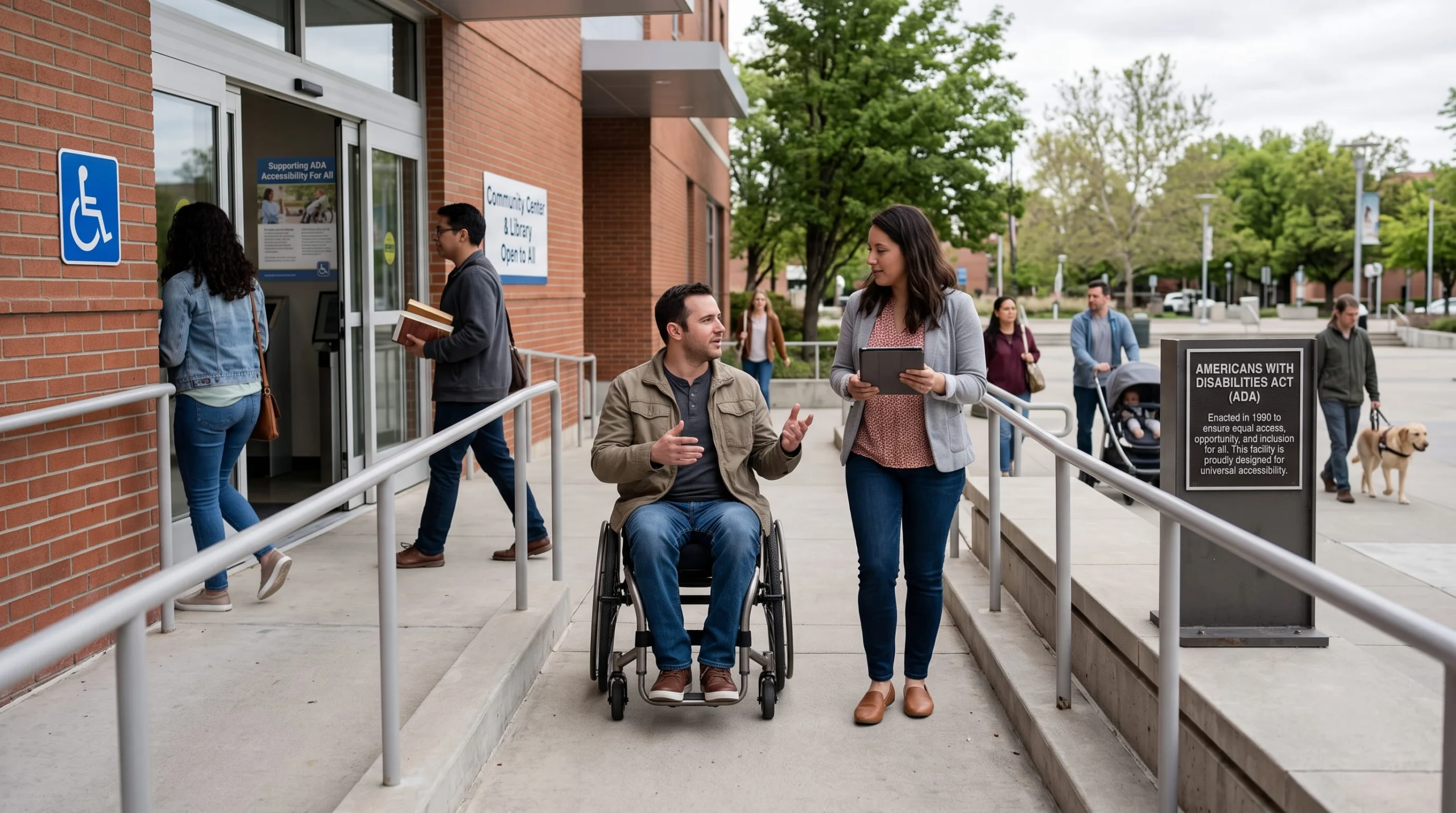
The Americans with Disabilities Act is a federal civil rights law that prohibits discrimination against people with disabilities in all areas of public life, including jobs, schools, transportation, and places open to the public. Its purpose is simple: to make sure people with disabilities have the same rights and opportunities as everyone else.
The ADA applies to most employers with 15 or more employees, all state and local governments, businesses and nonprofits that serve the public, and telecommunications providers. It’s enforced by several federal agencies, including the Department of Justice and the Equal Employment Opportunity Commission, and individuals can also bring lawsuits to enforce their rights.
What Does ADA Stand For?
ADA stands for the Americans with Disabilities Act. When people talk about “ADA compliance,” “ADA requirements,” or an “ADA compliant” website, they’re referring to the obligations this law creates.
The ADA meaning goes beyond legal checklists, though. The law reflects a basic principle: barriers – physical, digital, or communication-related – shouldn’t determine who gets to participate in work, education, government, and everyday life.
A Brief History of the ADA Act
Before 1990, people with disabilities faced widespread, legal discrimination. Many buildings had no accessible entrances, employers could reject qualified candidates because of a disability, and few services offered interpreters or captions.
Key milestones in ADA history:
- July 26, 1990: President George H.W. Bush signs the ADA into law, building on earlier protections in Section 504 of the Rehabilitation Act of 1973.
- 2008: Congress passes the ADA Amendments Act (ADAAA), effective January 1, 2009, restoring a broad definition of disability after court decisions had narrowed it.
- 2010: DOJ issues the 2010 ADA Standards for Accessible Design, which became mandatory for new construction and alterations in March 2012.
- 2024: DOJ publishes its first rule setting technical standards for state and local government websites and mobile apps under Title II.
- 2026: DOJ extends the compliance dates for that rule to 2027 and 2028.
Who is Protected Under the ADA Law?
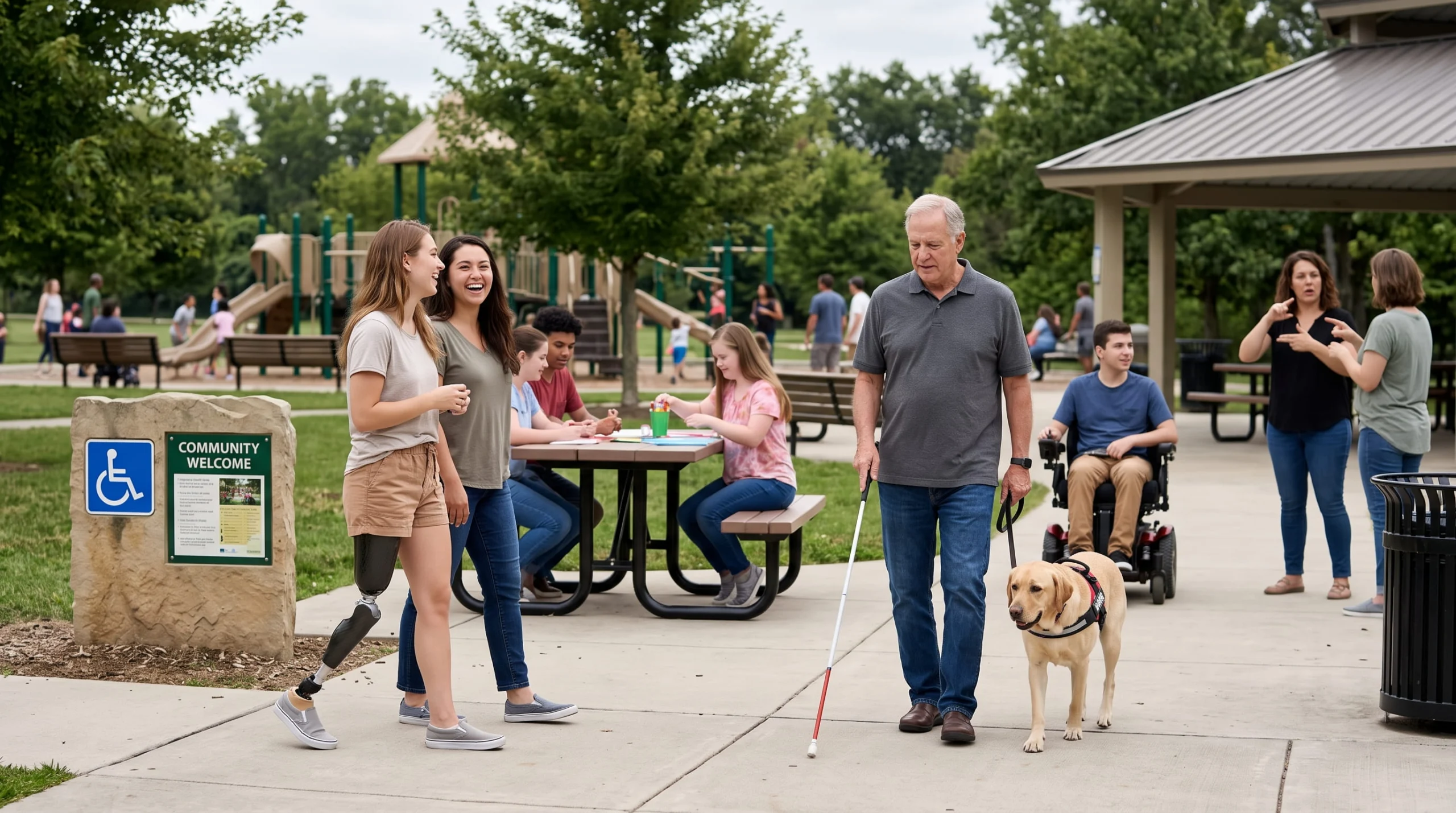
The ADA protects people with a disability, which the law defines as a physical or mental impairment that substantially limits one or more major life activities, such as seeing, hearing, walking, learning, concentrating, or communicating.
The ADA also protects people who:
- Have a record of a disability, such as a history of cancer that is now in remission
- Are regarded as having a disability, even if they don’t have one (with an exception for impairments that are both transitory, lasting six months or less, and minor)
After the 2008 amendments, the definition is meant to be read broadly. EEOC regulations note that conditions such as deafness, blindness, intellectual disabilities, diabetes, epilepsy, cancer, HIV, major depressive disorder, and post-traumatic stress disorder should easily qualify as disabilities.
The Five Titles of the ADA: Key ADA Requirements
The ADA is organized into five titles. Knowing which one applies to your organization is the first step in understanding your ADA requirements.
ADA Title I: Employment
Title I prohibits discrimination against qualified individuals with disabilities in hiring, firing, promotions, pay, training, and other aspects of employment. It applies to private employers with 15 or more employees, as well as state and local government employers, and is enforced by the EEOC.
Employers must provide reasonable accommodations unless doing so would cause undue hardship. Common examples include:
- Modified schedules or duties
- Assistive technology and accessible workspaces
- Sign language interpreters or real-time captioning for meetings and training
- Accessible application processes
Example: An employee who is hard of hearing asks for captions during company-wide video meetings. Providing live captions is a reasonable accommodation that gives them equal access to workplace communication.
ADA Title II: State and Local Government
Title II requires state and local governments to make all of their services, programs, and activities accessible to people with disabilities. That includes public colleges and universities, public school systems, courts, libraries, public transit, and city and county services.
Title II requirements include:
- Accessible facilities and public transportation
- Effective communication through auxiliary aids and services, such as interpreters, captioning, and accessible formats
- Reasonable modifications to policies and practices
- Accessible websites, mobile apps, and digital content (now with specific technical standards – more on that below)
Public entities with 50 or more employees must also designate an employee to coordinate ADA compliance and adopt a grievance procedure for handling complaints.
Example: A city livestreams its council meetings. Providing live captions on the stream, and accurate captions on the recordings posted afterward, helps residents who are Deaf or hard of hearing participate in local government.
ADA Title III: Public Accommodations
Title III applies to private businesses and nonprofits that serve the public, including stores, restaurants, hotels, theaters, private schools and universities, doctors’ offices, and conference venues.
Title III requirements include:
- Removing physical barriers in existing facilities when it’s readily achievable
- Following the 2010 ADA Standards for new construction and alterations
- Providing auxiliary aids and services for effective communication – DOJ’s regulations specifically list open and closed captioning, real-time captioning, and interpreters as examples
- Making reasonable modifications to policies, such as allowing service animals
Example: A private university hosting a public lecture series provides captions for recorded lectures and live captioning for events when attendees request it.
ADA Title IV: Telecommunications
Title IV requires telephone companies to provide telecommunications relay services (TRS), so people who are Deaf, hard of hearing, or have speech disabilities can communicate by phone. The Federal Communications Commission oversees these services, which include text-based relay, video relay with sign language interpreters, and captioned telephone services.
Title IV also requires closed captioning of public service announcements produced or funded by the federal government.
ADA Title V: Miscellaneous Provisions
Title V covers provisions that apply across the law, including protections against retaliation and coercion, rules on attorneys’ fees, and how the ADA relates to other federal and state laws.
What’s New: The ADA Title II Digital Accessibility Rule
The most significant ADA development in years is DOJ’s rule on web and mobile accessibility for state and local governments.
What the Updated ADA Rule Requires
Published on April 24, 2024, the Title II web rule requires public entities to make their web content and mobile apps conform to the Web Content Accessibility Guidelines (WCAG) 2.1 Level AA. That covers:
- Public websites and online services, such as forms, payment portals, and permit applications
- Mobile apps
- Online course content and learning platforms
- Video and audio, including recorded and livestreamed meetings, lectures, and events
- Content provided through contractors and third-party vendors
For video, WCAG 2.1 Level AA means captions for prerecorded and live video, and audio description for prerecorded video.
2027 and 2028 Compliance Deadlines
On April 20, 2026, DOJ issued an Interim Final Rule extending the original compliance dates by one year. The standard itself didn’t change:
- April 26, 2027: State and local governments serving a population of 50,000 or more
- April 26, 2028: Entities serving fewer than 50,000 people, and special district governments
A parallel rule under Section 504 applies the same WCAG 2.1 Level AA standard to healthcare providers and other recipients of HHS funding. HHS extended its deadlines to May 11, 2027 for recipients with 15 or more employees and May 10, 2028 for smaller recipients.
Limited Exceptions
The rule includes a handful of narrow exceptions, including archived web content, certain preexisting documents like older PDFs, some third-party content, individualized password-protected documents, and preexisting social media posts. These exceptions are limited, and they don’t apply to content that’s still actively used. Archiving a video that people still rely on won’t take it off the hook.
Using the ADA Title II Extension’s Extra Time Wisely
The rule doesn’t require formal accessibility policies, staff training, or audits. But those steps are the most reliable way to get a large digital footprint, and especially a large video library, ready in time. The extension is a planning window, not a pause. Verbit’s ADA Title II Readiness Workbook walks through how to assess, align, and act before the deadline.
What Does it Mean to be ADA Compliant?
Being ADA compliant means people with disabilities can access your services, programs, facilities, and communications on an equal basis. What Americans with Disabilities Act compliance looks like depends on which title applies to you, but most organizations need to think about three areas.
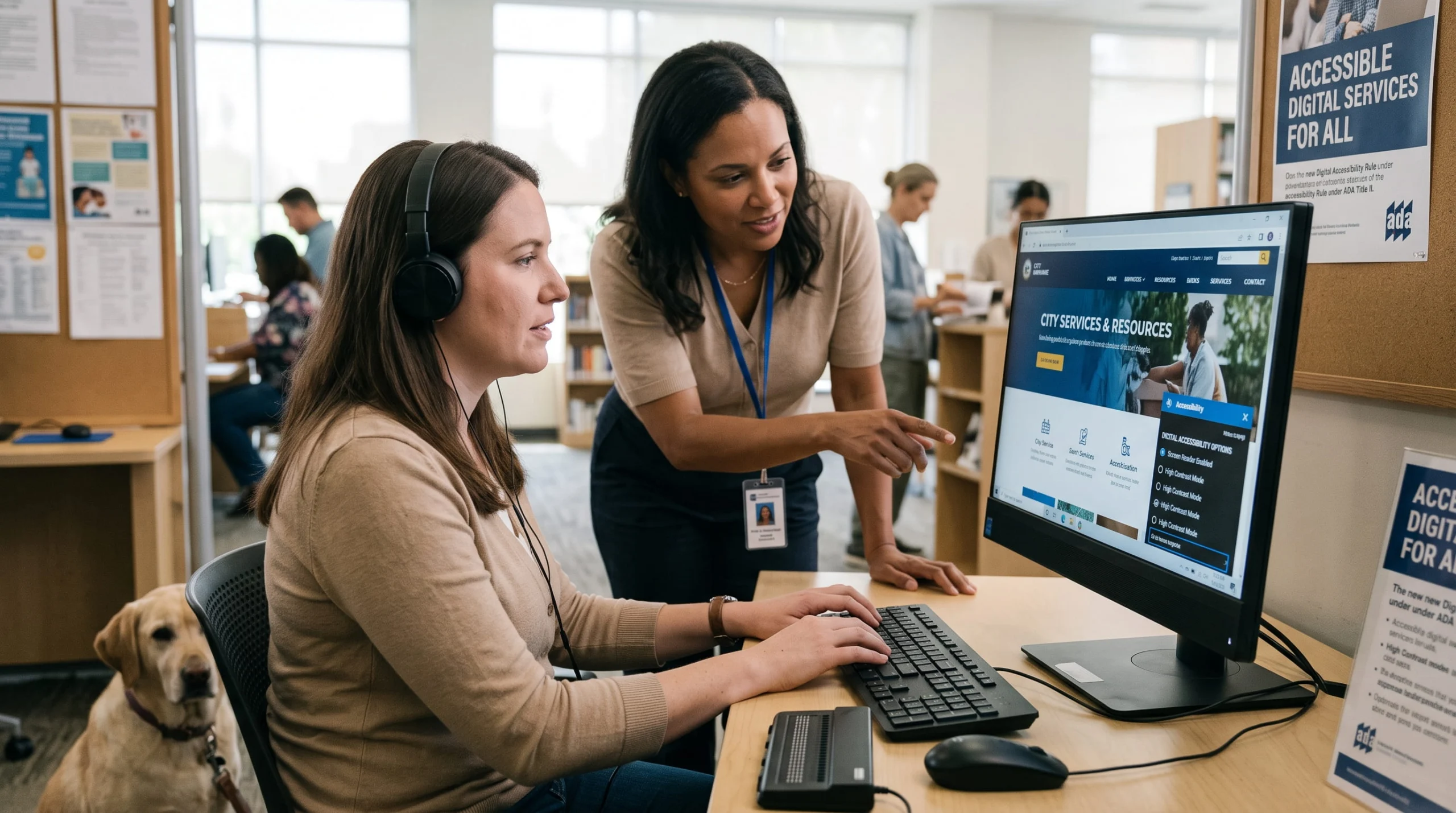
Digital Accessibility
For state and local governments, WCAG 2.1 Level AA is now the defined standard. For businesses under Title III, DOJ has not adopted a specific technical standard, but its 2022 web accessibility guidance makes clear that the ADA applies to the goods and services businesses offer online. Many courts have agreed, and WCAG 2.1 AA has become the de facto benchmark.
Digital ADA compliance typically includes:
- Captions for video and transcripts for audio content
- Audio description for meaningful visual content in video
- Alternative text for images
- Keyboard navigation and screen reader compatibility
- Sufficient color contrast and resizable text
- Accessible forms, documents, and PDFs
Communication Access
The ADA requires auxiliary aids and services that make communication with people who have hearing, vision, or speech disabilities as effective as communication with others. These include sign language interpreters, real-time captioning (often called CART), captioned video, audio description, assistive listening devices, and materials in Braille or large print.
The right aid depends on the situation – the length and complexity of the communication, the setting, and the person’s needs. Title II entities must give primary consideration to the aid the person requests.
Physical Accessibility
For buildings and facilities, the 2010 ADA Standards for Accessible Design cover elements like accessible parking, entrances, doorways, restrooms, elevators, and seating. The U.S. Access Board publishes the underlying guidelines and technical assistance.

Captions, Audio Description, and ADA Compliance
Video is now part of nearly every service, class, meeting, and campaign – and it’s one of the easiest places to miss the mark.
When Captions Are Needed
Captions are among the most widely used auxiliary aids under the ADA. Organizations should caption:
- Lectures, courses, and training videos
- Public meetings, hearings, and government livestreams
- Webinars, conferences, and virtual events
- Marketing, customer support, and social videos
- Workplace meetings when an employee needs captions as an accommodation
For public entities covered by the Title II rule, captions aren’t just provided on request – WCAG 2.1 Level AA requires them for prerecorded and live video.
Live vs. Recorded Captioning
- Live captioning makes meetings, events, classes, and broadcasts accessible in real time. Human real-time captioning (CART) is typically used for high-stakes events, while AI-powered live captions can extend access across more sessions.
- Recorded (post-production) captioning adds synchronized captions to prerecorded video, capturing dialogue, speaker identification, and meaningful sounds.
Caption Quality Matters
The ADA doesn’t set a numeric accuracy percentage, but captions must actually provide effective communication. That’s why 99% accuracy is widely used as an industry benchmark for professional captions. Free, unedited auto-captions often miss names, technical terms, and punctuation, which can make content harder to follow. AI captioning paired with human review is a practical way to balance quality, speed, and cost.
Don’t Forget Audio Description
Captions make audio accessible. Audio description does the same for visuals, narrating on-screen text, actions, and charts for people who are blind or have low vision. Under WCAG 2.1 Level AA, prerecorded video needs both. Learn more in our beginner’s guide to audio description.
ADA vs. Section 504 vs. Section 508
These laws often come up together, but they cover different organizations:
- ADA: Applies to employers with 15+ employees, state and local governments, businesses open to the public, and telecommunications providers.
- Section 504 of the Rehabilitation Act: Applies to any organization that receives federal financial assistance, including most colleges, universities, and hospitals.
- Section 508 of the Rehabilitation Act: Applies to federal agencies and the information and communication technology they develop, buy, or use.
Many organizations, especially public universities, are covered by more than one.
Why ADA Compliance Matters in 2026
Legal Risk Is Rising
Website accessibility lawsuits against businesses rebounded in 2025. According to Seyfarth Shaw’s annual count, plaintiffs filed 3,117 federal website accessibility lawsuits under Title III in 2025, up 27% from 2,452 in 2024. New York (1,021), Florida (961), and Illinois (585) led the way. DOJ can also seek civil penalties in its own enforcement actions against businesses.
Your Audience Is Bigger Than You Think
With more than 1 in 4 US adults living with a disability, inaccessible content shuts out a significant share of students, employees, customers, and constituents.
Accessibility Helps Everyone
Captions help people watching in noisy spaces or with the sound off, as well as non-native speakers and anyone trying to retain complex information. Clear navigation, readable design, and transcripts improve the experience for every user – and make content easier to search and repurpose.
Common ADA Compliance Mistakes to Avoid
- Waiting for a request. Under the Title II rule, captions and audio description need to be in place for covered video, not added only when someone asks.
- Relying on unedited auto-captions. Errors in names, terminology, and numbers can undermine effective communication.
- Forgetting live content. Livestreams, virtual meetings, and hybrid events need live captioning too.
- Overlooking vendor content. Content provided through third-party platforms and contractors can still be your responsibility. Build accessibility into contracts.
- Treating archives as a loophole. Archived content exceptions are narrow and don’t cover video people still use.
- Ignoring documents. Inaccessible PDFs and slide decks are among the most common digital barriers.
How Verbit Helps Organizations Become ADA Compliant
Verbit helps colleges, government agencies, businesses, and media organizations make their content accessible at scale:
- Captioning for recorded and live content, with AI and professional options to match accuracy needs and budgets
- Transcription for lectures, meetings, hearings, and media
- Professional audio description and AI audio description for prerecorded video
- Translation to reach multilingual audiences
For public institutions preparing for ADA Title II, Campus Complete gives colleges and universities AI captions, transcripts, AI audio description, and translation in one annual subscription, and Civic Complete does the same for government agencies. For a step-by-step look at getting digital content ready, see our ADA Title II compliance checklist for higher education.
Contact Verbit to see how we can help you meet your ADA requirements – and make every video accessible to every viewer.
ADA Compliance Checklist
Use this checklist to start or strengthen your ADA compliance program:
- Name an owner. Designate an ADA coordinator or accessibility lead (required for Title II entities with 50+ employees).
- Audit your digital footprint. Inventory websites, apps, documents, and video, and test them against WCAG 2.1 Level AA.
- Prioritize high-impact content. Start with public-facing pages, required course materials, frequently viewed video, and essential services.
- Caption and describe your video. Add accurate captions to recorded and live video, and audio description to prerecorded video with meaningful visuals.
- Set up an accommodation process. Make it easy to request interpreters, live captioning, accessible formats, and other aids.
- Update policies and vendor contracts. Require accessibility from vendors and build it into procurement.
- Train your teams. Help content creators, faculty, and communications staff create accessible content from the start.
- Document everything. Keep records of audits, remediation, training, and accommodation requests.
- Review regularly. Accessibility isn’t a one-time project – new content needs to meet the same standard.
What About State Disability Laws?
Many states have their own disability rights laws that go further than the ADA, for example by covering smaller employers or offering additional remedies. Organizations should check the laws in every state where they operate, employ people, or serve the public, in addition to federal ADA requirements.
FAQs on ADA
What does ADA stand for?
ADA stands for the Americans with Disabilities Act, a federal civil rights law passed in 1990 that prohibits discrimination against people with disabilities.
Who does the ADA apply to?
The ADA applies to employers with 15 or more employees, state and local governments, businesses and nonprofits that serve the public, and telecommunications providers.
Does the ADA apply to websites?
Yes. For state and local governments, DOJ’s 2024 rule requires websites and mobile apps to meet WCAG 2.1 Level AA by April 2027 or April 2028, depending on size. For businesses, DOJ guidance states the ADA applies to services offered online, and WCAG 2.1 AA is the common benchmark.
What are the ADA Title II deadlines?
Public entities serving 50,000 or more people must comply by April 26, 2027. Smaller entities and special district governments must comply by April 26, 2028.
Does the ADA require captions?
Captions are a key auxiliary aid for effective communication under the ADA. For public entities covered by the Title II web rule, WCAG 2.1 Level AA requires captions for prerecorded and live video, plus audio description for prerecorded video.
What is a reasonable accommodation?
A reasonable accommodation is a change to a job, the work environment, or how things are usually done that gives a qualified person with a disability equal employment opportunities – such as a modified schedule, assistive technology, or live captioning for meetings.