

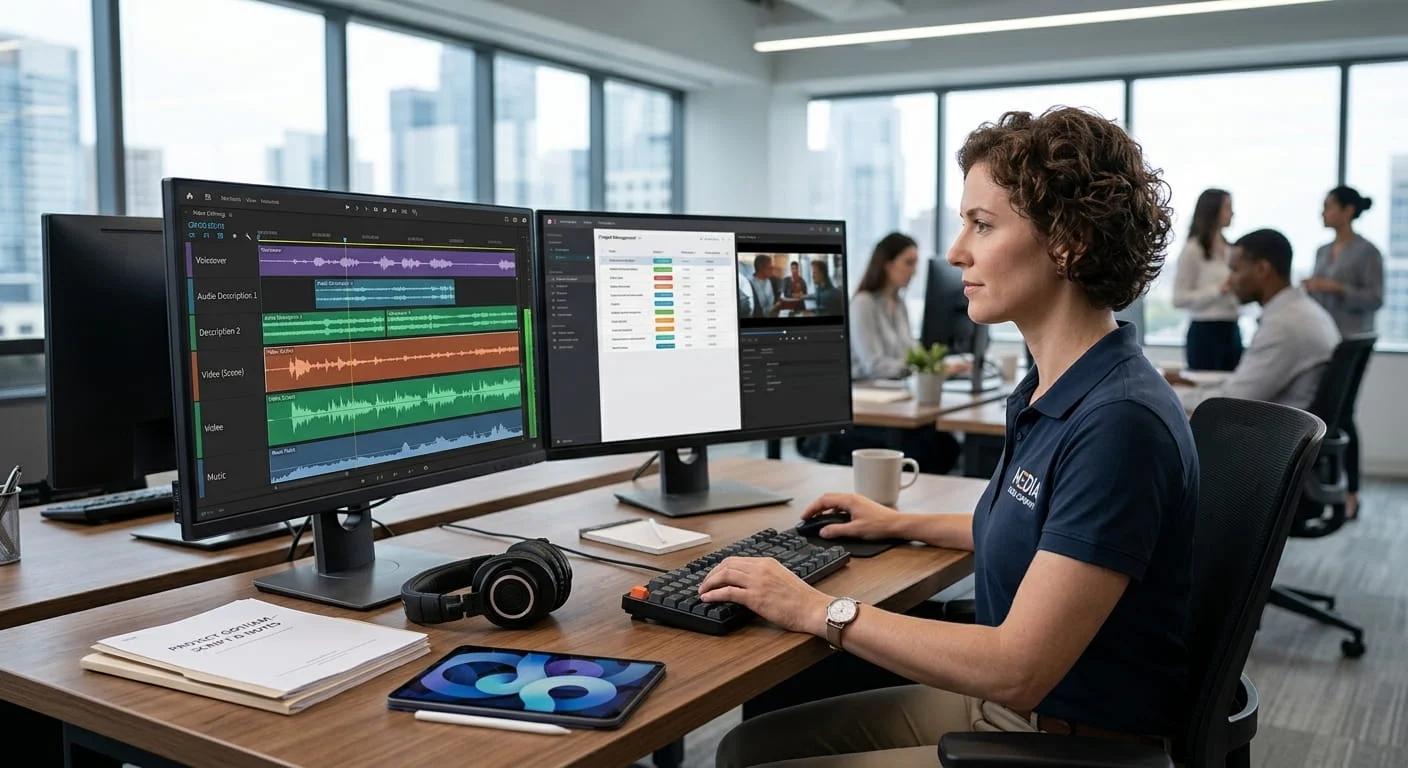
Accessibility coordinators, instructional designers, and compliance leads at universities and government agencies.
Key Takeaways
Managing audio description for video libraries can feel daunting when navigating strict ADA Title II guidelines. Discover a practical roadmap using modern AI audio description tools to bring your content into full compliance effortlessly.
AT A GLANCE
- Professional audio description services help teams meet ADA Title II and WCAG compliance standards.
- Fast turnaround options streamline how you add audio description to videos at scale.
- Flexible workflows integrate smoothly into your existing media management and publishing systems.
WHO SHOULD READ THIS
Estimated Reading Time
6 min read
If audio description feels like a mountain to climb across all of your video content, you’re far from alone. You likely have a backlog that grows every week as more video gets produced, an ADA Title II deadline on the calendar, a team already stretched thin, and no obvious place to start. Those were the common threads running through our calls this week, and they came through in four recurring questions:
- Scale: Where do we even start? Many teams aren’t sure how many videos they have, let alone which ones need description. Start by sorting your library by how much each video relies on what is shown on screen, then describe in batches, beginning with the videos people watch most.
- Platform fit: Can our video platform play audio description? Audio description is usually delivered as a separate audio track, and not every video platform can play one. Check what yours supports before you order, so the files you get back can actually be published.
- Extended audio description: What if a video has no gaps to describe in? Standard audio description fits narration into the natural pauses in a video’s dialogue. When a video has too few pauses, such as a fast-paced demonstration, extended audio description pauses the video to make room for the full description, and your video player has to support that.
- Speed and cost: How long will it take, and what will it cost? AI audio description is faster and scales to large volumes, which makes it a good fit for simple, high-volume content like lectures. Human-authored description takes longer but suits complex or high-stakes content where accuracy matters most. Most large libraries use a mix of both.
Behind all four questions is the same pressure: accessibility requirements with real deadlines attached. Colleges, universities, and government agencies are working toward ADA Title II dates in 2027 and 2028, and media teams are balancing FCC rules, distributor requirements, and growing expectations for described content. The rules differ by sector, but the challenge is shared: describing a library of hundreds of videos, or more, with a limited team and budget.
Verbit has built two solutions to make this easier at scale, each for a specific sector: Campus Complete for higher education, which includes AI audio description alongside captions, transcripts, and translation, and Civic Complete for government agencies, which is built around ADA Title II and public meetings.
The good news is that you do not need to describe every video, you do not need to do it all at once, and a small pilot will tell you more than any estimate. This article walks through each question in turn. If you are new to audio description itself, Verbit’s beginner’s guide to audio description covers the basics first.
Which videos need audio description under ADA Title II (and which may not)
Start with scale, because answering it shrinks the project fastest. The Department of Justice’s ADA Title II rule covers state and local governments, including public colleges and universities, school districts, cities, and counties, and it points to WCAG 2.1 Level AA, which includes audio description for prerecorded video. That does not mean every video in your library needs its own narration track. Private institutions fall under different parts of the law, so ask your counsel what applies to you.
Audio description narrates the visual information that the soundtrack does not already deliver, such as on-screen text, charts, demonstrations, gestures, and scene changes, for people who are blind or have low vision. The W3C’s guidance makes a practical point: when all of the important information in a video is already spoken, no additional description is necessary.
That gives you a simple way to triage. Listen to a video with your eyes closed. If you can follow it, the audio is carrying the meaning, and description may not be needed. If you cannot, it is.
- Videos that likely need audio description: lab demonstrations, slide-heavy presentations where the speaker says “as you can see here,” training videos with silent screen capture, announcements with text that appears but is never read aloud, recorded public meetings where maps, charts, or exhibits are shown on screen, and series, documentaries, and promos where the story depends on what is on screen.
- Videos that may not need audio description: a lecture where the instructor talks through everything shown, a panel discussion, or an interview where the audio tells the whole story.
Once you have sorted the library, put the videos into tiers.
- Highest use first. Start with the videos that get the most views or the most airtime.
- Required and public-facing content next. This includes videos tied to required courses, public services, public meetings, and content with regulatory or contractual delivery requirements.
- New content. Describe anything published from now on so the backlog stops growing.
- Older, rarely viewed material last. Some of it may be better retired than described.
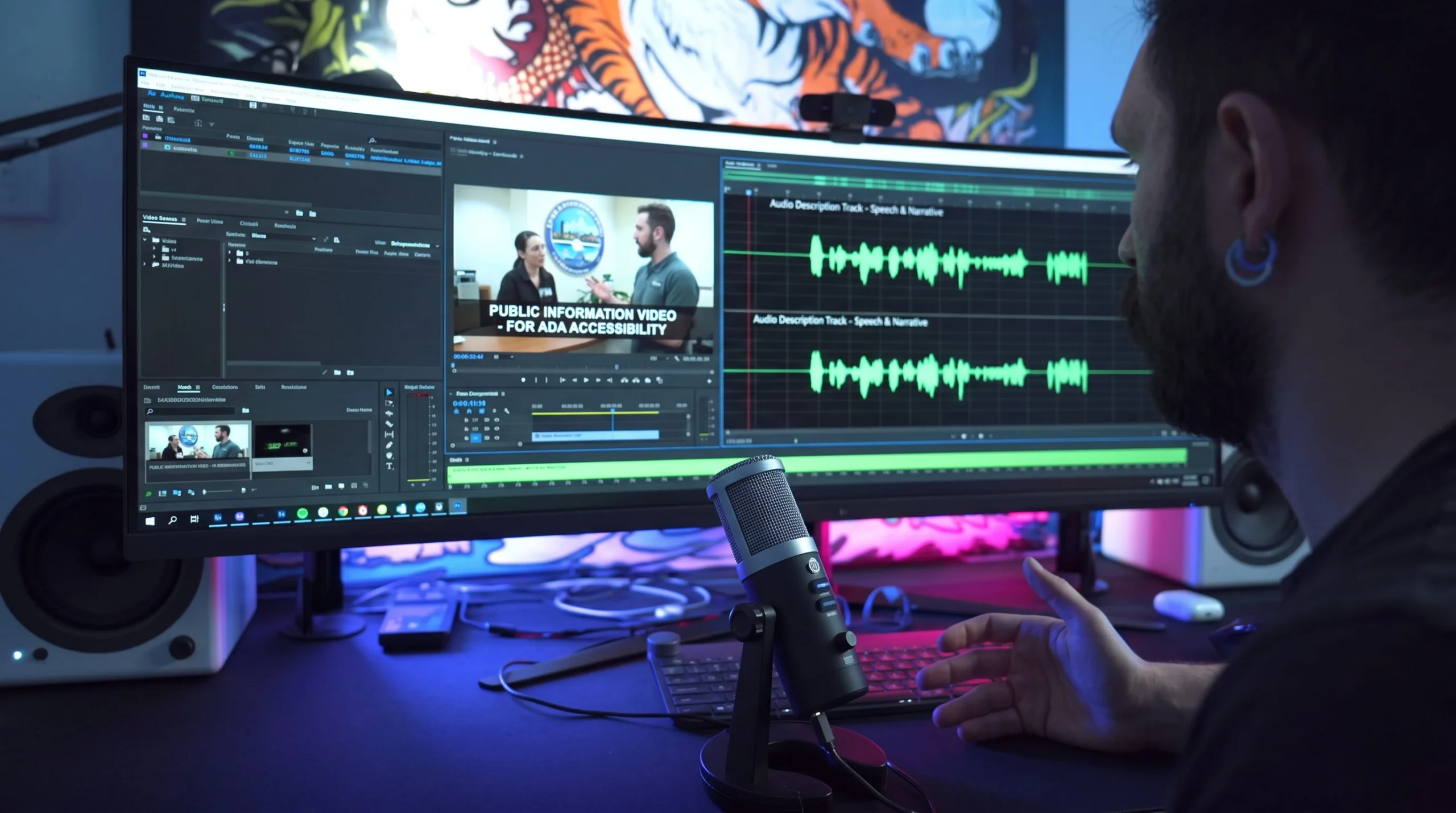
Audio description requirements beyond ADA Title II: FCC rules and media compliance
ADA Title II is not the only reason audio description is rising on to-do lists. Media companies work under a different set of rules.
In the United States, the FCC’s video description rules, which come from the 21st Century Communications and Video Accessibility Act (CVAA), apply to television. Covered broadcast stations in the largest markets, and the top networks carried by larger cable and satellite providers, must provide 87.5 hours of described programming each calendar quarter, and distributors must pass through description they receive when they are technically able to. Market coverage has expanded in phases, so check the FCC’s current list rather than assuming your market is in or out.
Streaming-first and digital-first media teams are often outside those specific FCC rules, but they can still face requirements from distributors and platforms, and from accessibility laws abroad, such as the European Accessibility Act, which began to apply on June 28, 2025 to services that provide access to audiovisual media.
The rules differ, but the plan does not. Whether you answer to the Department of Justice, the FCC, a distributor, or your own accessibility policy, the work is the same: decide which content needs description, pick the right method for each type, and move through the library in batches. Because rules change, confirm which apply to you with your counsel or compliance team.
Standard vs. extended audio description: What to choose
Standard audio description tucks narration into the natural pauses in the dialogue, which works well when a video has enough gaps. Extended audio description pauses the video to make room for a fuller description, then resumes. It is the better fit for content with little silence, such as a fast-paced demonstration or a lecture where the instructor sketches while talking.
The standards treat them differently. WCAG 2.1 Level AA, the standard the Title II rule points to, calls for audio description of prerecorded video, while extended description is a separate Level AAA criterion. That makes standard description the practical starting point for most backlogs, with extended description reserved for content where pauses are too short to make sense. Verbit’s audio description includes extended description. Keep in mind that extended description needs a player that can pause the video on cue, which is a platform question.
Separate track vs. mixed-in audio description: Check what your video platform can play
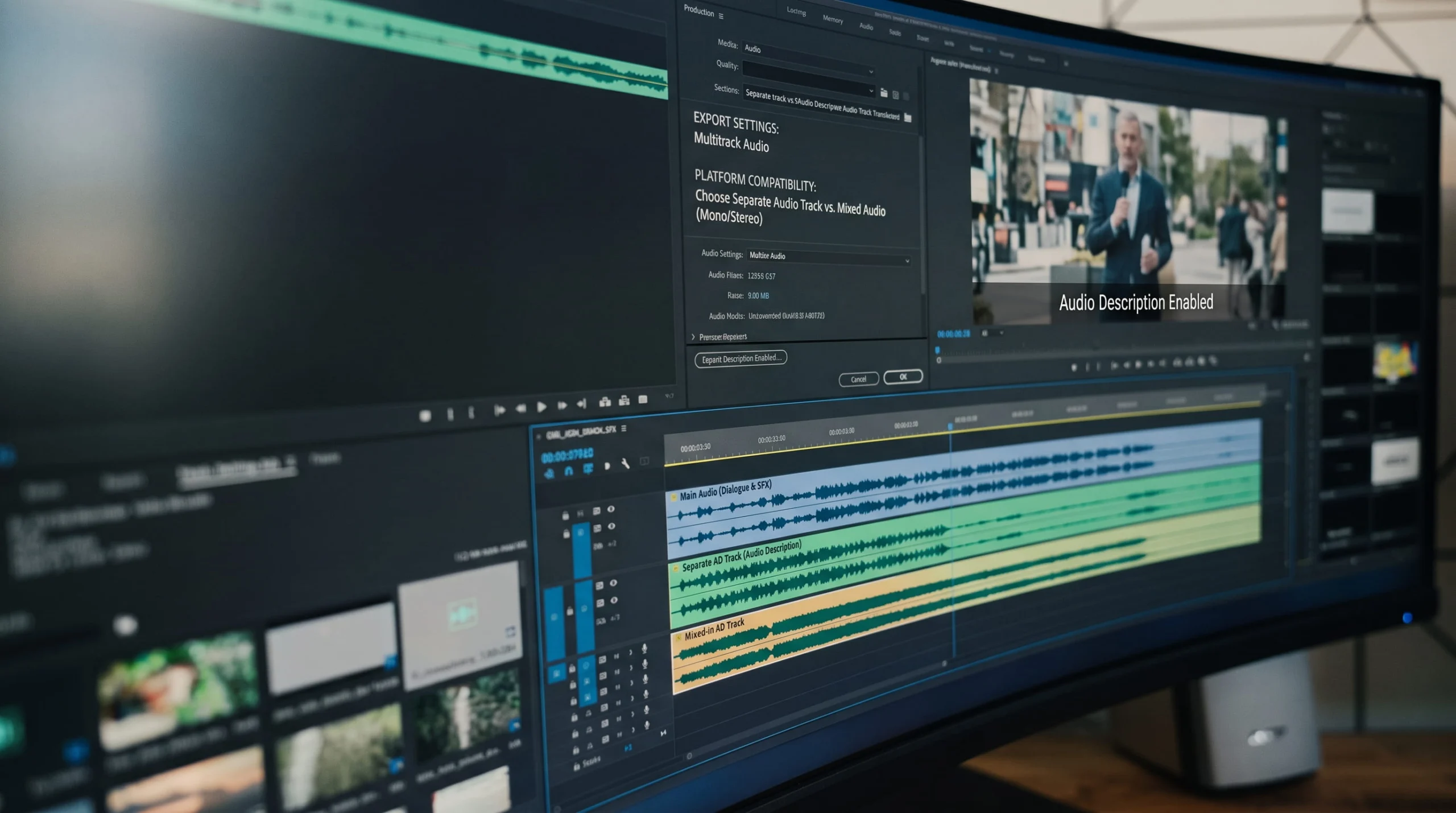
A separate audio track, often called closed audio description, lets viewers turn description on and off. Mixed-in description, often called open audio description, is built into the video’s soundtrack so everyone hears it. A separate audio track is usually preferred when the platform supports it, because it leaves the original video untouched and gives viewers a choice. On TV, audio description is typically delivered on a secondary audio stream that viewers can switch on, which works much like a closed track.
Before you commit to a plan, find out what your platform can do. Vimeo, for example, lets you upload an audio track and label it as audio description, with a plan-based limit on extra audio tracks per video, according to the Vimeo Help Center. Other platforms may not support separate tracks at all, which would push you toward open description or a different player for described videos. Ask early, because this answer changes how you receive and publish every file.
On the Verbit side, finished audio description can come back as a separate audio track, a timed text file, or through an integration. In Panopto, people with the right permission can request audio description from the video itself, and finished files return to the media entry. For how the return trip works in Canvas, YouTube, Kaltura, and Panopto, see Verbit’s guide to adding captions to videos in those platforms, since the same planning applies to audio description.
AI, human, or hybrid audio description for a big library
For a large archive, the method matters as much as the platform. Human-authored description is the right call for high-stakes content, such as a film, a series, a marketing video, or anything dense with charts and on-screen text. AI audio description is built for volume and speed, and it suits lecture libraries, training videos, catalogs, and archives with fairly simple visuals. Most large libraries end up with a hybrid: AI as the default, with human description or review where the content calls for it. Media teams often reserve human description for premium and branded content and use AI for the long tail.
Verbit offers AI and human audio description on one platform, so content can move between methods without a new vendor or contract. The full decision framework, including how to weigh visual complexity, the cost of an imperfect description, and volume against a deadline, is in Verbit’s guide to AI vs. human audio description.
How to describe a backlog of videos: A step-by-step plan
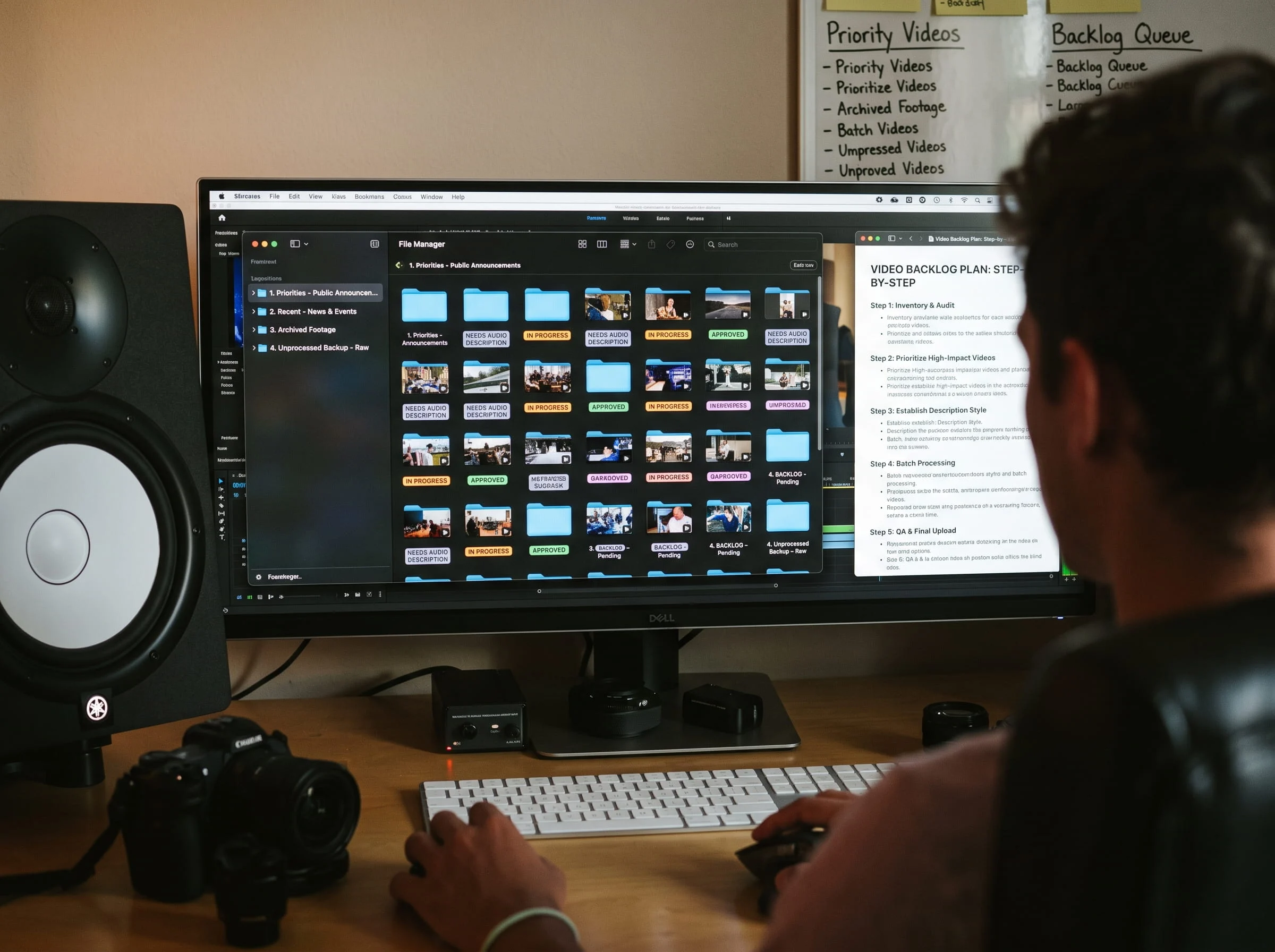
Here is a sequence that keeps a large project manageable for a small team. A rough version of each step is enough to begin.
- Take inventory. Export a list of your videos with titles, owners, durations, and view counts from each platform or catalog.
- Sort into tiers. Use the listen-with-your-eyes-closed test to separate videos that need description from those that do not, then rank the rest by use and by regulatory or contractual exposure.
- Run a pilot. Send a small, varied sample, such as a lecture, a demonstration, and a slide-heavy video, or an episode, a trailer, and a training clip. Check the results for accuracy and how well they play in your platform before scaling up.
- Pick the method and format. Decide where AI is enough, where human description is worth the added time, and whether you need standard or extended description and closed or open delivery.
- Submit in batches. Work tier by tier rather than all at once so reviews stay manageable. Where your account is set up for it, a compound order can request captions and audio description together, so each video is handled in one pass.
- Review and publish. Spot-check each batch, publish the description track in your platform, and record what is done so you know what remains.
- Build it into new content. The backlog is finite. Describe new videos as they are produced so the problem does not come back.
Audio description turnaround and cost: How to plan your timeline and budget
Two questions come up on nearly every call: how long will it take, and what will it cost? Both are easier to estimate than most teams expect.
On timing, AI-generated description is generally much faster than human-authored description, which can take days to weeks. Turnaround for either is set by your agreement, so decide up front which tiers need to move quickly and which can wait. On cost, ask how pricing works for volume. Per-minute and subscription models can change the math for a library this size, so compare both.
Be realistic about the calendar, too. Under the DOJ’s ADA Title II rule, the compliance dates are April 26, 2027 for public entities serving 50,000 or more people and April 26, 2028 for smaller entities and special districts. Which date applies depends on the size of your entity, so confirm with your counsel. Media teams run on different clocks, such as quarterly described-hours requirements and distribution deadlines. Either way, a large backlog is a project measured in months, not weeks. A pilot batch will tell you more than any estimate, and teams that begin one now will have the clearest picture of timing and cost.
Why higher education, government, and media teams trust Verbit for audio description compliance
Audio description is rarely the only thing a video needs. Verbit brings it together with the rest and is built to help teams meet their accessibility requirements without adding more vendors. A few things set the approach apart.
- AI and human description on one platform. Use AI for volume and human description for high-stakes content, with no new vendor or contract when you move between them. Verbit’s AI audio description includes optional expert review for content that needs it.
- Everything a video needs in one place. Captions, transcripts, translation, and audio description come from the same platform and, where your account is set up for it, can be requested in a single compound order.
- Fits the tools you already use. Finished description can return as an audio track, a timed text file, or through an integration, with ordering from Panopto and an API for custom workflows.
- Options built for your sector. Campus Complete serves higher education and Civic Complete serves government agencies, and Verbit’s services can be contracted under the GSA Schedule, which can streamline procurement. For media teams, Verbit’s human description is broadcast-quality, with professional voice artists, and the same platform can handle AI description for catalog and archive content.
- Real people behind the platform. Every customer has a dedicated account rep plus 24/7 chat support, so questions about a pilot, a format, or a platform get answered by a person.
Meeting a deadline depends on trust as much as technology. If you are looking at a large library and a deadline, we can show you how our audio description technology works, help you size the project, and plan the first batch. Book a demo and we’ll walk through it together.
FAQs on Audio Description and ADA Title II for Video
Does every video need audio description under ADA Title II requirements?
No. The Department of Justice’s Title II rule points to WCAG 2.1 Level AA, which includes audio description for prerecorded video, but if everything important in a video is already spoken, separate description is not necessary. Videos that rely on on-screen text, charts, demonstrations, or action without narration do need it. Compliance dates are April 26, 2027 for entities serving 50,000 or more people and April 26, 2028 for smaller entities, so confirm which applies to you with your counsel. Verbit’s team can help you sort which content falls into which group when you start a pilot.
Do government agencies need audio description for recorded public meetings?
Title II covers state and local governments, and WCAG 2.1 Level AA applies to their prerecorded video. If a recorded meeting shows slides, maps, or exhibits that speakers do not describe aloud, those visuals need an accessible alternative for residents who are blind or have low vision. Verbit’s Civic Complete is built around ADA Title II for government agencies and their public meetings.
What audio description requirements apply to media companies?
In the United States, the FCC’s video description rules require covered broadcast stations and the top networks of larger cable and satellite providers to provide 87.5 hours of described programming per calendar quarter. Streaming and digital-first teams may face distributor, platform, or international requirements instead. Verbit’s human and AI audio description are available on one platform, and your compliance team can confirm which rules apply to you.
What is the difference between standard and extended audio description?
Standard audio description fits narration into natural pauses in the dialogue. Extended audio description pauses the video to make room for a longer description. Extended description is a Level AAA criterion in WCAG, while audio description of prerecorded video is part of Level AA. Verbit’s audio description includes extended description.
Can AI generate audio description?
Yes. AI audio description suits high-volume content with simple visuals, such as lectures, training videos, catalogs, and archives. Human description or review is better for complex or high-stakes content, and many teams use a hybrid approach. Verbit offers AI description with optional expert review, plus human description on the same platform.
Will audio description play in my video platform?
It depends on the platform. Some accept description as a separate audio track, as Vimeo does, while others may not, in which case open description may be the option. Check before you order. Verbit can deliver description as an audio track, a timed text file, or through an integration, and Panopto users can request it from the video.
How do I start describing a large video library?
Inventory your videos, sort them by how much they depend on visuals, run a small pilot, and then submit the rest in batches by priority. A pilot gives you real numbers on timing, quality, and cost before you commit to the full library. Higher education teams can look at Campus Complete, which includes AI audio description alongside captions, transcripts, and translation, and government agencies can look at Civic Complete, which is built around ADA Title II. Verbit’s account team can help you size either one.