Higher education instructors, instructional designers, and university accessibility coordinators.
Key Takeaways
Modern blended learning mixes in-person instruction with rich multimedia tools to create flexible, self-driven pathways for students. Integrating professional transcription and video captioning ensures these digital resources remain accessible, engaging, and effective for every learner.
AT A GLANCE
- Synchronized video captions help visual learners and non-native speakers grasp complex academic materials easily.
- Specialized speech-to-text tools train on course-specific vocabulary to deliver highly accurate lecture transcripts.
- Direct video platform integrations simplify how schools deliver accessible digital content to their students.
WHO SHOULD READ THIS
Estimated Reading Time
4 min read
Blended learning, accessibility, and AI converge in 2026-2027
Blended learning is now the default experience for many college students, not an experiment. More than half of U.S. students took at least one online course in fall 2024, according to federal IPEDS data, well above the 36% recorded before the pandemic. That number only continues to rise. Most of those students still spend time on campus too, moving between lecture halls, recorded lessons, and their LMS in the same week.
At the same time, accessibility in education has become a legal requirement with a firm timeline. Under the updated ADA Title II rule, public colleges and universities must make their web content and digital course materials meet WCAG 2.1 Level AA. The DOJ’s April 2026 Interim Final Rule gave institutions an extra year, with the first deadline now April 26, 2027.
That extra year is an opportunity, not a reason to pause. Institutions that use the time wisely can build captioning and transcription into everyday course production instead of scrambling to remediate thousands of videos later. For higher education leaders looking for practical solutions, transcription and captioning sit right where blended learning, compliance, and student success meet.
What is blended learning in higher education today?
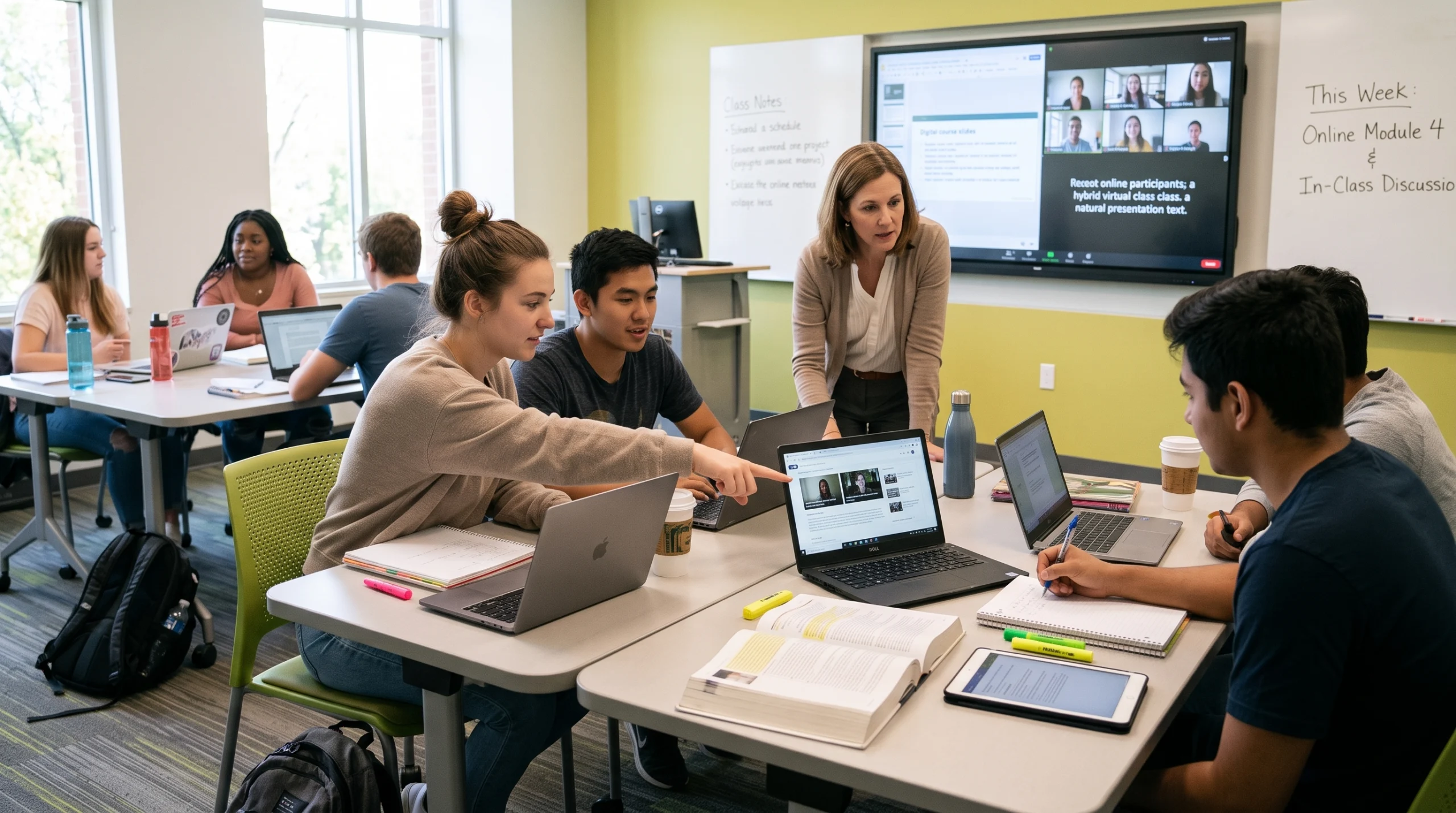
So, what is blended learning? It’s a course model that combines face-to-face instruction with online components such as recorded lectures, discussion boards, video assignments, and live virtual sessions. Students might attend a seminar in person on Monday, then watch a recorded lecture and complete a quiz in the LMS later in the week.
Asking what is blended learning in 2026-2027 also means asking who it serves. Today’s students want flexibility, but not necessarily a fully online degree. The 2025 EDUCAUSE student technology report found that 53% of students prefer on-site courses, 26% prefer online, and 22% have no preference. Nearly half (46%) had already taken at least one hybrid course. In other words, most students expect both modes, and many move between them in a single semester.
The same report found that students value recorded lectures and instructional videos for reviewing hard concepts and learning on their own schedule. That makes video the backbone of blended learning, and it’s also where accessibility gaps tend to appear first.
Digital learning tools that power blended courses
The digital learning tools behind blended courses include learning management systems like Canvas, Blackboard, D2L Brightspace, and Moodle, plus video platforms such as Kaltura, Panopto, YouTube, and Zoom. Each one multiplies the amount of audio and video an institution produces. A single large course can generate dozens of hours of recorded content per term.
That volume is manageable only when captioning and transcription are built into the workflow. Verbit integrates directly with the platforms faculty already use, so captions and transcripts can be requested and published without extra steps. Leading eLearning platforms, including Coursera, Skillshare, and Udacity, have worked with Verbit to make large libraries of course video accessible at scale.
Accessibility in education: The ADA Title II landscape for 2026-2027
Accessibility in education has shifted from a best practice to a compliance requirement. In April 2024, the U.S. Department of Justice published its updated Title II rule, requiring state and local government entities, including public colleges and universities, to make web content and mobile apps accessible. The technical standard is WCAG 2.1 Level AA, built on four principles: content must be perceivable, operable, understandable, and robust.
On April 20, 2026, the DOJ issued an Interim Final Rule that pushed each compliance date back one year:
| Institution size | Original deadline | Current deadline |
|---|---|---|
| Public entities serving 50,000+ people | April 24, 2026 | April 26, 2027 |
| Public entities under 50,000 and special districts | April 26, 2027 | April 26, 2028 |
The standard itself didn’t change. Every LMS course page, PDF, student portal, and recorded lecture still needs to meet WCAG 2.1 AA. For a full overview, see our guide to the ADA.
The need goes well beyond legal risk. About 21% of undergraduates report having a disability, according to NCES data, yet only a fraction register with campus disability offices. EDUCAUSE found that 43% of students with a disability had never registered for accommodations. Accessible-by-default course content reaches these students without requiring them to ask first.
Captioning services for education: What WCAG 2.1 AA requires
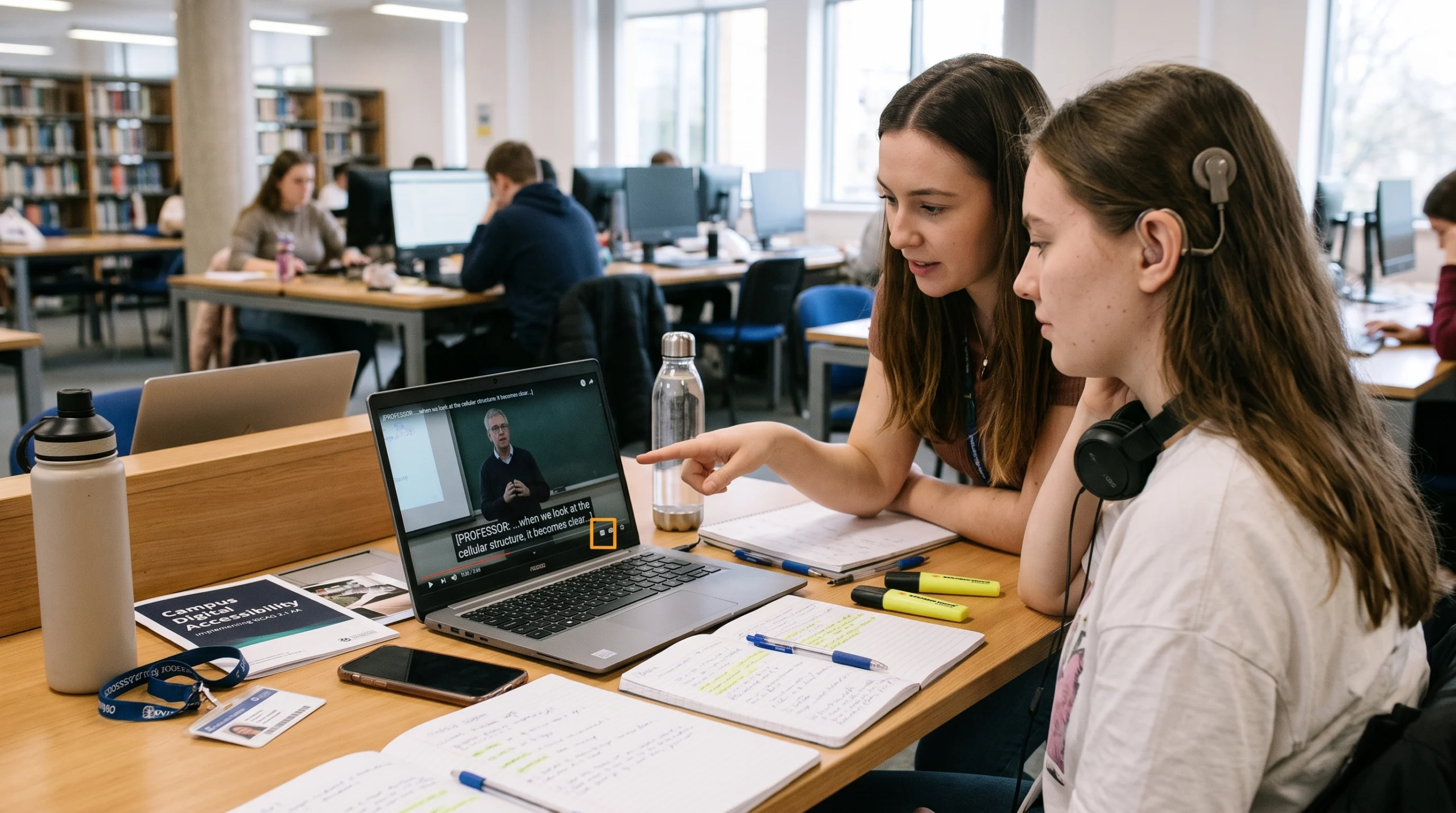
For video, the core of most blended courses, captioning services for education are now essential. WCAG 2.1 AA calls for:
- Captions for prerecorded video with audio (Success Criterion 1.2.2), synchronized and accurate.
- Captions for live video, such as livestreamed lectures, events, and virtual office hours (Success Criterion 1.2.4).
- Audio description for prerecorded video, so learners who are blind or have low vision can access key visual information (Success Criterion 1.2.5).
- Transcripts for audio-only content like podcasts and recorded interviews.
One distinction matters here. Captions display spoken words and relevant sounds in the same language as the audio. Subtitles typically translate that audio into a different language. They serve different needs and aren’t interchangeable for compliance.
Audio description is often the most overlooked requirement. Verbit offers both professional audio description and AI audio description, so teams can match the approach to each video’s complexity and budget. Our practical audio description plan walks through how to prioritize large libraries.
Institutions are also asking vendors for Accessibility Conformance Reports (ACRs) and VPATs during procurement. Choosing partners who can document their own conformance makes the audit process far simpler.
Transcription services for education: Choosing the right mix of AI and human expertise
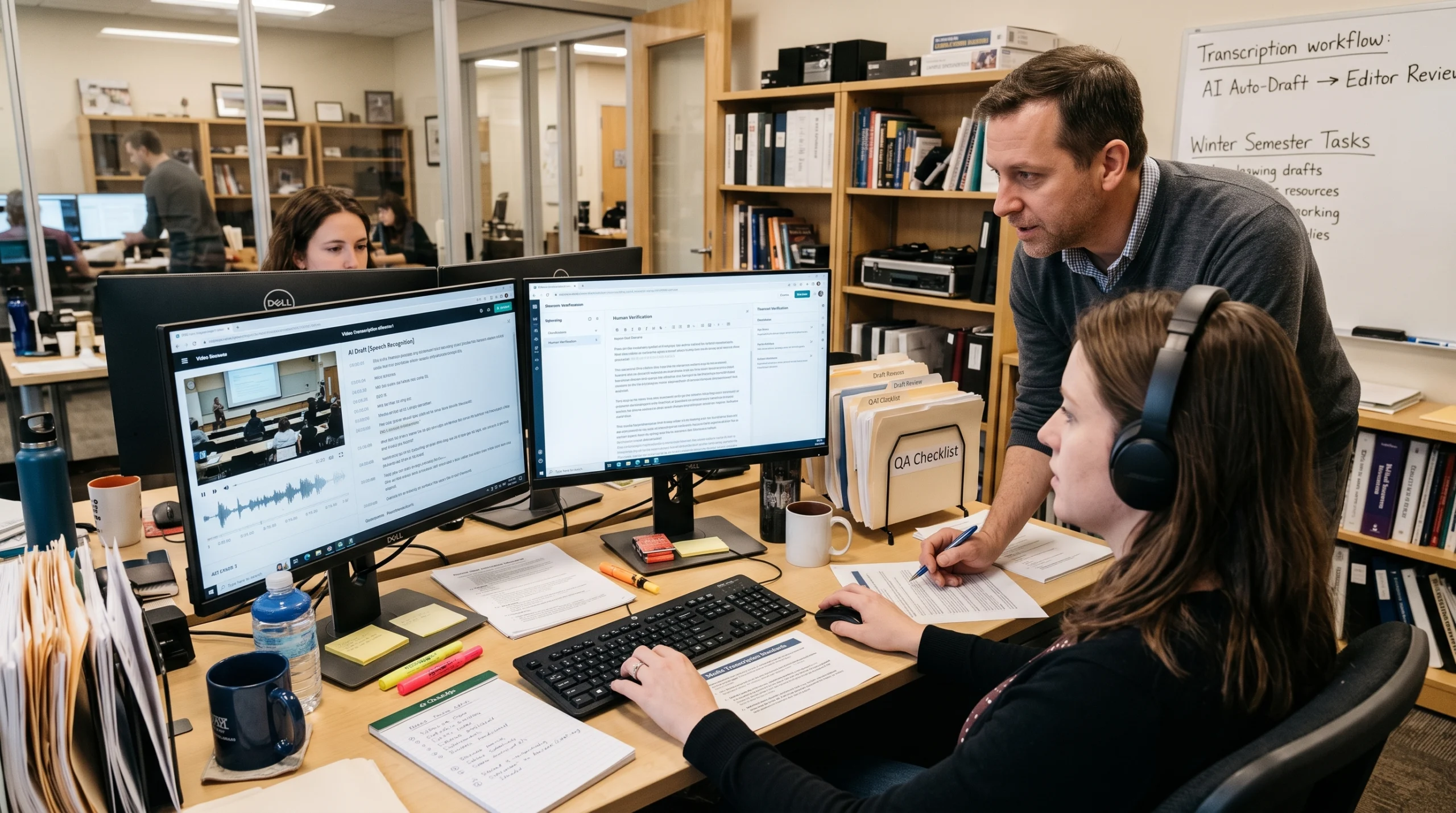
AI has changed what transcription services for education can deliver. Automatic speech recognition is faster and more affordable than ever, which makes it realistic to caption every lecture rather than only the courses with a registered accommodation request.
Speed and cost aren’t the whole picture, though. Accuracy varies widely between tools, and errors show up most in the content that matters most in higher education: technical vocabulary, formulas, names, accented speech, and multi-speaker discussions. A caption that turns “mitosis” into “my toes is” doesn’t support learning, and it may not satisfy WCAG either.
That’s why most institutions benefit from a flexible approach:
- AI captioning and transcription for high-volume, lower-stakes content, such as routine lecture capture and internal recordings.
- Professional, human-verified captions for accommodation requests, STEM and specialized courses, and public-facing video.
- Live captioning for synchronous classes, events, and webinars.
- Translation and subtitles for multilingual learners and international programs, using AI translation where budgets are tight and professional translation where nuance matters.
Free auto-caption tools built into video platforms can look like a shortcut, but they often require significant faculty or staff time to review and correct. Verbit’s captioning solutions and transcription services let teams choose the right accuracy level for each video from one platform, with security standards that support FERPA obligations. Verbit’s translation options extend the same flexibility to subtitles across many languages.
For step-by-step help on the platform side, see how to add captions in Canvas, YouTube, Kaltura, and Panopto.
Benefits of transcription in education: Engagement, comprehension, and flexibility
The benefits of transcription in education reach far beyond students with documented disabilities. In a national Oregon State study of 2,124 students at 15 colleges and universities, 98.6% of students who used captions said they were helpful. Students most often cited captions and transcripts as tools for focus, comprehension, and retention.
In blended learning, those benefits show up in everyday ways:
- Searchable lectures: Students can search a transcript for a key term and jump straight to the right moment in a recording, instead of rewatching an hour of video.
- Study and review: Transcripts become ready-made study notes, which helps students review at their own pace before exams.
- Flexible viewing: Captions let students watch in noisy places, on public transit, or in shared spaces where sound isn’t an option.
- Multilingual learners: Non-native English speakers can follow complex lectures more easily with captions, and translated subtitles can support international students.
- Better faculty materials: Instructors can repurpose transcripts into course notes, study guides, and accessible handouts.
Online learning accessibility as a competitive advantage
Strong online learning accessibility also supports enrollment and retention. EDUCAUSE found that student satisfaction with accessible content and technology dropped 13 points between 2023 and 2025, to 55%. Institutions that close that gap can stand out to prospective students, especially adult learners and working professionals who rely on flexible, on-demand course formats.
When accessibility is built into content from the start, it stops being a retrofit project and becomes part of the student experience.
A practical roadmap for 2026-2027
The extended deadline gives institutions time to plan instead of react. A phased approach helps teams use that time wisely.
Now through early 2027: Assess and prioritize
- Audit digital content, starting with high-enrollment courses, required courses, and public-facing video.
- Assign clear ownership for digital accessibility, often a cross-functional group spanning IT, disability services, instructional design, and procurement.
- Pilot captioning and transcription workflows inside your LMS and video platforms.
- Train faculty and staff on WCAG 2.1 AA basics and accessible content creation.
Before April 26, 2027: Scale and document
- Caption and transcribe new course video by default, and work through priority backlog content.
- Add audio description to videos where visual information isn’t conveyed in the audio.
- Build accessibility requirements into procurement, and request ACRs or VPATs from vendors.
- Set up a simple way for students to report caption errors or inaccessible content.
2027 and beyond: Sustain and improve
- Make accessibility part of every course launch and content refresh, not a separate project.
- Expand translation and subtitles for multilingual and international learners.
- Review quality regularly, including spot-checks of AI output and human review for specialized content.
How Campus Complete supports higher education
Verbit’s Campus Complete brings these pieces together in one subscription built for ADA Title II. It includes AI and human-reviewed captioning and transcription, translation for live and recorded content, and AI audio description with expert human review, plus integrations with LMS, video, and disability services tools. With flat-rate pricing, teams get one predictable way to make blended learning content accessible instead of juggling multiple vendors and budgets.
To learn more about Verbit’s higher education solutions, or to map out your own Title II plan, connect with our team.
FAQs on blended learning & higher education accessibility
What is blended learning?
Blended learning is a course model that combines in-person instruction with online elements such as recorded lectures, LMS activities, and live virtual sessions. It gives students flexibility while keeping face-to-face interaction.
Why is transcription important in blended learning?
Transcription makes audio and video content searchable, reviewable, and accessible. Students can study from transcripts, find key moments quickly, and follow lectures in any environment. Transcripts also help institutions meet accessibility requirements for audio-only content.
Are captions required for college course videos under ADA Title II?
Yes, for public colleges and universities. The ADA Title II rule adopts WCAG 2.1 Level AA, which requires captions for prerecorded and live video with audio. Institutions serving populations of 50,000 or more must comply by April 26, 2027, and smaller entities by April 26, 2028.
What's the difference between captions and subtitles?
Captions show spoken words and meaningful sounds in the same language as the audio. Subtitles typically translate the audio into another language. Captions support accessibility compliance, while subtitles help multilingual audiences.
Are AI captions accurate enough for higher education?
AI captions work well for many routine recordings, but accuracy can drop with technical terms, accents, and poor audio. Many institutions pair AI captioning with human review for accommodation requests, STEM courses, and public-facing content.
What are the benefits of transcription in education?
The benefits of transcription in education include better comprehension, easier review, searchable lecture content, support for multilingual learners, and compliance with accessibility in education requirements.
How can colleges prepare for the April 2027 ADA Title II deadline?
Start with a content audit, prioritize high-impact courses and public video, build captioning into the LMS workflow, and choose partners who can document WCAG 2.1 AA conformance. Solutions like Campus Complete combine captioning, transcription, translation, and audio description in one subscription.