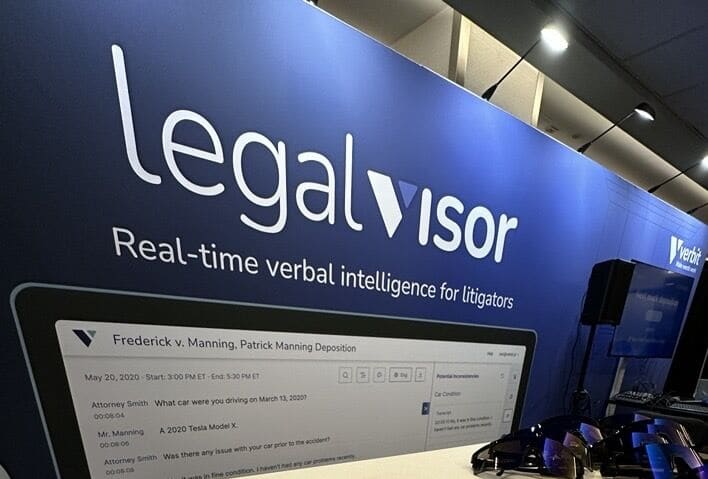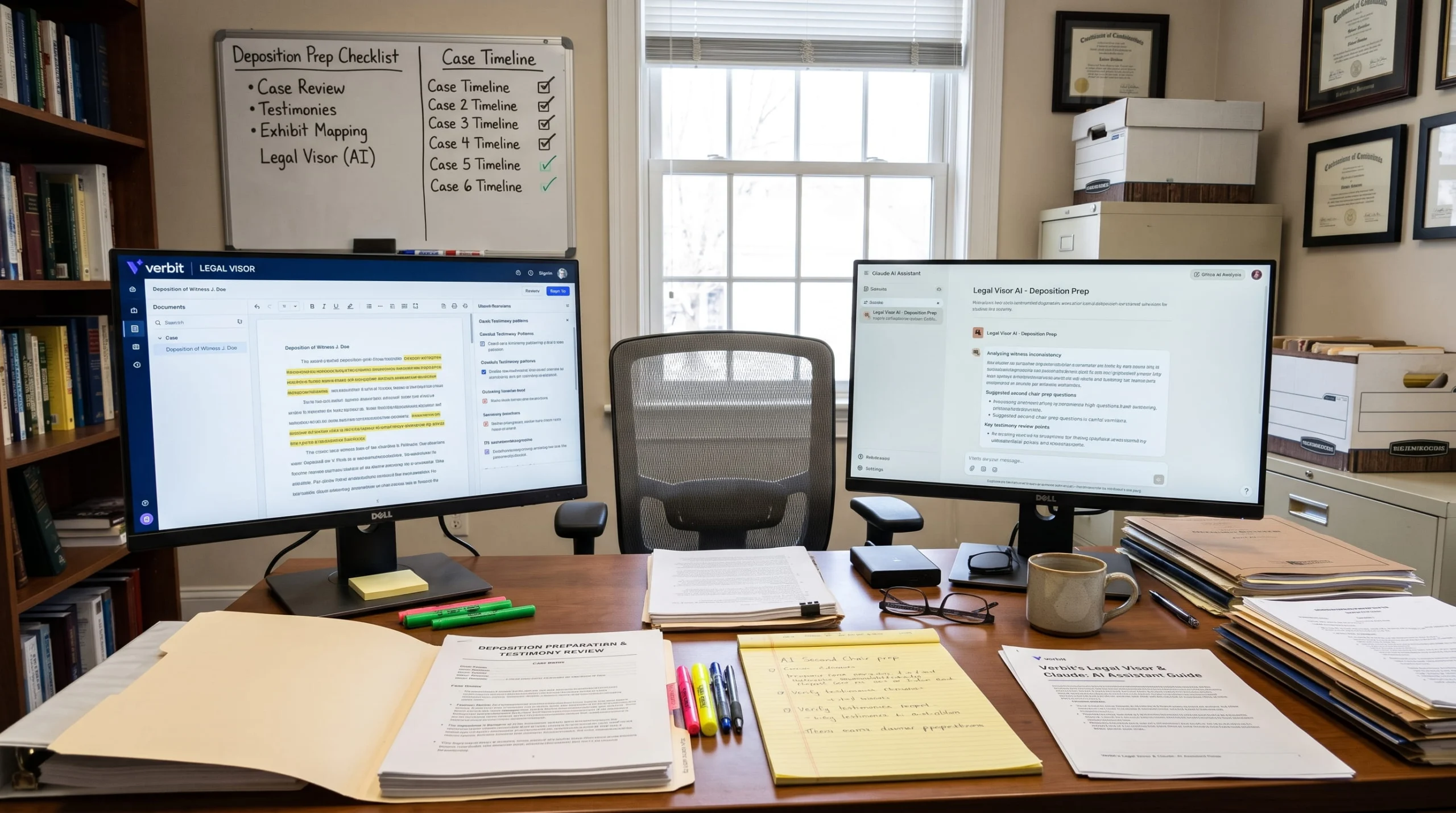
Verbit’s Legal Visor is now available in Claude’s connector directory. For litigators, that’s big news as it means the testimony behind your cases – depositions, transcripts, and the insights drawn from them – is now one question away, right inside Claude.
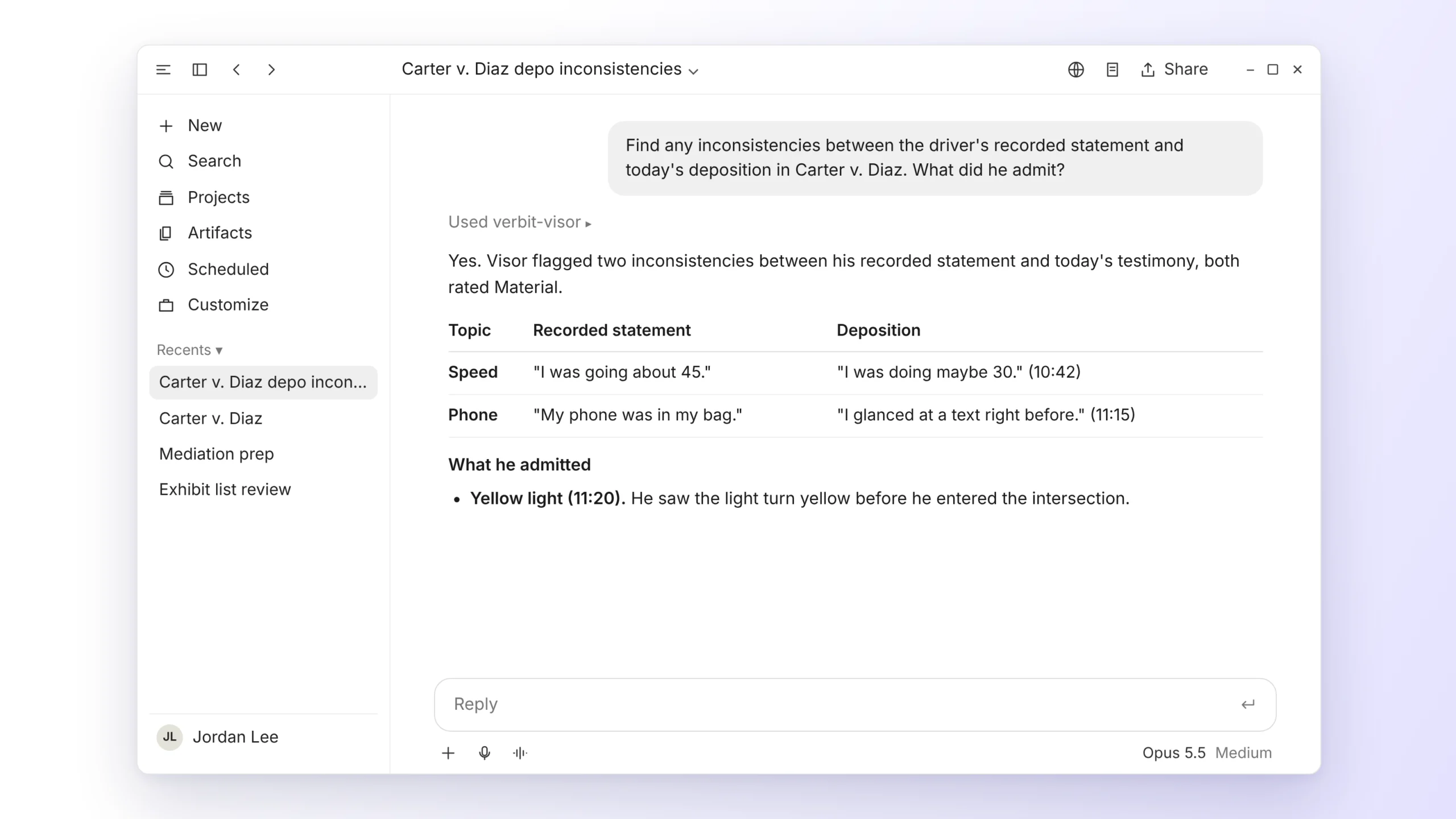
Claude has quickly become one of the go-to AI tools for attorneys, as legal AI adoption continues growing across firms of every size. Until now, though, attorneys could typically work with deposition testimony only after the transcript arrived in their system. Legal Visor for Claude changes that timing. Attorneys can bring Legal Visor’s insights into Claude in real time, even while a deposition is still underway, and ask for a specific admission, a contradiction between witnesses, or a deposition summary without leaving the conversation. Legal Visor for Claude removes that step. Attorneys can ask for a specific admission, inconsistencies between witnesses – within both a current proceeding’s transcript and any other discovery document or testimony, or a deposition summary, and Claude returns it from the record in Legal Visor.
What is Legal Visor for Claude?
Verbit built Legal Visor, its legal AI platform for litigators, to help attorneys catch key admissions and contradictions in testimony while there’s still time to act on them. It delivers summaries, inconsistency flags, and outline tracking across legal depositions, EUOs, arbitrations, and investigations, both live and after the proceeding.
Legal Visor for Claude is a new MCP connector that links your Legal Visor account to Claude, so you can work with your cases, proceedings, transcripts, and insights by asking in plain language. Setup takes a few minutes, and each attorney connects with their own Legal Visor login.
Claude already connects to many of the case management tools legal teams rely on. Now it also connects to your real-time proceeding intelligence. With the Legal Visor MCP Connector, you can now ask Claude for a witness’s exact answer, a deposition summary, or a flagged inconsistency, and get it in the same conversation. These capabilities are all baked into Claude for easy access.
Four ways to use Legal Visor for Claude
| Capability | Example request |
|---|---|
| Manage cases: list open cases, find one by name or docket number, or create a new one | "Show me my open cases with a deposition scheduled this month." |
| Find proceedings: see upcoming proceedings or locate a specific completed one | "What depositions are coming up this week?" |
| Pull transcripts: get the full, verbatim, speaker-labeled transcript of a completed proceeding by name | "Pull the plant manager's deposition transcript." |
| Surface insights: summaries, inconsistency flags, and outline tracking of key facts and exhibits | "Summarize yesterday's deposition and list the admissions." |
Once Legal Visor is connected, attorneys and litigation support teams can ask Claude to handle four types of tasks, using the same everyday language they’d use with a colleague.
How attorneys prepare for depositions with Legal Visor for Claude
To show how Legal Visor for Claude works in practice, here’s a fictional employment case, Rivera v. Northline Logistics, where a former warehouse supervisor alleges she was fired for reporting a safety issue. Each step below shows a request an attorney might type into Claude and what comes back.
- Open the matter. “Create a case in Legal Visor called Rivera v. Northline Logistics, docket 2:26-cv-01482.” The case is created in Legal Visor.
- Plan discovery. “What proceedings are coming up in Rivera?” Claude lists upcoming depositions and their dates.
- Book a deposition. “Schedule the HR director’s deposition for Thursday at 10am Eastern on Zoom, in English.” Claude opens a confirmation form. You review it, and nothing is booked until you confirm.
- Prep the next witness. “Pull the plant manager’s deposition and list everything he said about the March 4 termination meeting.” You get the verbatim, speaker-labeled transcript, with the relevant answers pulled out.
- During the deposition. “Has Legal Visor flagged any inconsistencies in the HR director’s testimony so far?” You see inconsistency flags while the witness is still in the chair.
- Right after. “Summarize the HR director’s deposition and tell me which outline topics we didn’t cover.” You get a summary plus outline tracking of key facts and exhibits not yet addressed.
- Across witnesses. “Compare what the HR director and the plant manager said about who made the termination decision.” Claude lays out both witnesses’ testimony on that point side by side.
- Put it to work. “Draft a two-paragraph update to the client on today’s deposition.” Claude drafts an update grounded in the transcript, ready for you to edit.
Across those eight steps, the attorney never left Claude to look for testimony. There were no keyword searches through 300-page deposition transcripts and no retyping of notes into a client email.
Prompts to try in your practice area
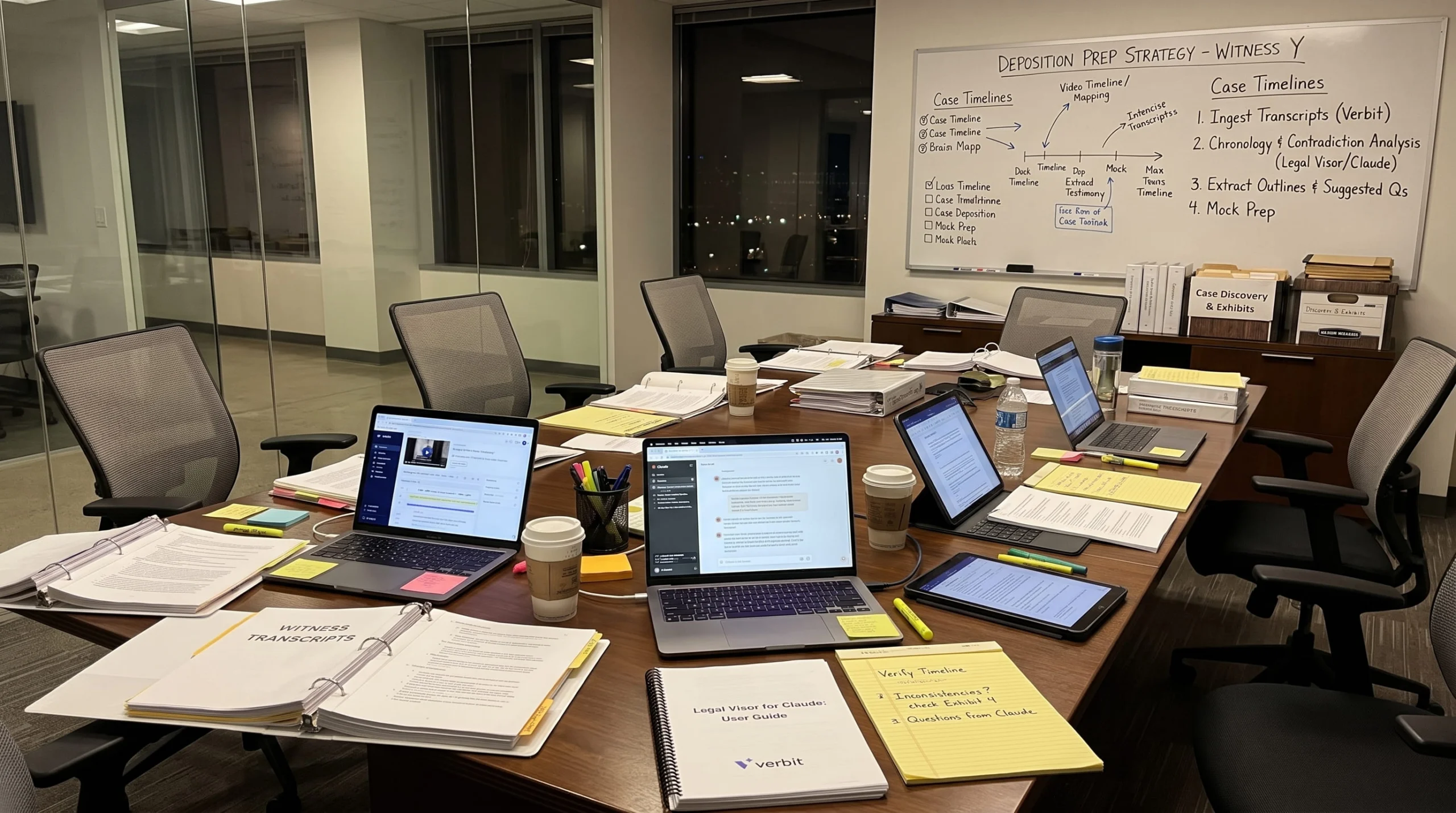
The most useful requests depend on the type of litigation. Here are sample requests for five common practice areas:
- Employment defense: “Where did the manager’s testimony differ from the written policy?
- Insurance defense: “Compare the claimant’s EUO to his deposition and list where his account of the accident changed.”
- Commercial litigation: “Across all five executive depositions, who said they knew about the supply contract before June?”
- Plaintiff litigation: “From yesterday’s deposition, list every admission about the maintenance schedule.”
- Internal investigations: “Summarize the three witness interviews and flag where their timelines don’t match.”
- General: “We’re on lunch break in the Kowalski deposition. Which outline topics haven’t we covered?”
In general, if it’s a question you’d ask a colleague who has read every deposition transcript in the case, you can now ask Claude.
How Legal Visor for Claude keeps attorneys in control of every decision
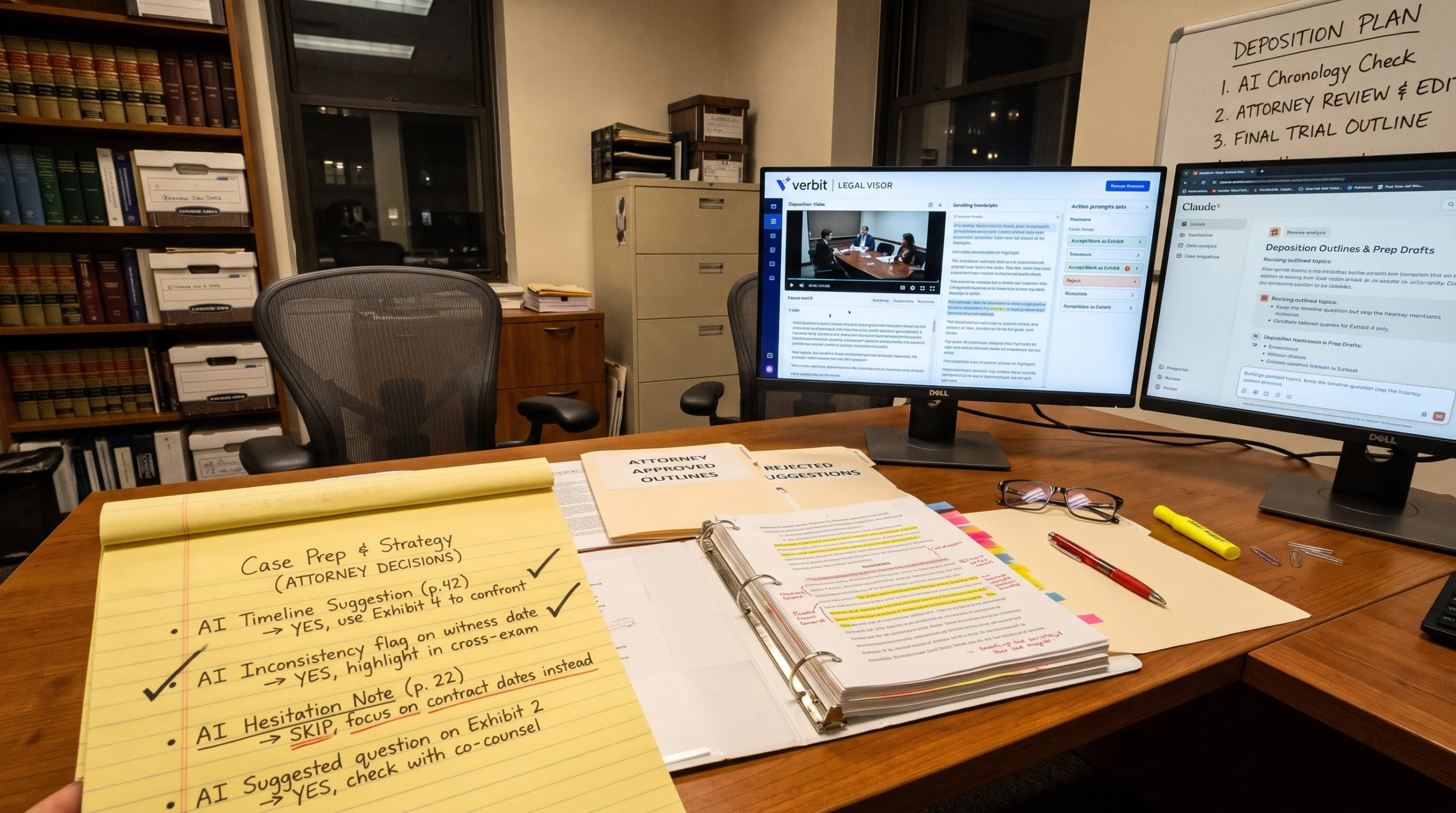
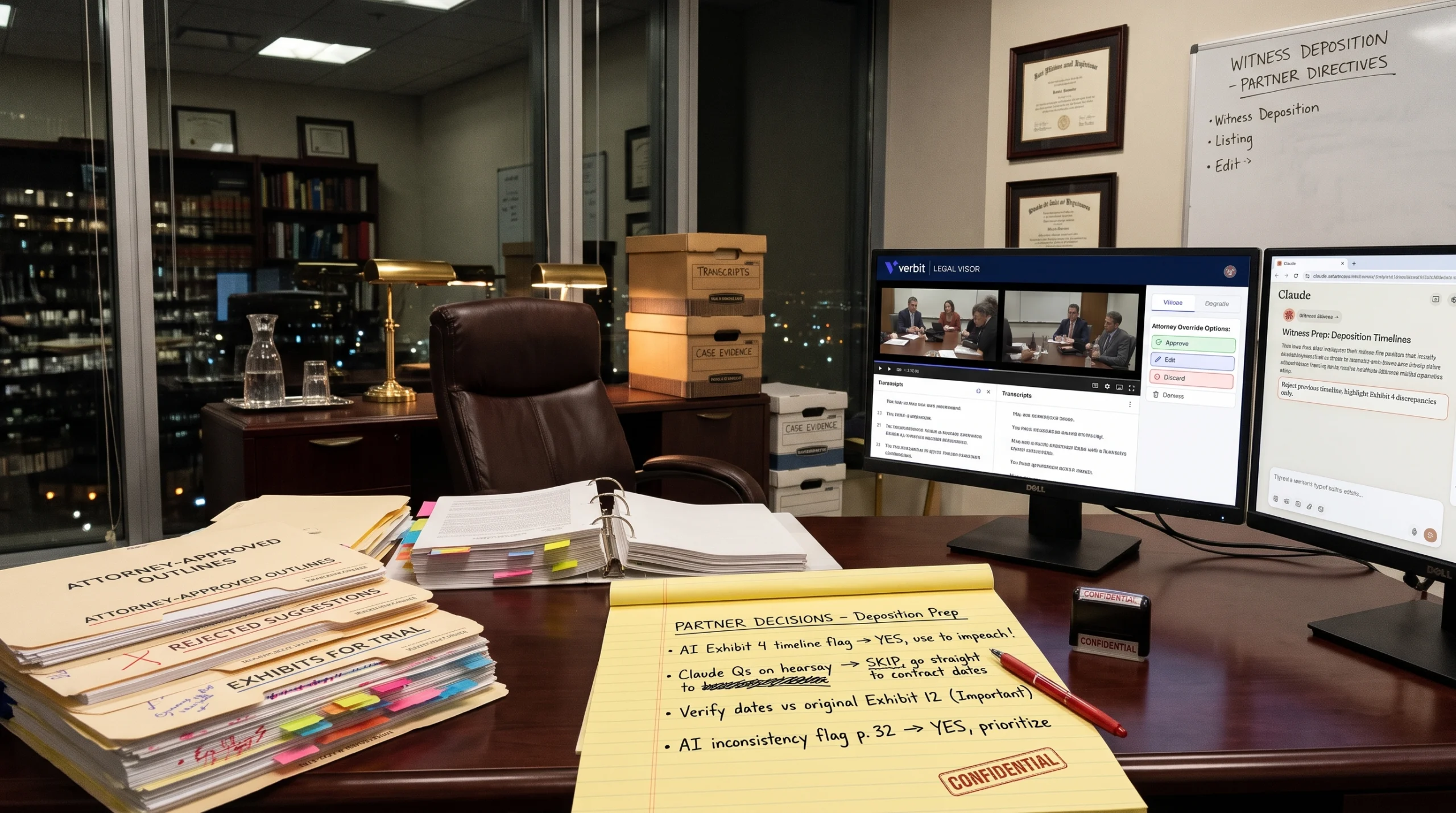
Legal Visor for Claude is built to support your judgment, not replace it. Claude works from the record in Legal Visor, surfaces what you ask for, and drafts when you want a starting point. You review everything and decide what happens next.
Legal Visor for Claude also fits into existing litigation workflows:
- It works with court reporters, not instead of them. The official transcript still comes from your reporter. Legal Visor adds AI-powered insights during and after the proceeding.
- It complements your other connectors. Case management connectors give Claude your case file: contacts, documents, notes, and tasks. Legal Visor adds what witnesses said under oath, with summaries and inconsistency flags already generated.
- It never acts on its own. Legal Visor for Claude won’t book, file, or send anything without you. Scheduling always goes through a confirmation form.
What is an MCP connector?
MCP, or Model Context Protocol, is the open standard Claude uses to connect securely to other tools. Think of it as a common language that lets Claude ask a specialized system for information and get a structured answer back.
This matters for legal teams because of how access works. The Legal Visor MCP connector uses each person’s own Legal Visor access and permissions, so Claude only sees the cases that user can already see. For litigation support and legal ops leaders deciding which connectors to approve, this permission model is the key detail to review.
Is Legal Visor for Claude secure?
Testimony is some of the most sensitive material a firm handles, so security was a starting requirement, not an afterthought. Legal Visor is SOC 2 Type II, ISO 27001 certified, and HIPAA compliant, and customer data is never used to train AI models. You can review the details in Verbit’s trust and data policy.
Under the hood, Legal Visor runs on Verbit’s legal-trained speech recognition, built for the terminology and pace of real proceedings. And because the connector follows each user’s existing permissions, connecting Claude doesn’t give anyone access to cases they couldn’t already see.
How to start using Legal Visor in Claude
Getting started takes a few minutes:
- Find Verbit Legal Visor in Claude’s connector directory.
- Select connect and sign in with your Legal Visor account.
- Start a new conversation in Claude and ask about one of your cases.
If you’re not yet a Legal Visor customer, you can book a Legal Visor demo to learn more on how it works. Our legal team will happily walk you through it on a sample case.