
Compliance officers, IT managers, content creators, and event coordinators across education, government, media, corporate, and legal settings evaluating captioning solutions.
Table of contents
- Understanding Closed Captioning Services
- Realtime Captioning in Modern Video Content
- Legal Requirements
- Live Captioning Services
- Post-Production Captioning Services
- Benefits of Video Captioning
- Video Captioning Services for Education
- Best Practices for Video Captioning
- The Path Forward for Video Captioning
- Frequently Asked Questions
Key Takeaways
Video captioning has moved from a niche accommodation to a mainstream expectation, driven by legal deadlines, viewer preference, and measurable business impact, with 87% of Americans using captions at least sometimes. This guide covers the ADA Title II compliance timeline, how AI-plus-human captioning models work, and the pricing and business case for treating captions as standard practice rather than an afterthought.
AT A GLANCE
- 87% of Americans use captions at least sometimes; 42% prefer them even with clear audio
- ADA Title II deadlines hit April 2027 (large entities) and April 2028 (smaller ones)
- Captions boost more than accessibility: better comprehension, SEO, and reach into sound-off environments like social media
WHO SHOULD READ THIS
Estimated Reading Time
14 minutes
Understanding Closed Captioning Services and Why They Matter
Here’s the captioning stat that catches people off guard: 42% of US viewers say they prefer to watch video with the captions on even when the audio is perfect, according to XR’s 2026 Global Ad Accessibility Report. It’s not because they can’t hear it – they prefer to also read along. That same study found that 87% of Americans use captions at least sometimes, a habit that now spans every age group, not just younger viewers.
Captions aren’t a hearing accommodation anymore. That’s just how people watch video now, across every generation and every screen.
Modern closed captioning services have evolved far beyond basic closed captions and subtitle generation to include speaker identification, atmospheric sound detection, and near-instant turnaround for those who request them. Organizations across every sector are looking for video captioning services that can scale with their content output while staying accurate and compliant.
The question isn’t whether to caption anymore. It’s how to do it well, at volume, without slowing your team down. Here’s what we’ll cover: what’s driving this shift, what ADA compliance actually requires if you’re on the hook for it, and how to build a captioning workflow with a partner like Verbit that keeps pace with your content whether compliance is the reason you’re here or not.
The Rise of Realtime Captioning in Modern Video Content
Not every industry ended up captioning live content for the same reason, but all who do have come to know the added benefits of captioning. Broadcasters were required to. Sports venues were sued into it. Conferences are choosing it on their own. All three are worth understanding, because each one shows a different path to the same outcome.
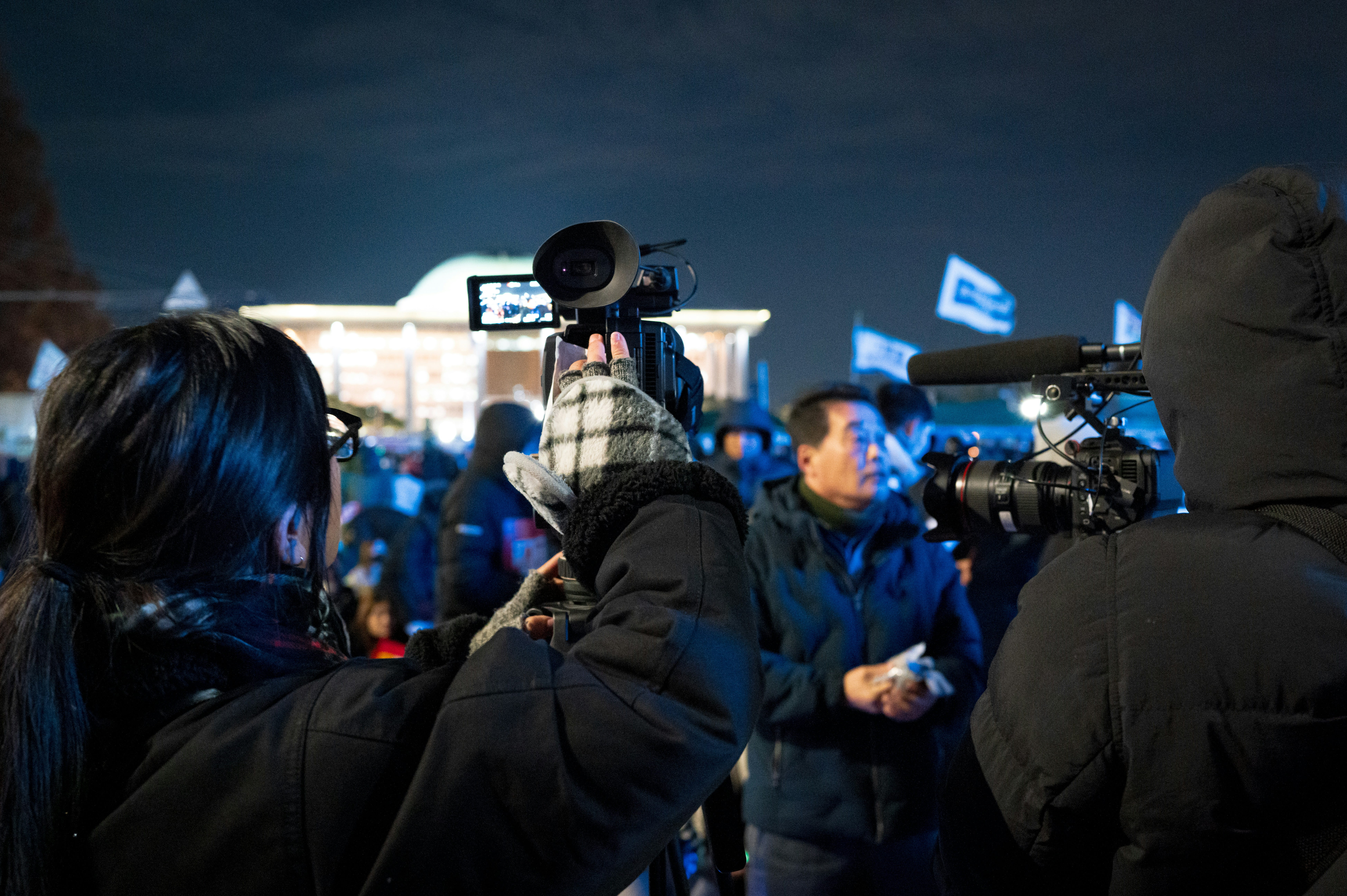
For broadcasters and newsrooms, it’s been the law for decades. FCC rules have required virtually all new, non-exempt English-language TV programming to carry captions since 2006, live news and sports included, so captioning breaking coverage in real time is table stakes, not a new challenge.
Sports arenas came to live captioning a different way. A string of ADA lawsuits starting in the mid-2000s, including a well-known case against a Washington, D.C. NFL team, established that venues have to caption public address announcements and in-game commentary for fans who are Deaf or have hearing loss, not just show the score. That legal precedent pushed open captioning onto scoreboards and video boards at major venues, and most have kept investing in it since, both to stay compliant and because it genuinely improves the game-day experience for everyone.
Business conferences and corporate events are the newest adopters, and mostly by choice rather than mandate. Organizers are realizing that live captions help every attendee, not just those who need them, whether that’s someone in a noisy exhibit hall or a non-native speaker following along. The technology has made that decision easier: realtime captioning now delivers strong accuracy even with multiple speakers, heavy accents, and background noise, adapting to jargon and pace on the fly, which is what makes captioning live events at scale genuinely workable today. It’s clear why captioning live video has become the default format when possible for education, marketing, training, and public communication alike.
Legal Requirements: ADA Compliance and Video Accessibility Standards
Beyond viewer preference for captions, there’s a legal clock running. ADA Title II now explicitly covers digital content, creating mandatory compliance requirements for public entities in education, government, and beyond.
The deadlines: entities serving 50,000 or more people must comply by April 26, 2027, while smaller entities have until April 26, 2028. These are built on WCAG 2.1, Level AA standards, and they’re specific:
Real-time captions are required for all live broadcasts, including livestreams, webinars, virtual meetings, and public broadcasts. Recorded content needs accurate, synchronized captions. Videos with significant visual information need audio descriptions, and searchable transcripts must be available for audio and video content alike.
Non-compliance carries real risk: federal investigations, DOJ enforcement, private lawsuits, reputational fallout. But treating captioning purely as a legal checkbox misses the bigger opportunity. It’s a chance to serve more people, demonstrate a genuine commitment to inclusion, and future-proof your content.
Public colleges and universities face especially detailed requirements. Every video used in instruction must be captioned, and institutions are on the hook for third-party content too, not just what they produce themselves. For government entities, compliance covers public meetings, archived content, and emergency communications, whether produced in-house or by a vendor.
Live Captioning Services: Meeting Real-Time Accessibility Needs
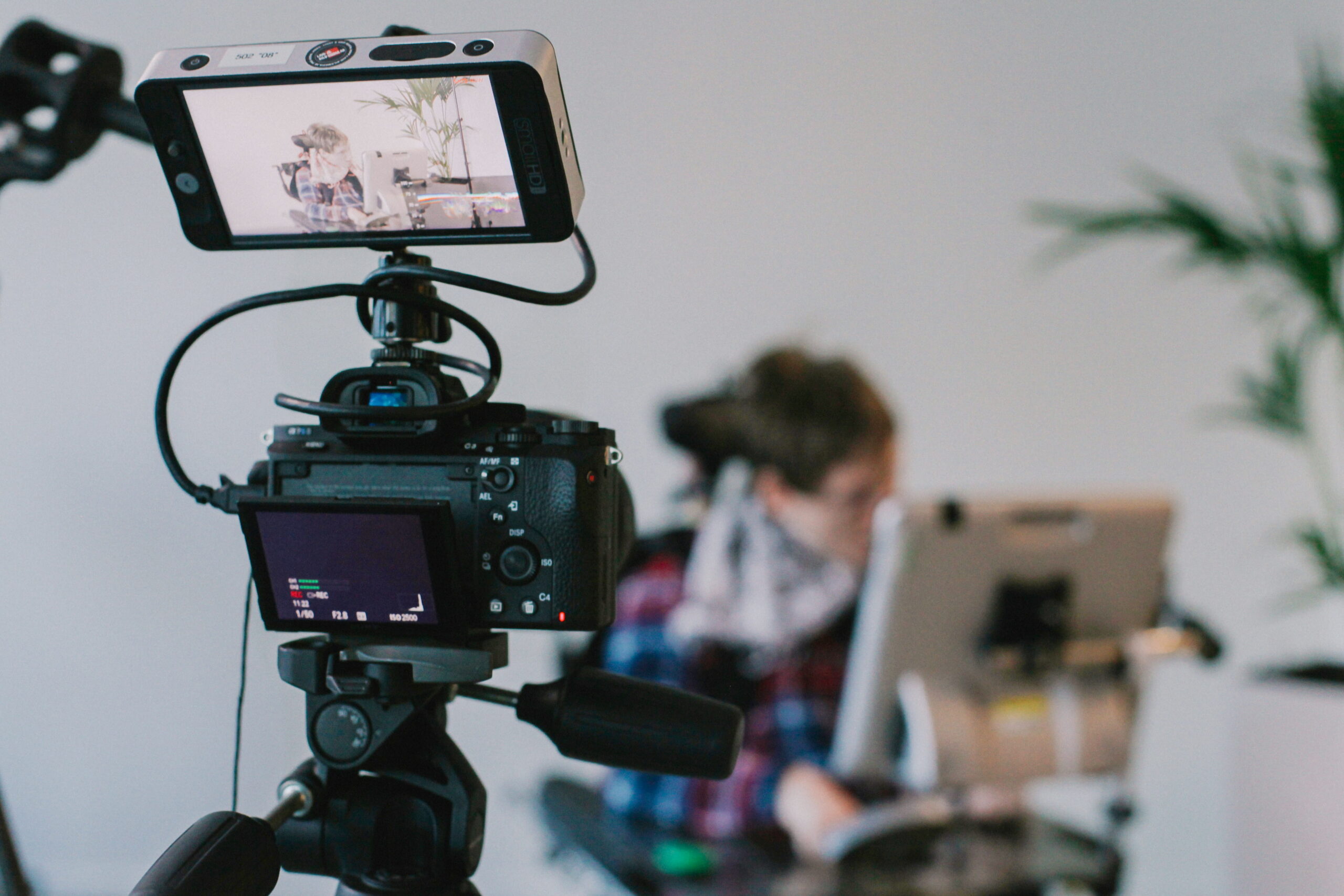
Live captioning services are essential for broadcasts, universities, government agencies, and organizations hosting virtual events, town halls, and public meetings that need to meet accessibility requirements in the moment. There’s no editing pass for live content. It has to work in real time, every time, and the captions should be nothing short of accurate with today’s technologies.
The best live closed captioning services and outputs combine AI-powered speech recognition with human oversight, pairing the speed of automation with the accuracy that only a trained human can guarantee. For sports, concerts, theater, conferences, and government proceedings, live captions widen participation for audience members who are Deaf or have hearing loss, support viewers in noisy environments, and help non-native speakers keep up. Verbit’s Captivate and Venue Live captioning solutions are built for exactly these high-stakes, zero-margin-for-error moments.
Post-Production Captioning Services for Recorded Content
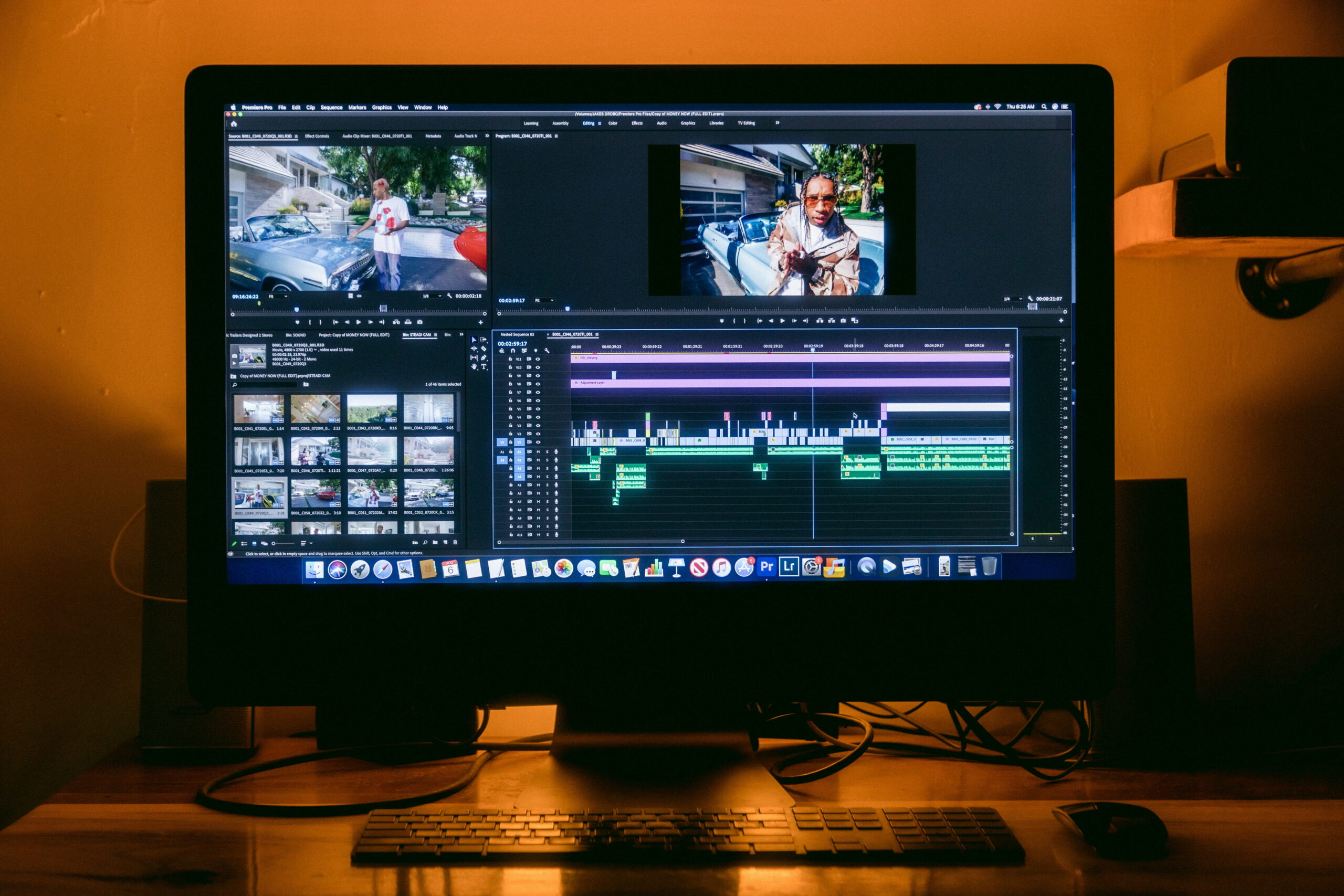
While the use cases for live captioning are many, most video isn’t shared live. It’s recorded, edited, and published on a schedule the team controls, and that changes what captioning can realistically look like. Post-production captioning services are built for exactly that: lectures, training videos, marketing content, and archives where there’s time to get it right before anyone sees it.
That extra time opens the door to higher accuracy through multiple review passes and precise timing. The typical workflow with Verbit looks like this: AI generates a fast first pass, then there’s an optional choice for human reviewers refine it where accuracy matters most. Media and entertainment teams working toward distribution-grade accuracy often turn to Captivate Post Plus, which adds a human QC layer along with offscreen speaker identification and automatic sound-effect labeling on top of the AI captioning workflow. Some media professionals, like those at Alfred Street Industries, which work on shows like Project Runway, enjoy the flexibility Verbit’s Captivate Post provides in being able to switch between AI-only and AI + human quality review as needed.
Benefits of Video Captioning for Accessibility and Beyond
How captions help viewers. Visual cues, including captions, improve comprehension and retention across every viewer demographic, not just audiences who are Deaf or have hearing loss. This concept is known as the “signaling principle” in multimedia learning. For educational institutions, that has real consequences: students can review captioned lectures at their own pace, search transcripts for specific topics, and study more effectively. English language learners benefit from seeing words while hearing them. Captions also help with brand retention for companies looking to attract and retain audiences and customers.stick
SEO and discoverability. Search engines can’t watch a video, but they can read a transcript. Captioned content and transcripts, which Verbit also generates, create indexable, keyword-rich text that helps search engines understand and rank your videos, which in turn helps people find them through text search. For teams producing video at volume, that SEO lift compounds fast.
Video Captioning Services for Education and Other Industries
Video captioning for education has to hit strict ADA Title II requirements while serving genuinely diverse learning needs. Campus Complete helps institutions support this at scale while staying ahead of ADA Title II deadlines. Here’s a helpful workbook for institutions to use to evaluate their captioning needs and other upcoming Title II requirements. But education is just one piece of the picture.
Government agencies need solutions built for public meetings, emergency communications, and archived content, with security to match. Civic Complete supports government workflows with SOC 2 Type II certification and role-based access controls baked in.
Media and entertainment companies are dealing with both regulatory pressure and audience expectations at once. With caption use now mainstream across age groups, captioning isn’t a nice-to-have for content that needs to perform. Captivate for Media is designed around the speed and quality broadcasters and streamers need to keep up.
Corporate teams are adopting captioning for training, internal comms, marketing, and customer support. The case is straightforward: captioned video reaches more people and performs better while doing it. For teams with global audiences, multi-language captioning and localization becomes essential rather than optional.
Best Practices for Video Captioning Implementation
Start with an audit. Build an inventory of every video that needs remediation, and prioritize public-facing and compliance-critical content first.
Choose the right mix of technology. The strongest video captioning services combine AI speed with human accuracy, letting you dial the ratio up or down based on how high-stakes a given piece of content is. Captivate is built for that kind of flexibility.
Build accessibility into your workflow from the start, not as a post-production afterthought. It’s cheaper, faster, and more consistent that way. When evaluating providers, weigh accuracy, turnaround, and compliance depth over price alone.
Maintain quality standards: proper sync, correct formatting, readable character counts per line, and a target of 99%+ accuracy. Document your audits and remediation timelines. That paper trail matters if you’re ever asked to demonstrate good-faith compliance.
Train your team. The more your content creators, faculty, and decision-makers understand why captioning matters and how to do it well, the more sustainable the whole program becomes. If you’re expanding accessibility beyond video, our guides on podcast accessibility and social media accessibility are good next stops.
The Path Forward for Video Captioning Efforts
Video captioning has gone from a niche accessibility feature to a mainstream requirement, driven by legal mandates, viewer habits, and plain business sense. Captions improve engagement, sharpen comprehension, widen your audience, and keep you on the right side of accessibility law.
The approaching ADA Title II deadlines add urgency, but organizations that treat captioning purely as a compliance checkbox are missing the larger opportunity. Accessible video performs better, reaches more people, and says something real about what an organization values. As video keeps eating the internet, captioning stops being an add-on and becomes the baseline.
The technology is finally mature enough to make high-quality, scalable captioning realistic for organizations of any size. AI handles the speed and scale, and optional human review handles the moments that matter most. The real question is finding a partner who understands your specific workflow, whether that’s live captioning for events, post-production for recorded libraries, or industry-specific solutions for education, government, or media.
Book a demo with Verbit’s team to see our video captioning solutions – for both live and recorded media – in action.
Frequently Asked Questions About Video Captioning Services
What are video captioning services?
Video captioning services provide text versions of spoken audio, making content accessible to audiences who are Deaf or have hearing loss while also helping viewers in sound-off environments. Professional services combine AI with human review to deliver captions that meet accessibility standards like WCAG 2.1 Level AA, with both real-time captioning for live events and post-production captioning for recorded content.
How much do video captioning services cost?
Cost depends on video length, turnaround time, and accuracy requirements. Automated captioning typically runs $1 to $3 per minute, making it affordable for high-volume content. Human-reviewed captions generally run $5 to $15 per minute depending on complexity and speed. Many providers, including Verbit, offer tiered pricing so you can start with AI captions and add human review only where accuracy is critical. Verbit also offers custom plans and unlimited subscription plans like Campus Complete for education and Civic Complete for government to help with ongoing captioning needs at scale.
What's the difference between captions and subtitles?
Captions are built for viewers who can’t hear the audio at all, so they include dialogue plus sound effects, speaker labels, and cues like [music playing]. Subtitles assume the viewer can hear but may not understand the language, so they typically cover dialogue only. For ADA and WCAG compliance, you need captions, not just subtitles.
How do I make my videos ADA compliant with captions?
Audit your existing video library, then ensure all prerecorded content has synchronized, 99%+ accurate captions and all live content has real-time captioning. Work with providers who understand your sector’s specific requirements, document your accessibility efforts, and confirm any third-party content you use also meets WCAG 2.1 Level AA. Given the April 2027 and April 2028 deadlines, starting captioning efforts now is the safer bet.
What are the benefits of video captioning for marketing?
Captioned videos hold viewer attention longer, and since a large share of social video is watched with the sound off, captions ensure your message lands even in silent mode. They also improve SEO by creating searchable, indexable text, and they extend your reach to caption-preferring viewers, non-native speakers, and anyone watching in a sound-sensitive space.
Can AI replace human captioning?
Not all AI captioning technologies are the same. AI is becoming advanced enough to cover a lot of ground though. AI-powered speech recognition performs well on clear, single-speaker audio, making it a strong fit for high-volume content. It often struggles more with multiple speakers, heavy accents, and technical jargon. For legal, medical, or otherwise high-stakes content, human review still matters, and free AI captioning is out of the option due to security and confidentiality issues. The most effective approach pairs AI for speed with human experts for precision where it counts most, which is exactly how Verbit’s Captivate tiered model works. Captivate’s AI-only method also allows for the model to be trained with context you determine – with opportunities to upload your specific content, past videos, and even specific spellings, and utilize your industry’s domain-trained model to perform at record levels on its own.
What are best practices for video captioning?
Aim for 99%+ accuracy, sync captions within half a second of the spoken word, keep lines to roughly 32-40 characters, and always caption meaningful sound effects. Use high-contrast text, avoid covering key visuals, and build captioning into your production workflow rather than bolting it on afterward. Most of all, look to partner with a vendor with a strong AI captioning technology that can tackle all of this for you to decrease any manual effort without sacrificing accuracy or budget.
How does real-time captioning work for live events?
Real-time captioning pairs AI-powered speech recognition, converting speech to text within a few seconds, with human captioners who correct technical terms and proper names on the fly. Captions are then delivered through video streams, secondary screens, or virtual event platforms. Venue Live is purpose-built for conferences, sports, and large live events where reliability can’t slip.
Do I need captions for social media videos?
Yes. A large share of social video is watched without sound, and captioned content consistently holds attention longer than uncaptioned content. Most platforms now favor captioned video in their algorithms because it performs better and keeps people watching. Dedicated captioning services help ensure accuracy and consistent brand representation beyond what built-in auto-captioning tools offer.
What's the turnaround time for video captioning services?
AI-generated captions can be ready same-day, even for long footage. Human-reviewed captions typically take 24-48 hours for standard turnaround, with rush options available in as little as 2-4 hours. Highly specialized content (legal, technical) may take a few business days. Most providers offer tiered turnaround so you can balance speed and cost against your publishing schedule.