Marketing managers, HR leaders, event producers, customer experience directors, and legal and compliance teams evaluating transcription vendors
Key Takeaways
Speech-to-text technology turns business conversations into searchable, accurate, and accessible records – but only if you choose the right tools and the right level of review. Here’s what you need to know to transcribe audio for business at enterprise scale.
AT A GLANCE
- How to transcribe audio for business in 4 simple steps
- Enterprise speech recognition vs. dictation software - which fits your needs
- Why voice-to-text accuracy matters for compliance and accessibility
- When AI transcription needs human review - and when it doesn’t
WHO SHOULD READ THIS
Estimated Reading Time
8 minutes
Think about how much of your business happens out loud. Client calls, team meetings, town halls, webinars, interviews, depositions – every one of them holds decisions, ideas, and details someone will need later. And the volume keeps climbing: Microsoft found that employees are now interrupted every 2 minutes by a meeting, email, or message, and meetings after 8 pm are up 16% year over year.
The problem? Most of that conversation disappears the moment the call ends. Voice to text technology changes that, turning audio to text your team can search, share, and actually use – and the ability to transcribe audio accurately and at scale has become a real competitive advantage. But not all speech recognition software is built for enterprise needs. Free tools often stumble on industry terms, names, and noisy audio, and when content carries legal or financial weight, one wrong word is one too many.
Here’s how to transcribe audio for business the right way heading into 2027, what to look for in enterprise speech recognition software, and why companies are turning to Verbit’s Captivate ASR for voice to text transcription they can trust.
What Makes Enterprise Speech Recognition Software Different
Speech recognition software, also called automatic speech recognition (ASR), listens to audio and converts it into written text. It’s the same basic technology behind voice assistants on your phone, but business-grade systems are built for a much harder job: long recordings, multiple speakers, specialized vocabulary, and content where accuracy really matters.
AI has pushed the technology forward quickly, and demand is following. Grand View Research projects the voice and speech recognition market will reach $53.67 billion by 2030.
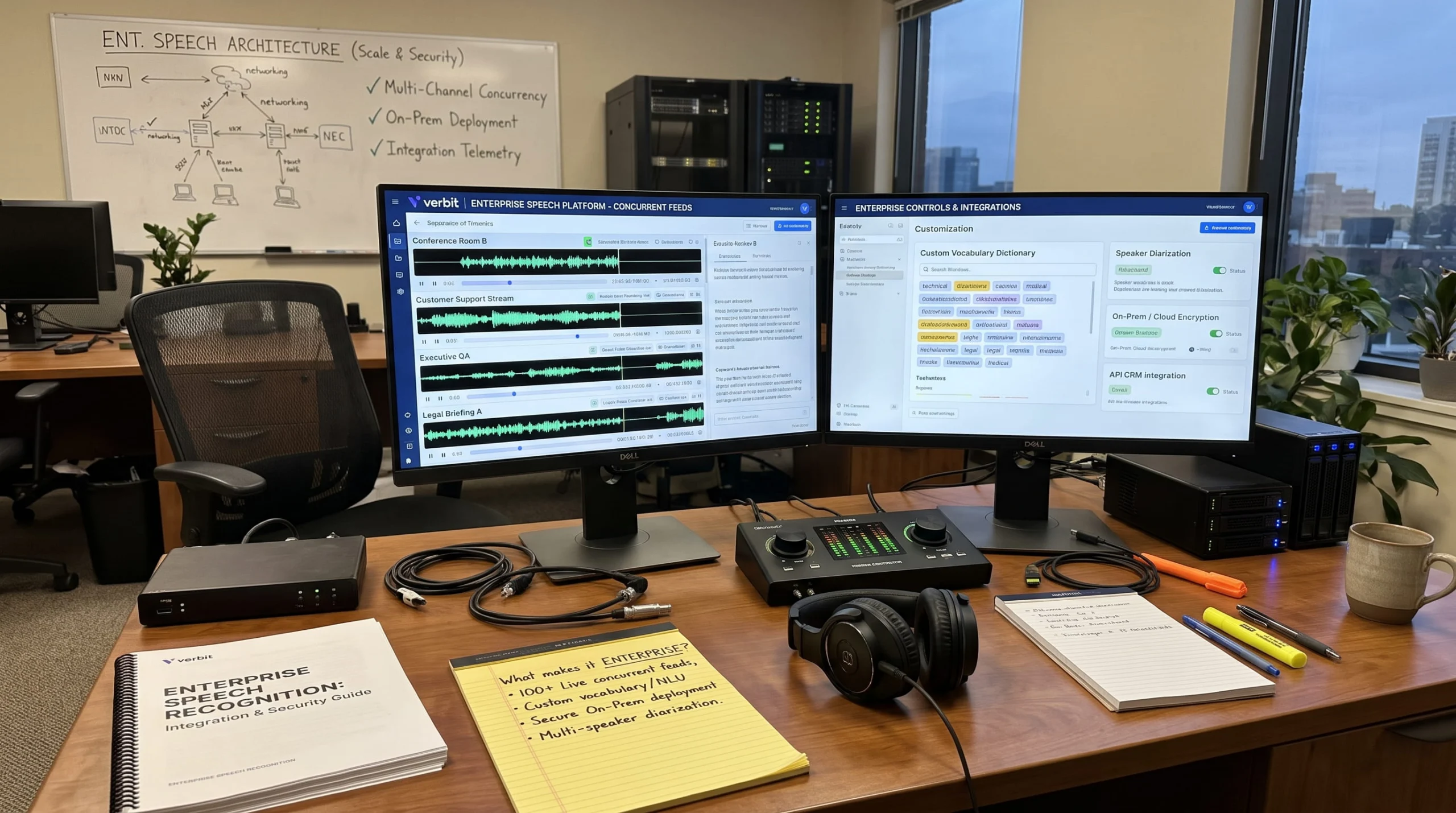
How to Transcribe Audio to Text for Business: 4 Simple Steps
Ready to turn audio to text? Here’s a simple process that works for meetings, calls, interviews, and events:
- Capture clean audio. Use a decent mic, reduce background noise, and record each speaker clearly when you can.
- Choose the right tool. Pick speech recognition software built for your industry – one that supports custom vocabulary and speaker identification.
- Prep the AI. Upload key terms, names, and acronyms before you transcribe, so the system knows your language from the start.
- Decide on review. Use AI-only transcripts for quick internal notes, and add human review for anything legal, public-facing, or high-stakes.
With a platform like Verbit, you can transcribe audio live during meetings and events or upload recordings for audio and video transcription afterward.
Why Voice to Text Accuracy Matters for Business and Corporate Compliance
Small errors add up fast. Is “pounds” a weight or a currency? Did the speaker say “15” or “50”? Did that quote come from the CEO or the analyst? In business settings, mistakes like these can mean a misquoted earnings call, a confused client, or an inaccurate record.
That’s why voice transcription for business needs more than raw speed. It needs:
- Domain knowledge: Recognizing your industry’s terms, product names, and acronyms.
- Speaker identification: Knowing who said what, even in a crowded meeting.
- Context awareness: Handling accents, crosstalk, and less-than-perfect audio.
- Human review when it counts: A second set of eyes for content that’s going on the record.
Accessibility is part of the picture too. Businesses are increasingly captioning meetings, training, and events to support employees and customers who are Deaf or have hearing loss – and to meet rules like the European Accessibility Act.
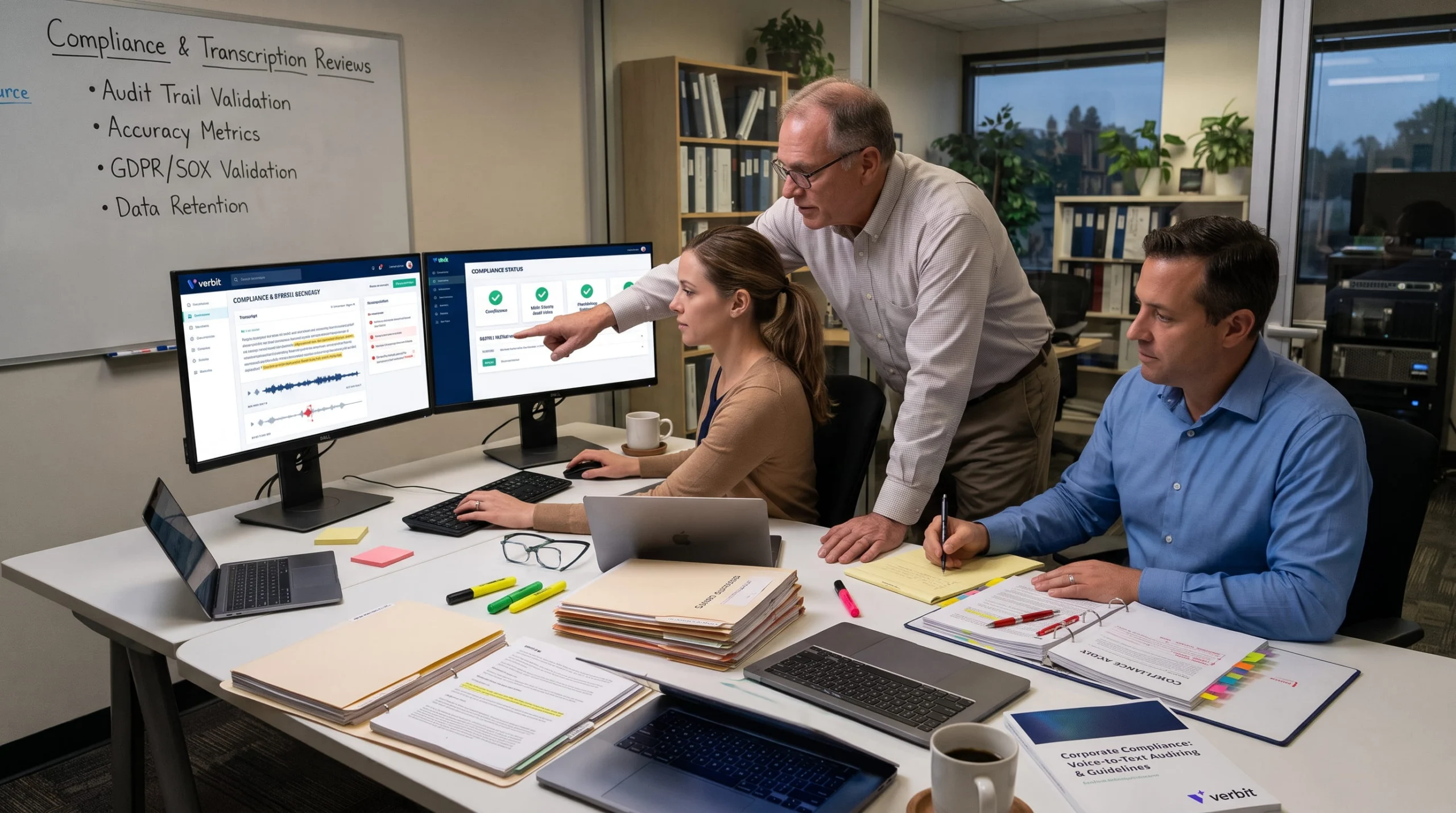
Beyond Basic Dictation Software: Enterprise ASR Requirements
Free voice to text apps are handy for quick notes. But business content comes with requirements consumer tools weren’t built for.
| Consumer and free tools | Business-grade speech recognition software | |
|---|---|---|
| Vocabulary | General language | Custom glossaries, names, and term boosting |
| Speakers | Often unlabeled | Speaker identification and labeling |
| Review | AI only | AI, human, or hybrid options |
| Security | Varies | Enterprise security, clear data policies |
| Scale | Individual use | Live and recorded content across teams |
Dictation Software vs. Full Transcription Platforms
Dictation software is great for one person speaking into a mic – drafting emails, memos, or case notes, and it’s common in fields like healthcare, too. An ai powered dictation tool can even clean up filler words as you go. But when you need voice transcription for multi-speaker meetings, calls, or proceedings, you need a full transcription platform with speaker labels, editing tools, and review options.
How Modern Businesses Transcribe Audio at Enterprise Scale: Real-World Uses
Speech to text transcription shows up across almost every department. Here’s where it makes the biggest difference.
Converting Audio to Text for Corporate Meetings, Training, and Events
Meeting transcription gives everyone a searchable record of decisions and next steps, plus captions that help people follow along live. For corporate teams, Verbit’s Enterprise Capture delivers live and recorded transcripts for meetings, town halls, onboarding, and webinars, with speaker labels, live translation, and AI summaries built in.
Voice Transcription for Customer Calls and Research
When you transcribe customer calls, interviews, and focus groups, insights stop living in one person’s notes. Teams can search conversations for trends, train new staff, and pull exact quotes for reports. See how Verbit supports market research and corporate teams.
Speech to Text Transcription for Legal Proceedings
Legal work demands some of the highest accuracy standards anywhere. Verbit’s Legal Capture supports real-time transcription for depositions and hearings, with speaker identification and automatic Q/A labeling, while Legal Visor adds real-time insights during and after depositions.
Voice to Text Transcription in Media Production
For media teams, voice to text transcription powers interview logs, captions, searchable archives, and show notes. Captivate Post and Post Plus bring Captivate to post-production, with Post Plus adding a human review layer for distribution-ready captions.
That flexibility is what won over the post team behind Project Runway. Jeffrey Lehman, Post Supervisor at Alfred Street Industries, ran roughly 400 hours of interview footage through Verbit in a single season. “What ultimately made Verbit stand out to us wasn’t simply the use of AI transcription – there are many AI-only options available now – but the flexibility of having both AI and human transcription services within the same platform,” he says. His team used AI for most of the material to save time and cost, and switched to human transcription for difficult audio, heavy accents, or accuracy concerns.
Support mattered, too. When a formatting issue affected how transcripts imported into Avid early in the season, “Verbit responded quickly, involved their development team directly, and worked closely with us to make sure the transcripts integrated cleanly into our workflow,” Lehman says. “Verbit proved to be a practical and adaptable solution that balanced speed, cost efficiency, flexibility, and support.”
Speech to Text Transcription for Educational Accessibility
Colleges and universities use voice to text transcription to caption lectures and course videos. Campus Complete helps institutions scale captioning and transcription to meet ADA Title II requirements.
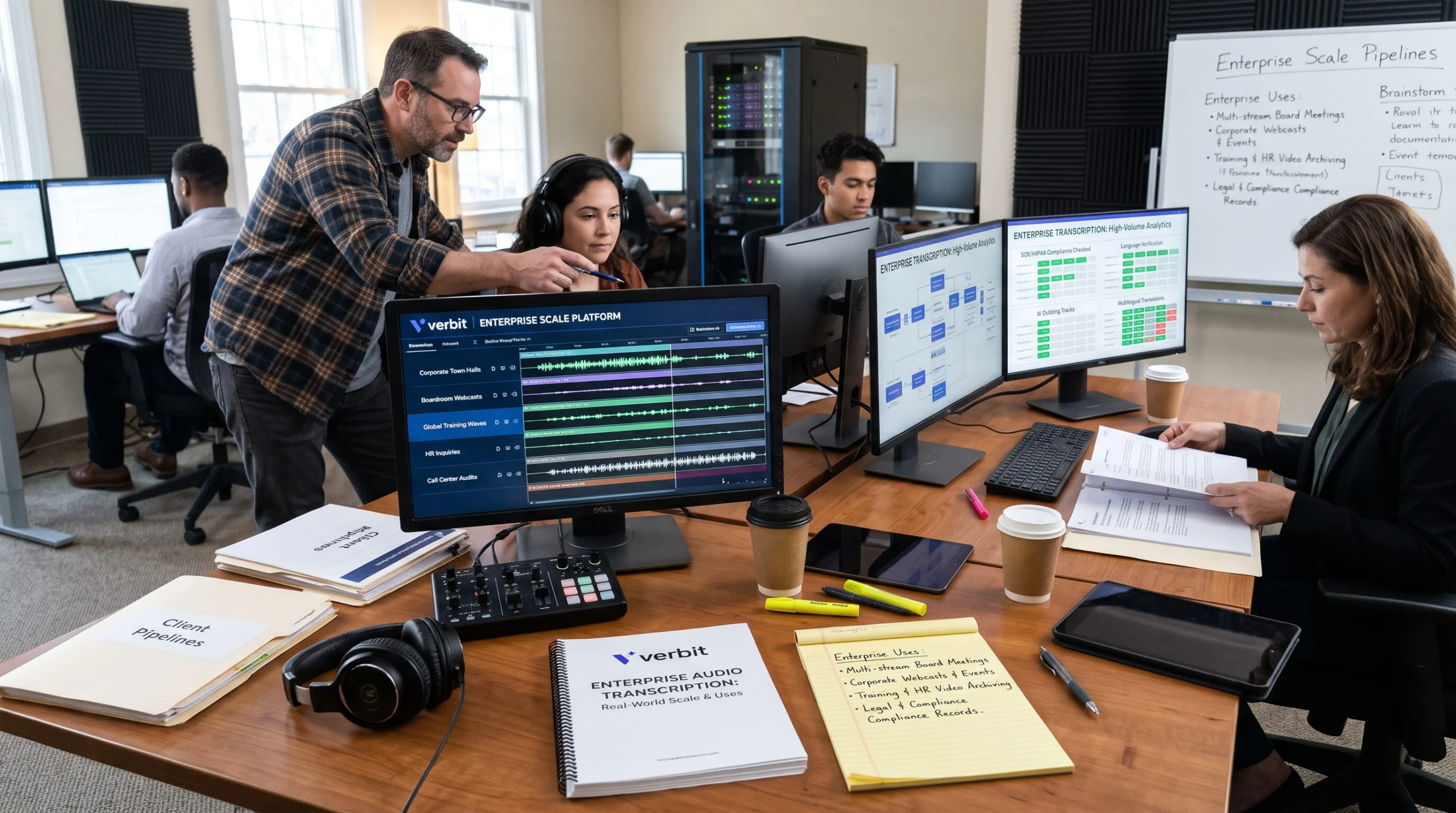
Why Enterprises Choose Verbit's Captivate ASR
Captivate is Verbit’s speech recognition technology, and what sets it apart is simple: it learns your business.
- Customized to you: Upload glossaries, key terms, speaker names, and formatting preferences, and use term boosting so Captivate gets your language right from the first session.
- AI plus human, your choice: Go AI-only for speed, add professional human review for high-stakes content, or mix both – all in one platform.
- Built for real conversations: Speaker identification for complex, multi-speaker audio.
- Live and recorded: Real-time transcription and captions for meetings and events, plus post-production transcription for recordings.
- Beyond the transcript: Verbit’s generative AI adds summaries, chapters, and keywords, and you can translate transcripts into 28+ languages.
- Security you can count on: SOC 2 Type II-aligned security, which you can read more about here in this piece on Verbit’s data policy.
Whether you’re a growing team transcribing weekly meetings or a global enterprise captioning thousands of hours, Verbit’s Captivate solution is designed to scale with you.
Why Nearly Every AI Powered Dictation Tool Needs Human Review
AI-only transcription is perfect for internal notes and quick reference. But most AI tools can still mishear a name, miss a number, or misattribute a quote, especially in noisy or technical audio, with multiple speakers and participants. Add human review when:
- The transcript will be published, filed, or shared with clients
- Exact quotes, numbers, or names matter
- The content is legal, financial, or compliance-related
- Captions need to meet broadcast or distribution standards
The Strategic Value of Enterprise Speech Recognition Software
Your business already has a goldmine of information in its audio. The right speech recognition software turns it into searchable, accurate, and accessible text – so ideas don’t get lost, decisions are documented, and everyone can participate.
Book a demo to learn how Verbit’s ASR technology can work for your business. We’ll walk you through how it can turn your meetings, calls, and events into accurate, searchable transcripts, customized to your business needs.
FAQs on Business Transcription
How do I transcribe audio for business?
Record clean audio when possible, choose speech recognition software built for business, upload key terms and names before transcribing, and add human review for anything high-stakes. Platforms like Verbit can handle difficult audio as well and let you transcribe live or upload recordings to cover every enterprise use case.
What's the best speech recognition software for business?
Look for software that supports custom vocabulary, speaker identification, live and recorded transcription, strong security, and optional human review. Verbit’s Captivate ASR technology can be customized to each organization’s key terms and names, among other features, to provide strong outputs and performance from the get-go.
Is voice to text accurate enough for business use?
For internal notes, AI voice to text is often enough. For legal, financial, published, or compliance-related content, pairing AI with human review is the safest way to get an accurate transcript.
What's the difference between dictation software and transcription software?
Dictation software turns one person’s speech into text as they talk. Transcription software converts recordings or live conversations with multiple speakers, adding speaker labels, editing tools, and review options.